As of 3.2.0, Stick Nodes will no longer automatically find downloaded files in your /downloads/ folder. You must open the file with Stick Nodes explicitly for it to be moved into the correct folder.
Download a NODES (or STK) or ZIP file. When done, tap it and "Open With" > "Stick Nodes". See this image for an example.
Sounds: Download an MP3 file < 256kb. When done, tap it and "Open With" > "Stick Nodes"..
IOS 13+ How to download stickfigures & sounds:
If using Chrome or Firefox, download a NODES (or STK) or ZIP file, select the file and "Open in Stick Nodes" after finished downloading.
If using Safari, download a NODES (or STK) or ZIP file, follow these directions.


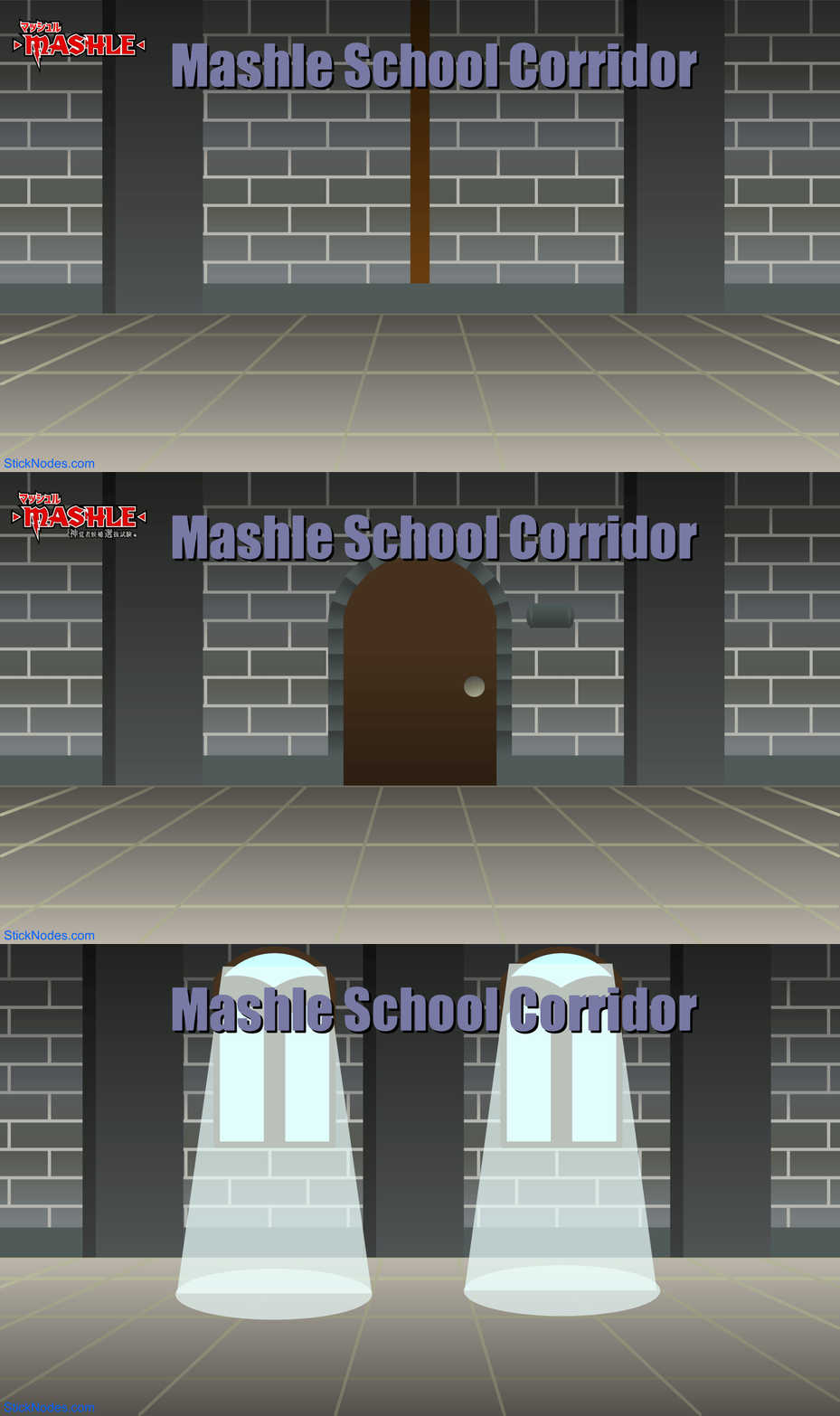
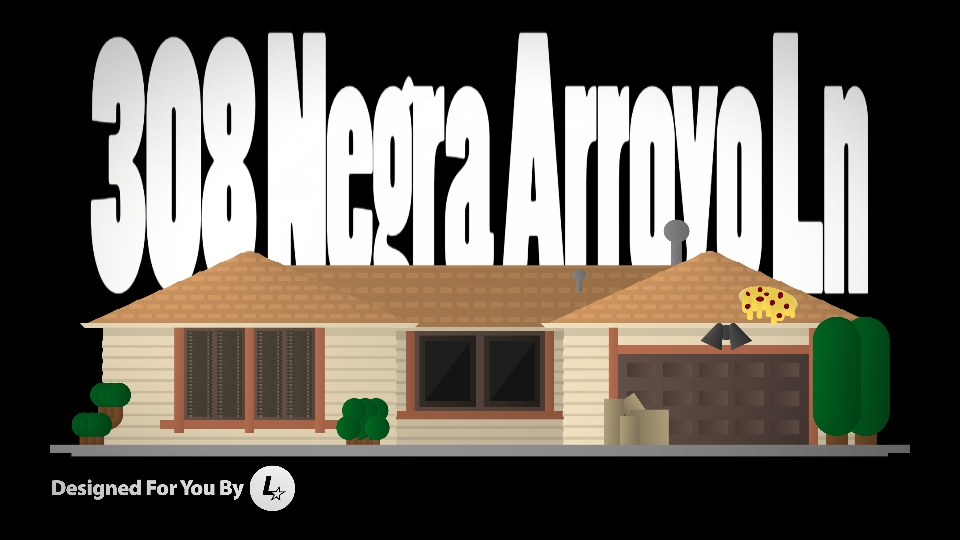
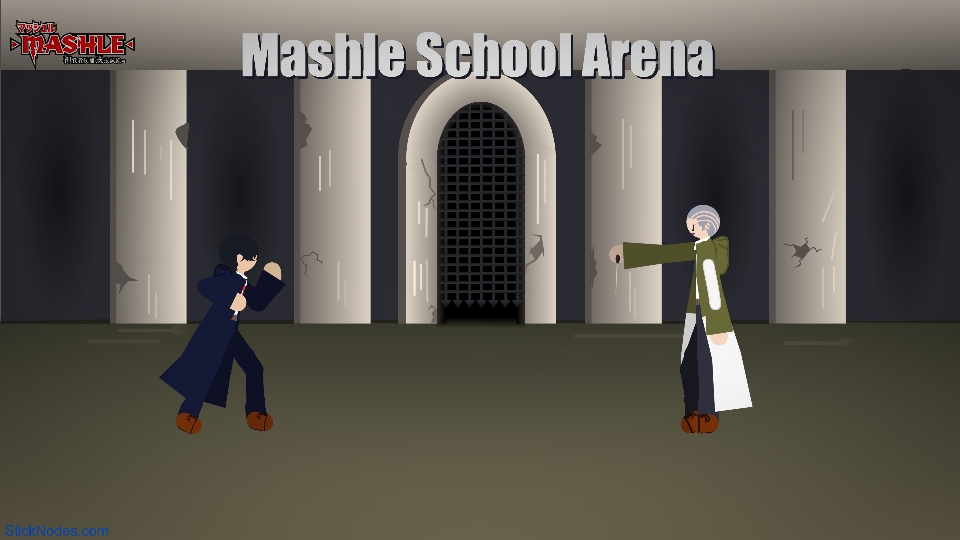

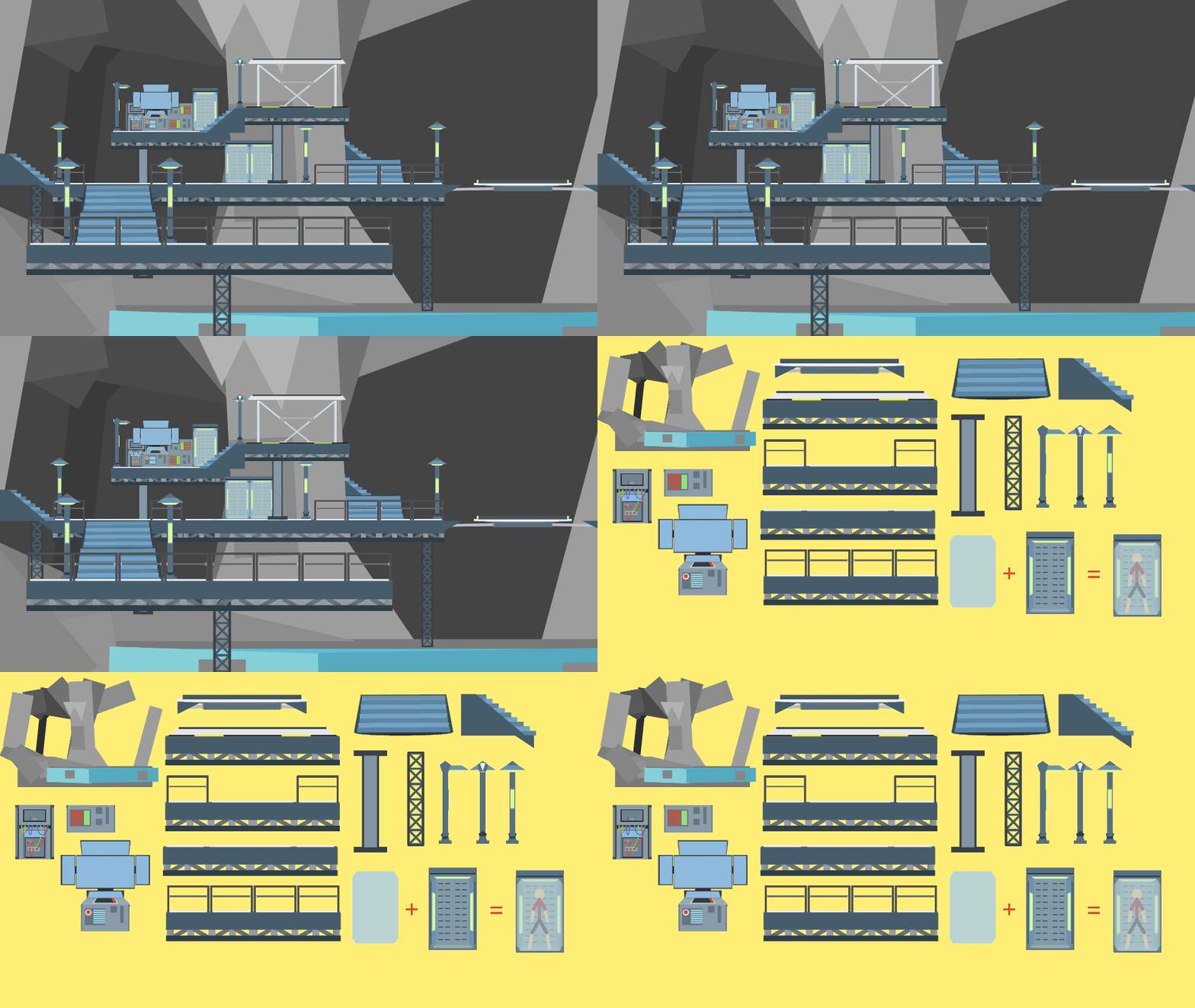
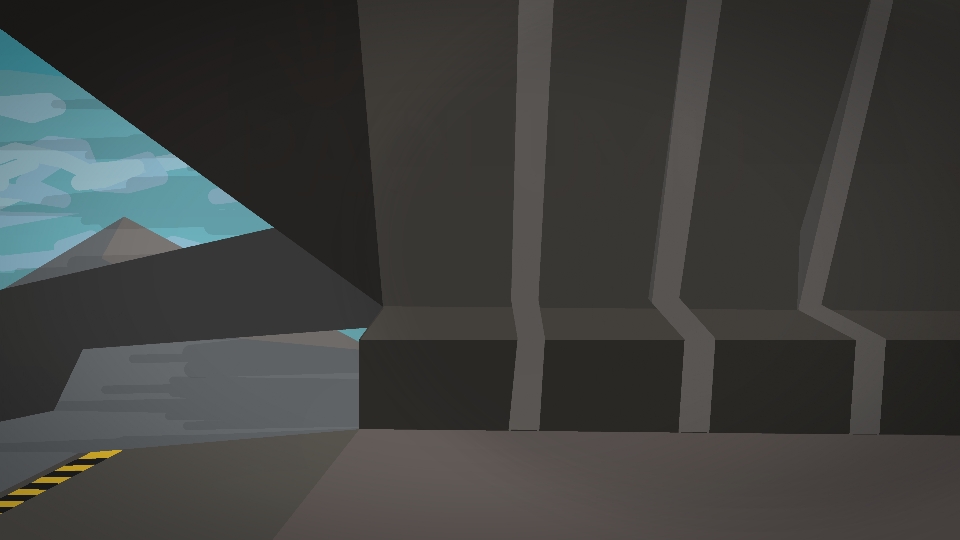

alternatively, waiting outside principal’s office
yeah got the same 🙁
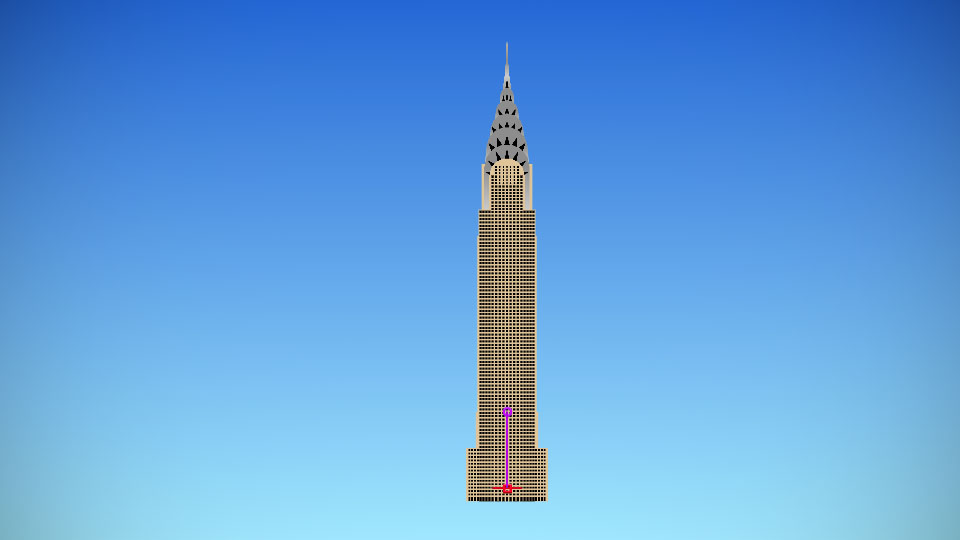
@ralph when I try to download this it gives me the outside instead of the waiting room
You troll!!! I got an actual Hospital Building!!!
Me too!
Yeah,it’s just the outside but with a different thumbnail,p.s ralph,BAN THIS PERSON (REASON:false advertising)
Doesn’t work that way
I made this
I think @mahmud somehow get a submission error and this is replaced with the building instead of the corridor.
So I have to sit on grass….
YEA I LOVE GRASS EVEN THE TASTE 🙂
Y’all need to chill it’s a mistake
Yare Yare Daze I got outside