


Joined:Jun 23, 2018
Uploads:234
Features:19
UC Wins:122


( 4 thumbs )
 1st
1st 2nd
2nd 3rd
3rdAll the weapons in this pack is named in a particular way for making finding a specific weapon for a class easy
example :
(Soldier)(Primary) Rocket jumper - left
(Soldier) = The class (Primary) = The Slot Rocket jumper = The weapon left = The side
Some weapons are usable by multiple classes , there , the name of the STK is a little bit more complicated
example :
(Engineer_Soldier-Pyro-Heavy)(Primary_Secondary) The Panic Attack - right
Now , it's more complicated and it's the same as that:
(Class1_Class2-Class3)(Primary[Class1]_Secondary[Class2 and 3]) Weapon - side
Here , the Class1 has the Weapon in his Primary slot , and the Class 2 and 3 have the Weapons on their Secondary slot
If you didn't understood this part , @ me in an update and NOT in the comments
USE OF THIS PACK
This pack was meant to be used with ScoutTrooperAnims' TF2 merc or my fixed merc
Scout' account: http://sticknodes.com/stickfigures/author/?user=Scouttrooperanims
My fixed pack: (404 Not Found)
CONTENT OF THE PACK
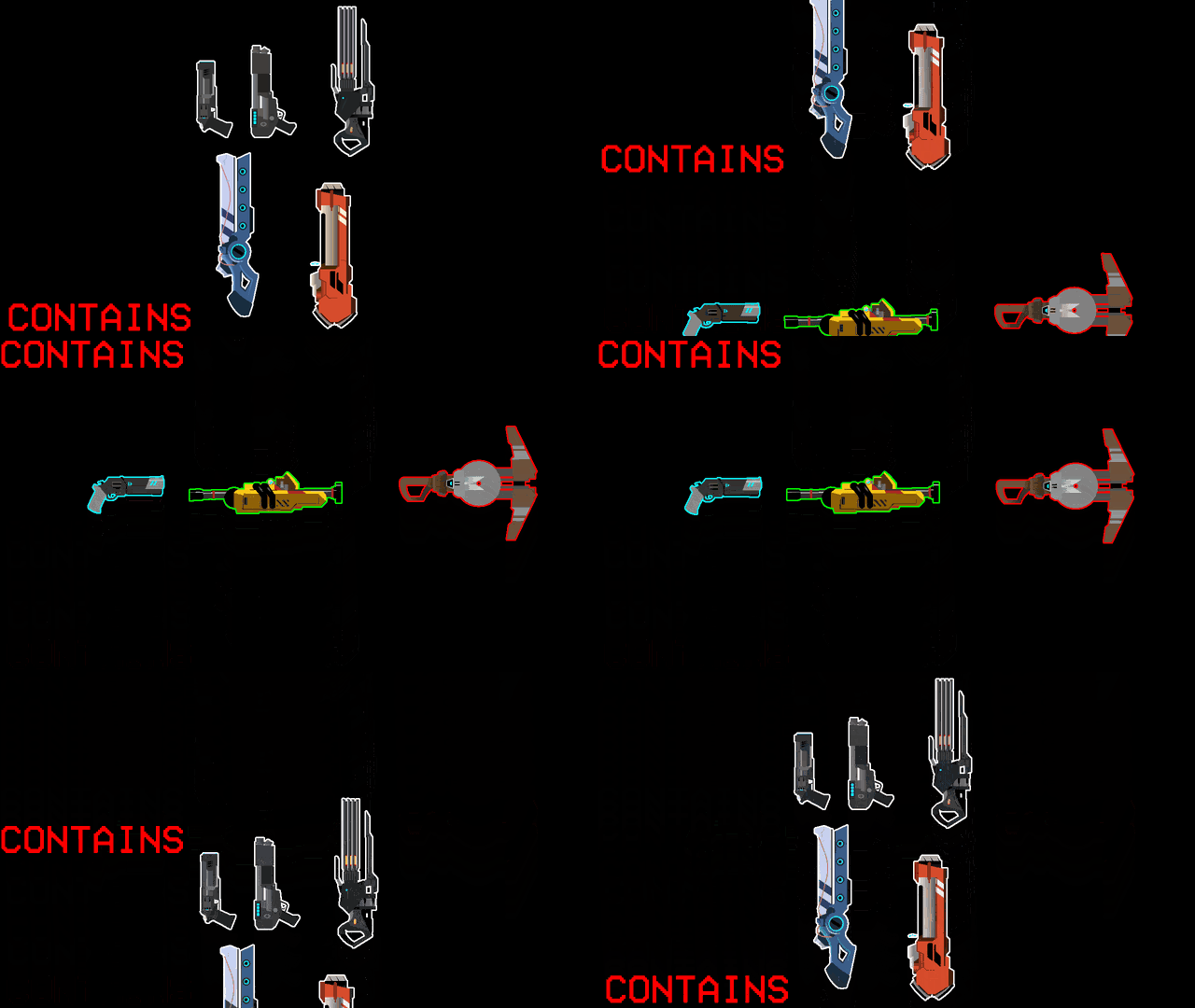
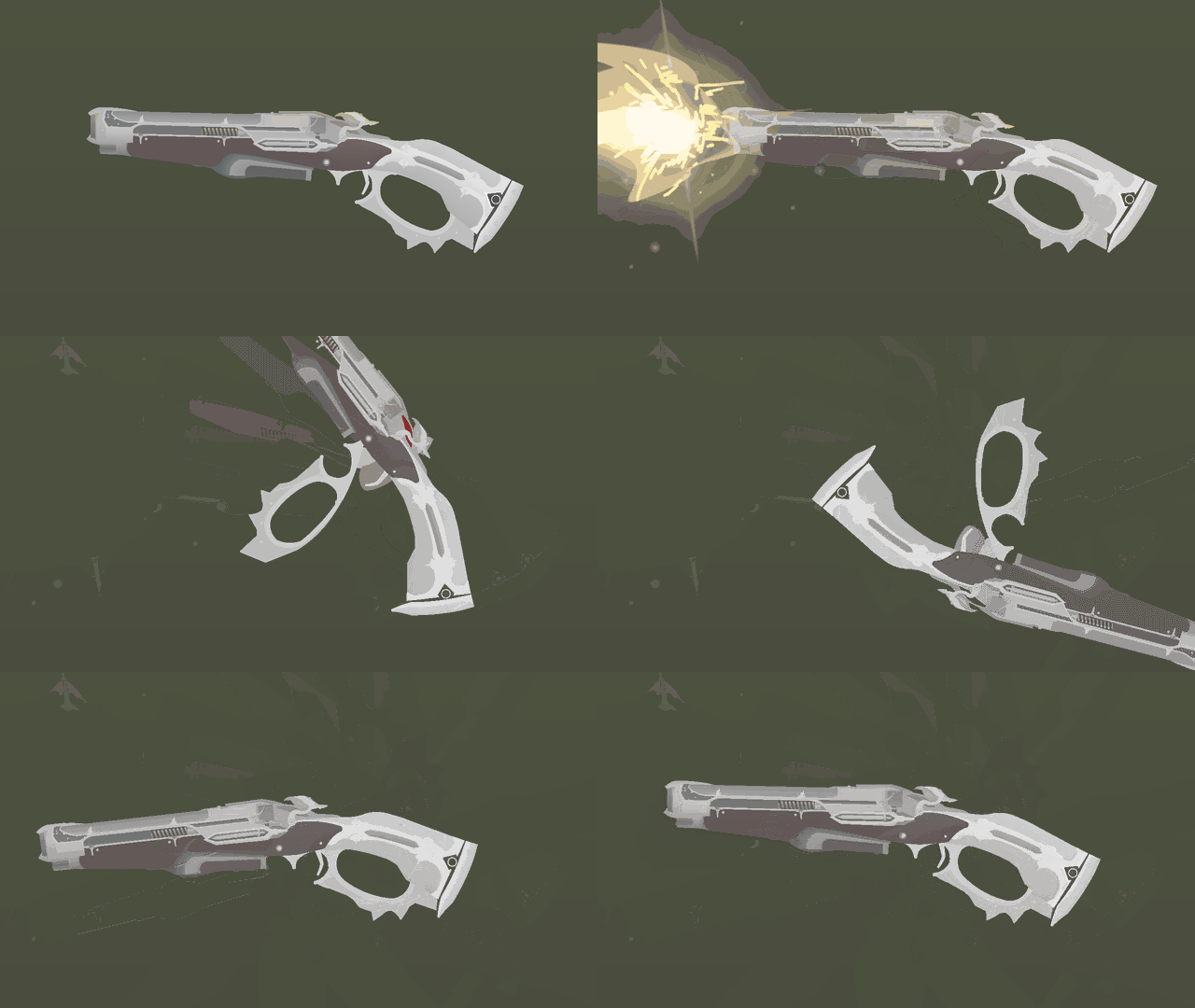
http://sticknodes.com/wp-content/uploads/bpfb/8890_0-41861600-1592089987_tf2mcwp_0000.png
http://sticknodes.com/wp-content/uploads/bpfb/8890_0-03125500-1592089987_tf2mcwp_0001.png
http://sticknodes.com/wp-content/uploads/bpfb/8890_0-18242000-1592089987_tf2mcwp_0002.png
http://sticknodes.com/wp-content/uploads/bpfb/8890_0-30183800-1592089987_tf2mcwp_0003.png
http://sticknodes.com/wp-content/uploads/bpfb/8890_0-87069800-1592090056_tf2mcwp_0004.png
http://sticknodes.com/wp-content/uploads/bpfb/8890_0-73895200-1592090056_tf2mcwp_0005.png
http://sticknodes.com/wp-content/uploads/bpfb/8890_0-52870600-1592089987_tf2mcwp_0006.png
http://sticknodes.com/wp-content/uploads/bpfb/8890_0-03543900-1592090057_tf2mcwp_0007.png
Q&A (THE PACK)
1) Will you make other TF2 weapons ?
Absolutly
2) How many ?
All of the in-game weapons and maybe some from the workshop or even some that I created myself
3) Why do you bother making thulbnail like this ?
If I took time making a pack and if I consider that it's good enough , it'll get a detailled thumbnail
4) Are you going to do the festive or australium varient ?
May do the australium but might never do the festive
5) Are you going to do some of the weapon skins ?
No
6) Can we modify the weapons in your pack ?
If you credit me , otherwise , I'll get your pack/stickfigure deleted
Q&A (TF2)
1) Do you like TF2 and why ?
Yes , because I've know this game for a long time and I like his unique graphical style and humor
2) Who's your main and why ?
I don't realy have a main but I enjoy playing Pyro or Medic because they're both completly mad and don't even hide it , like me ! 🙂
3) Your favorite character(s) and why ?
Medic. Why? Because Robin Atkin Downes. One , if not the bes TF2 voice actors along Rick May (Soldier) and Gary Schwartz (Heavy/Demo). Also because he's made and tricked the Devil himself in the comics
CREDITS
Team Fortress 2™ , created by Valve™ - 2007
Team Fortress'™ Community
#tf2
( 4 thumbs )
1st2nd3rdThis download is a ZIP of 13 files
(Demo-Soldier)(Melee) Pain train (4.63kb)
(Engineer_Soldier-Pyro-Heavy)(Primary_Secondary) Panic Attack - left (10.30kb)
(Engineer_Soldier-Pyro-Heavy)(Primary_Secondary) Panic Attack - right (9.08kb)
(Engineer_Soldier-Pyro-Heavy)(Primary_Secondary) Shotgun - left (9.29kb)
(Engineer_Soldier-Pyro-Heavy)(Primary_Secondary) Shotgun - right (7.21kb)
(Scout-Engineer)(Secondary) BLU C-A-P-P-E-R (12.72kb)
(Scout-Engineer)(Secondary) Lugermorph (7.38kb)
(Scout-Engineer)(Secondary) Pistol - left (10.91kb)
(Scout-Engineer)(Secondary) Pistol - right (9.97kb)
(Scout-Engineer)(Secondary) RED C-A-P-P-E-R (12.72kb)
(Demo_Soldier)(Primary_Secondary) B-A-S-E jumper - left (5.46kb)
(Demo_Soldier)(Primary_Secondary) B-A-S-E jumper - right (5.15kb)
(Demo-Soldier)(Melee) Half-zatoichi (4.23kb)
Problem with this submission?
Please log in to report this file.



lmfao @ this description it took me 9 hours to format it properly
probably took you three days to just write it all
oh and i guess the stickfigures are sorta neat
no really, the presentation is great too lol
It took me 10min
Yes
Yes
Yes
Laughs in tf2
Aw man i remember market gardening half zatoichi soldiers with my own one
Nice XP
The capper is good for your baseball cap 😉
You will strike a homerun for sure.