
Joined:May 7, 2018
Uploads:87
Features:6
UC Wins:37


Dec 19th, 2019
( 4 thumbs )
( 4 thumbs )
 1st
1st 2nd
2nd 3rd
3rd


Other popular submissions in backgrounds category

Stick Nodes®
A stickfigure animation app created for mobile devices!
Create your own stickman animations on your Android or iOS device!
Joined:May 7, 2018
Uploads:87
Features:6
UC Wins:37
1st2nd3rd
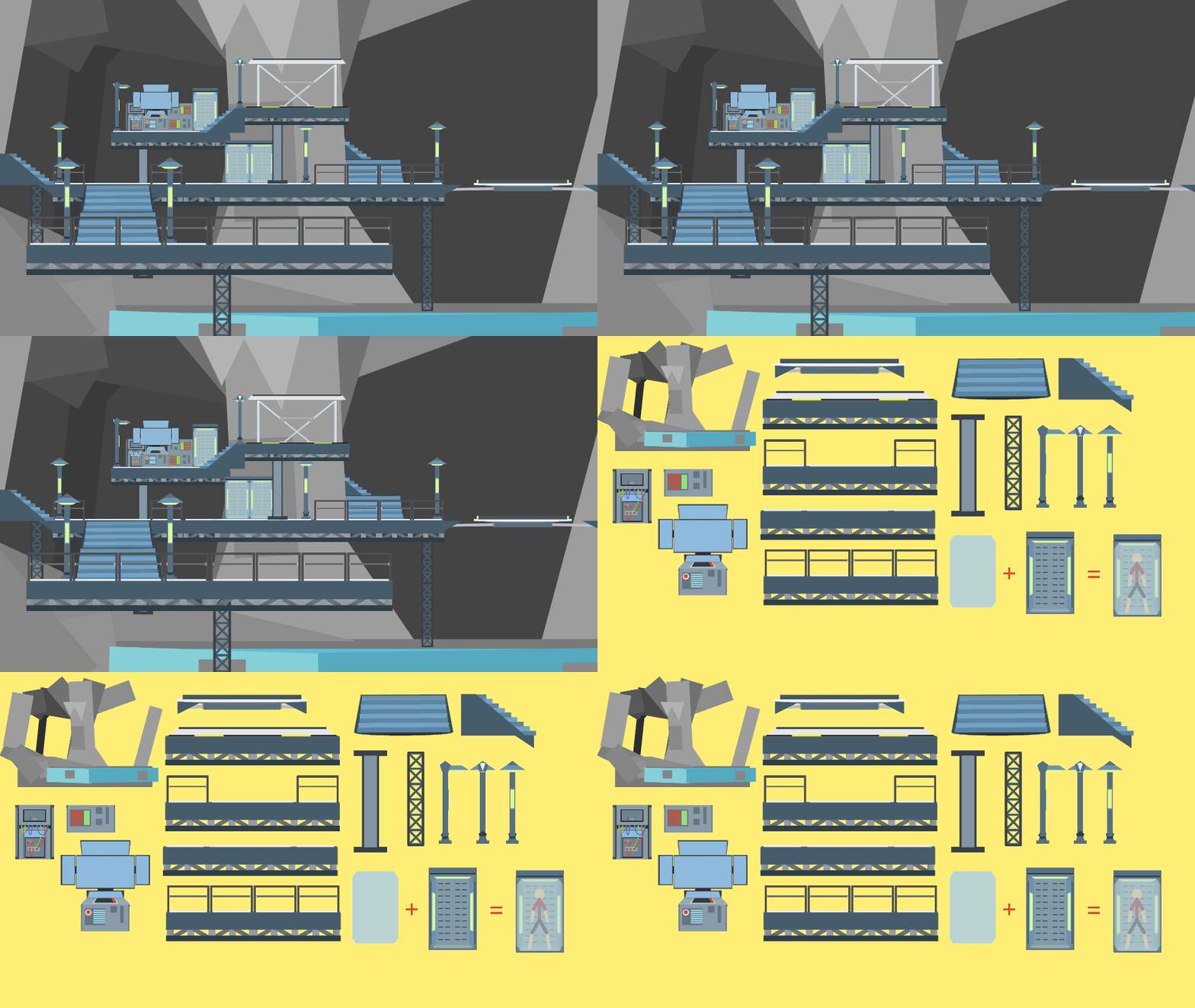
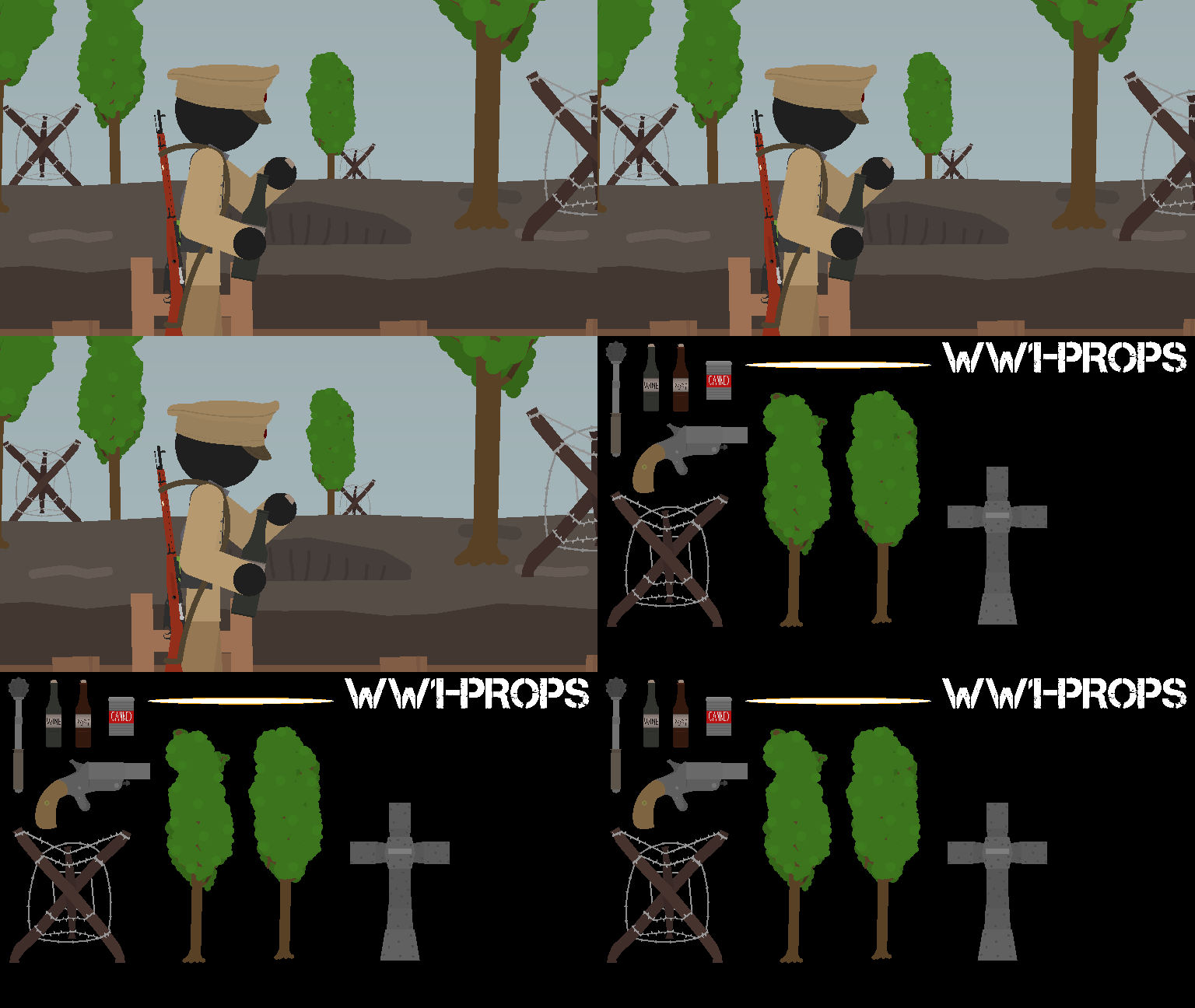

look at all the shiny buttons and flashing screens!
It’s good but the colours aren’t very space ship like, it’s more bright green, blue and red and the occasional gray gradient for the metal, try reducing the strength of the metal gradient and decreasing the colours on the panel light things, also if you can add a gradient glow to it.
6.5/10
Im gonna give this a
9/11
the cock