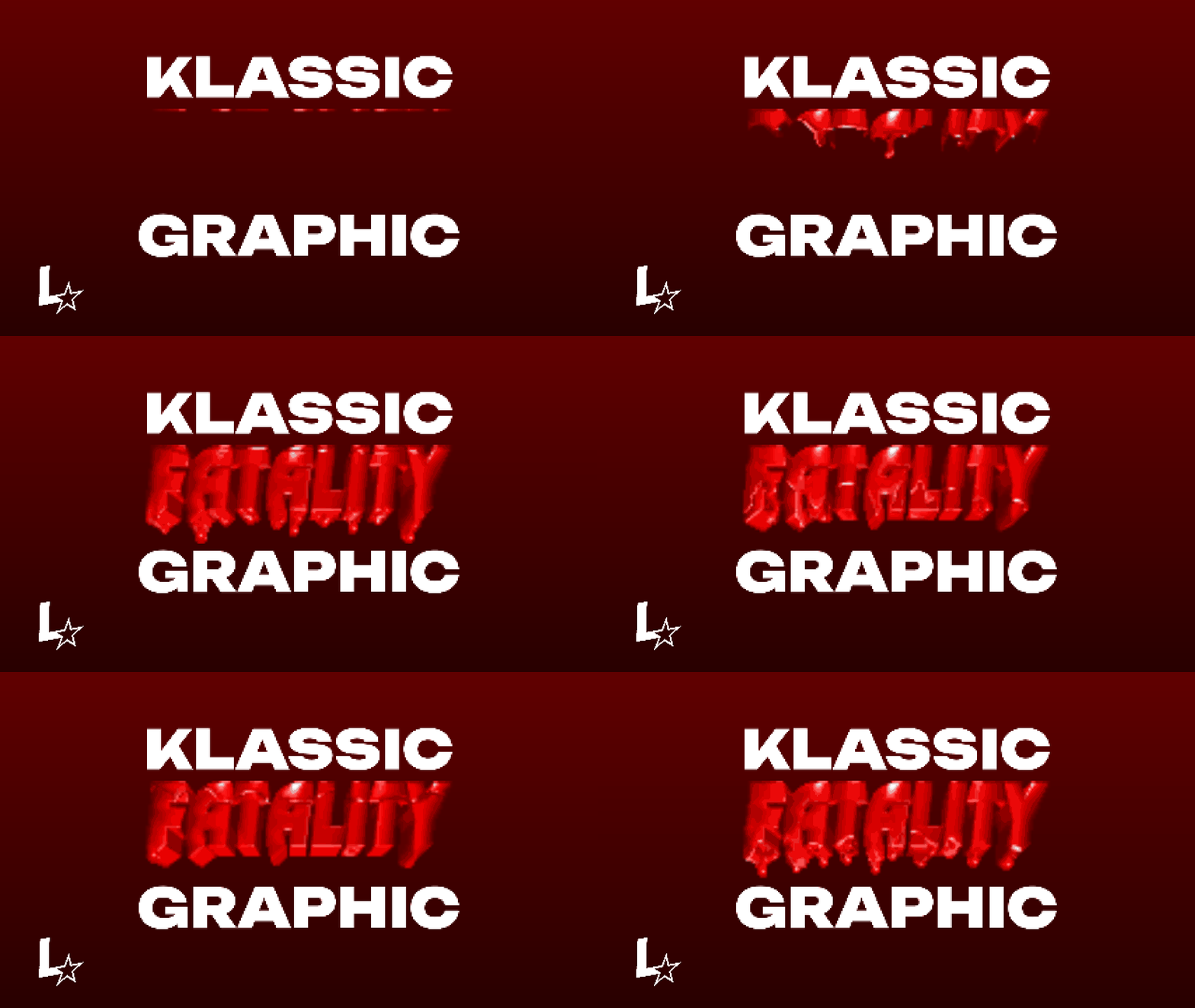
Part 3 Stand Stat Eyecatcher Pack

Part 3 Stand Stat Eyecatcher Pack
SpeedDXH (The account ok not a guest.)@speeddxhProfile Photo

Joined:May 15, 2020

Uploads:10

Features:0

UC Wins:0

subscribermega-noder

File:Part-3-Stand-Stat-Eyecatcher-Pack.zip (9.9 KB)

Date:August 14, 2020

Category:Packs
Effects
Miscellaneous

So you know that thing that shows in the middle of all episodes in SC? Yes that thing, you need to add the letters and etc in and also the charcaters, have fun.

#JoJo #stats #KonoDIODA
Download File

Downloaded 4,818 times

(Downloaded 1 times this week)


Rate this stickfigure!
It helps choose the daily feature.

Vote count: 25

This download is a ZIP of 2 files

  • Stand Eyecatcher Stats Part 3 (10.44kb)

  • Stand Eyecatcher Part 3 (26.58kb)

Android How to download stickfigures & sounds:

  • As of 3.2.0, Stick Nodes will no longer automatically find downloaded files in your /downloads/ folder. You must open the file with Stick Nodes explicitly for it to be moved into the correct folder.
  • Download a NODES (or STK) or ZIP file. When done, tap it and "Open With" > "Stick Nodes". See this image for an example.
  • Sounds: Download an MP3 file < 256kb. When done, tap it and "Open With" > "Stick Nodes"..

IOS 13+ How to download stickfigures & sounds:

  • If using Chrome or Firefox, download a NODES (or STK) or ZIP file, select the file and "Open in Stick Nodes" after finished downloading.
  • If using Safari, download a NODES (or STK) or ZIP file, follow these directions.
  • Also for ZIP files, check out this quick and informative tutorial by Auto-Angel.
  • Sounds: With Safari, follow these directions.

Problem with this submission?
Please log in to report this file.


avatar
3 Comment threads
0 Thread replies
0 Followers
 
Most reacted comment
Hottest comment thread
2 Comment authors
Chandelure F-5LeafBagTea Recent comment authors
LeafBagTea
LeafBagTea

Ok

LeafBagTea
LeafBagTea

Cool figure

Void Droid #49 (Orion)
243
Void Droid #49 (Orion)[is casually here]

Where are the l e t t e r s in the stand info icons?