


Joined:Nov 28, 2017
Uploads:100
Features:53
UC Wins:58


Mar 22nd, 2020
Mar 21st, 2020
( 6 thumbs )
( 6 thumbs )
 1st
1st 2nd
2nd 3rd
3rd
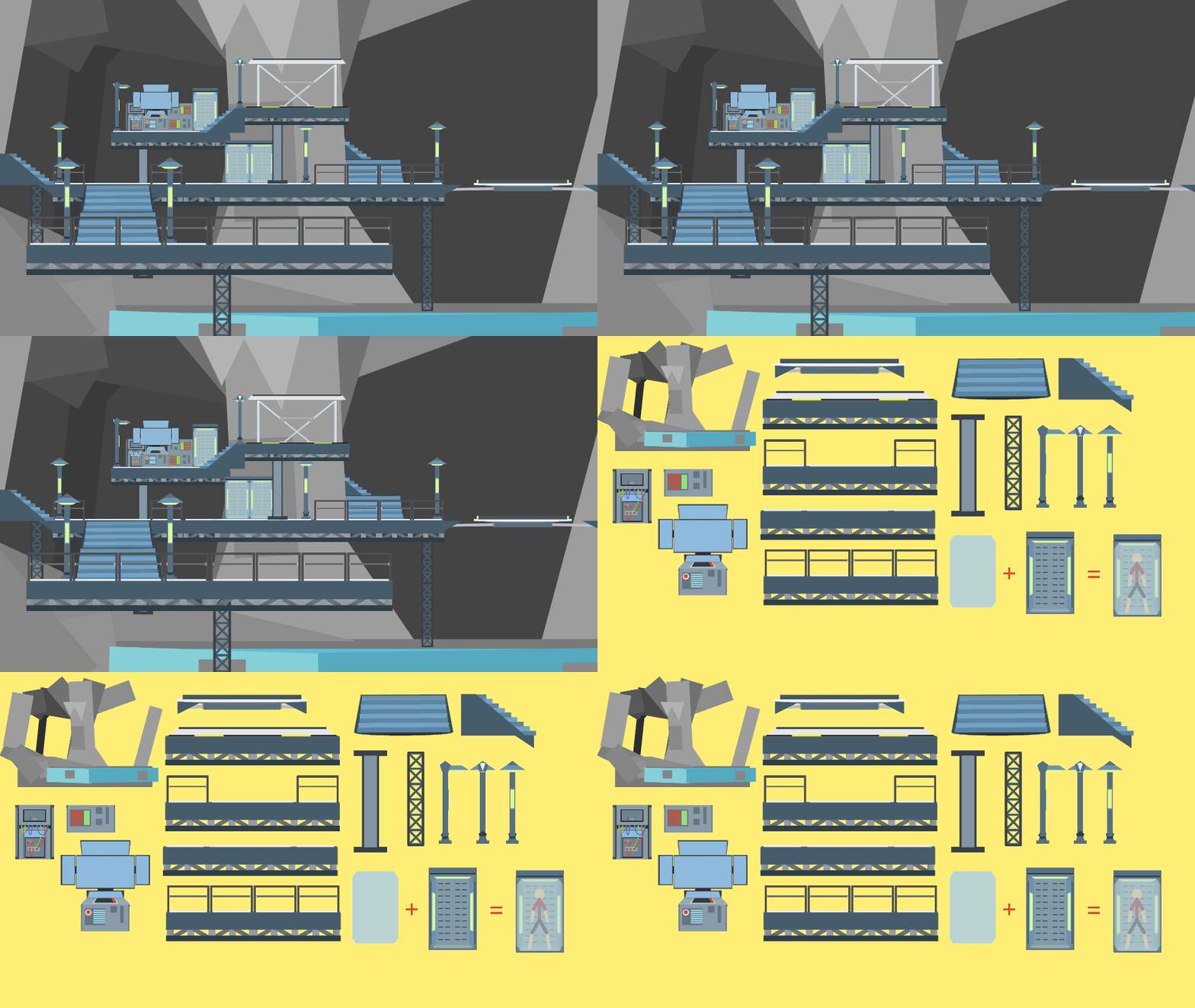
So, I'm pretty proud of myself for this one, it's three parts, super easy to put together, sorta customizable, all that good stuff. I dunno why I've been in such an undertale mood recently but I might make a few more sprites (probably for Sans) and be done.
Ok so here's the actual description:
The Judgement Hall, also known as The Final Corridor, is where you battle Sans - or don't battle him, depending on how you played the game. I really thought it was a beautiful scene, so I went and recreated it, mostly because I want to see some awesome StickNodes-made Undertale animations.
Enjoy. (:
#glitchtale #pixel #undertale #sans #layer
Ok so here's the actual description:
The Judgement Hall, also known as The Final Corridor, is where you battle Sans - or don't battle him, depending on how you played the game. I really thought it was a beautiful scene, so I went and recreated it, mostly because I want to see some awesome StickNodes-made Undertale animations.
Enjoy. (:
#glitchtale #pixel #undertale #sans #layer
Mar 22nd, 2020
Mar 21st, 2020
( 6 thumbs )
( 6 thumbs )
1st2nd3rdThis download is a ZIP of 3 files
Judgement Hall Far Pillars (14.94kb)
Judgement Hall Window (27.20kb)
Judgement Hall Close Pillars (8.53kb)
Problem with this submission?
Please log in to report this file.
Other popular submissions in backgrounds category


ur amazing
Epic
H a h a b ad time
Big epic
Like
Super like
Mega like