
Joined:Oct 17, 2024
Uploads:34
Features:15
UC Wins:18


Apr 14th, 2025
( 4 thumbs )
( 4 thumbs )
 1st
1st 2nd
2nd 3rd
3rd
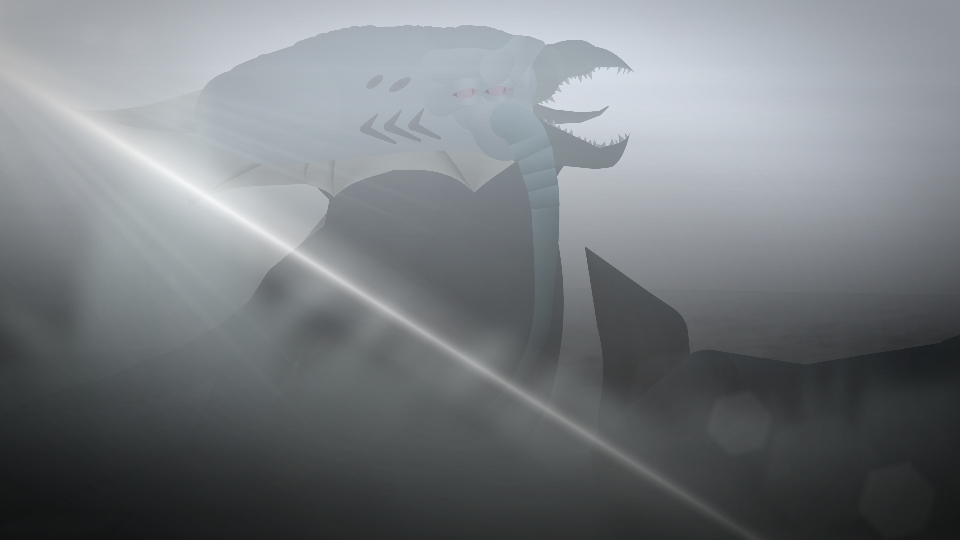
After Kong receives cuts in battle he goes to the shore to wash his wounds but some of his blood falls to the bottom of the sea which awakens the Kraken. After that he destroys the village of natives and kills them all in an attempt to make Kong approach the water but Kong resists his emotions and runs away, after a while Kong finally faces the Kraken but ends up being at a disadvantage for a while but in the end Kong tears the Kraken in two finally putting an end to his reign of terror.
#Kong #Kaiju #Titan
#Kong #Kaiju #Titan
Apr 14th, 2025
( 4 thumbs )
( 4 thumbs )
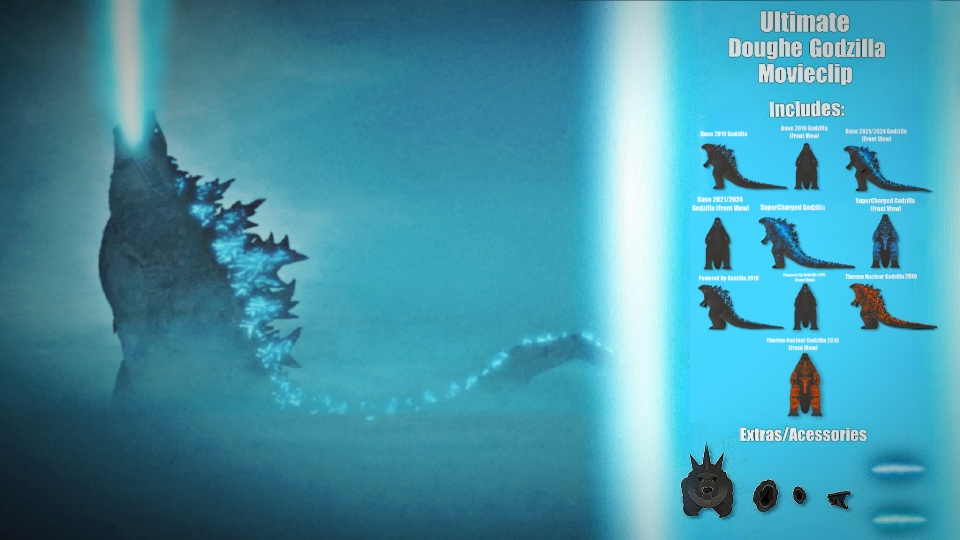
1st2nd3rdHow to use: This download is a Movieclip file. If it contains a joined figure, you can access it by going into the Movieclip object (edit it) and then copying the entire assembled figure inside.Filters: Remember, Movieclip objects may use filters, and if you don't have Stick Nodes Pro these filters will not work and the Movieclip may look very different.
Download File
Downloaded 3,035 times
(Downloaded 26 times this week)
Problem with this submission?
Please log in to report this file.






Other submissions by TitanRapt0r Productions


