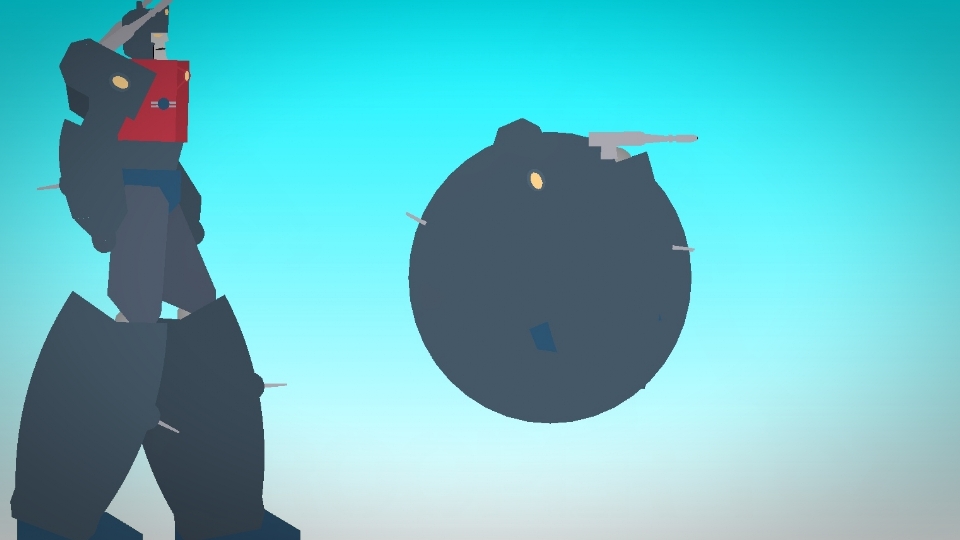

File:Transformers-Primus.nodes (26.9 KB)
Date:January 14, 2026
Category:People
Android How to download stickfigures & sounds:
- As of 3.2.0, Stick Nodes will no longer automatically find downloaded files in your /downloads/ folder. You must open the file with Stick Nodes explicitly for it to be moved into the correct folder.
- Download a NODES (or STK) or ZIP file. When done, tap it and "Open With" > "Stick Nodes". See this image for an example.
- Sounds: Download an MP3 file < 256kb. When done, tap it and "Open With" > "Stick Nodes"..
IOS 13+ How to download stickfigures & sounds:
- If using Chrome or Firefox, download a NODES (or STK) or ZIP file, select the file and "Open in Stick Nodes" after finished downloading.
- If using Safari, download a NODES (or STK) or ZIP file, follow these directions.
- Also for ZIP files, check out this quick and informative tutorial by Auto-Angel.
- Sounds: With Safari, follow these directions.
Problem with this submission?
Please log in to report this file.

- Transformers Halloween Pack
- Transformers Crossover Universal Monsters Pack
- Transformers Crossover Christmas Pack
- War for Cybertron Autobots Pack
- Botcon Wreckage Pack
- Transformers Crossover Gaogaigar Pack
- Transformers Base Pack
- Transformer Crossover Megaman 2 Robot Masters Pack
- Metal Cardbots Pack
- Transformers Crossover Halo Covenant Vehicles Pack
- Transformers Halloween Pack
Other submissions by Duckboy0963


nice ball
Wouldn’t think it, but that ball is god








