
-

Collo


 2021-10-01 22:35:27 UTC
 @stick-animation-zone sorry for the homework sized post, its the best could do.
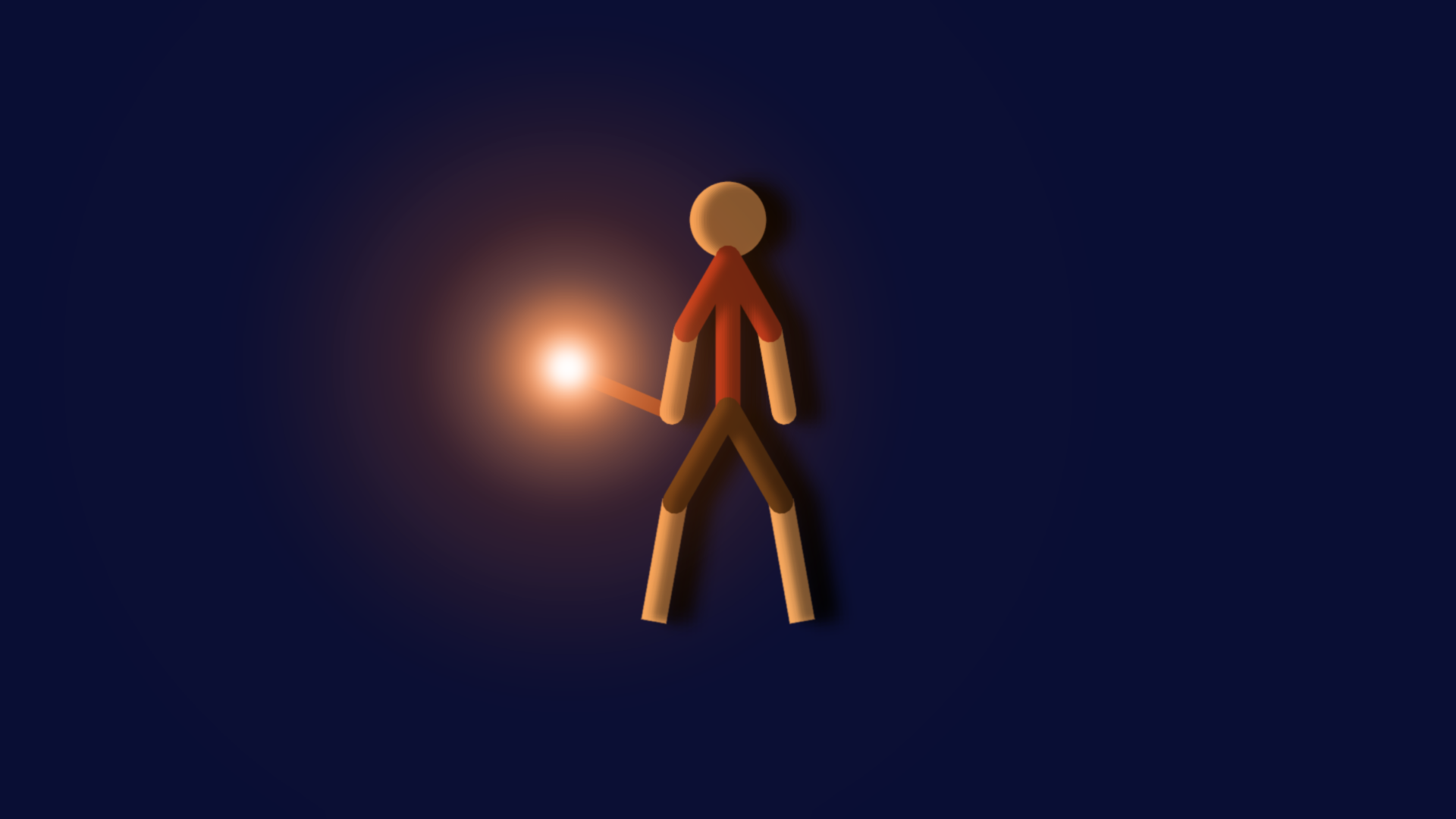
Images are all the way down.so first, you wanna give it a blur somewhere between 0.05-0.10.
Then you may or may not want to tint it, i’m going to do so because i’m making the background a nostalgic blue (for me).
Next you wanna duplicate it, then put the new figure behind. Tint it to 1.00 with a black/dark color, then blur it and bring down the opacity to an extent that looks good.
This can work as both a shadow on the stick and a shadow behind the stick so just do whatever with that. Or just do both.
Now if you want to add a light, i made a movieclip called “star light” and its mean’t to create a thingamajing of light. This thing is very powerful, and it took a lot of tweaking to adjust to my liking.
So lets say he’s holding a torch, i’m gonna use this as the light for the torch. Gonna blur it to 0.65 to smooth it out and put its opacity on a scale between 0.20-0.50. Gonna give it some tint to an orange color. Then i’m gonna put a white one under the orange one, make it smaller and stuff.
You’re now gonna tell the blue-tint to fuck off and then tint the figure to an orange color since that’s the color of the fire on the torch. And that’s it.
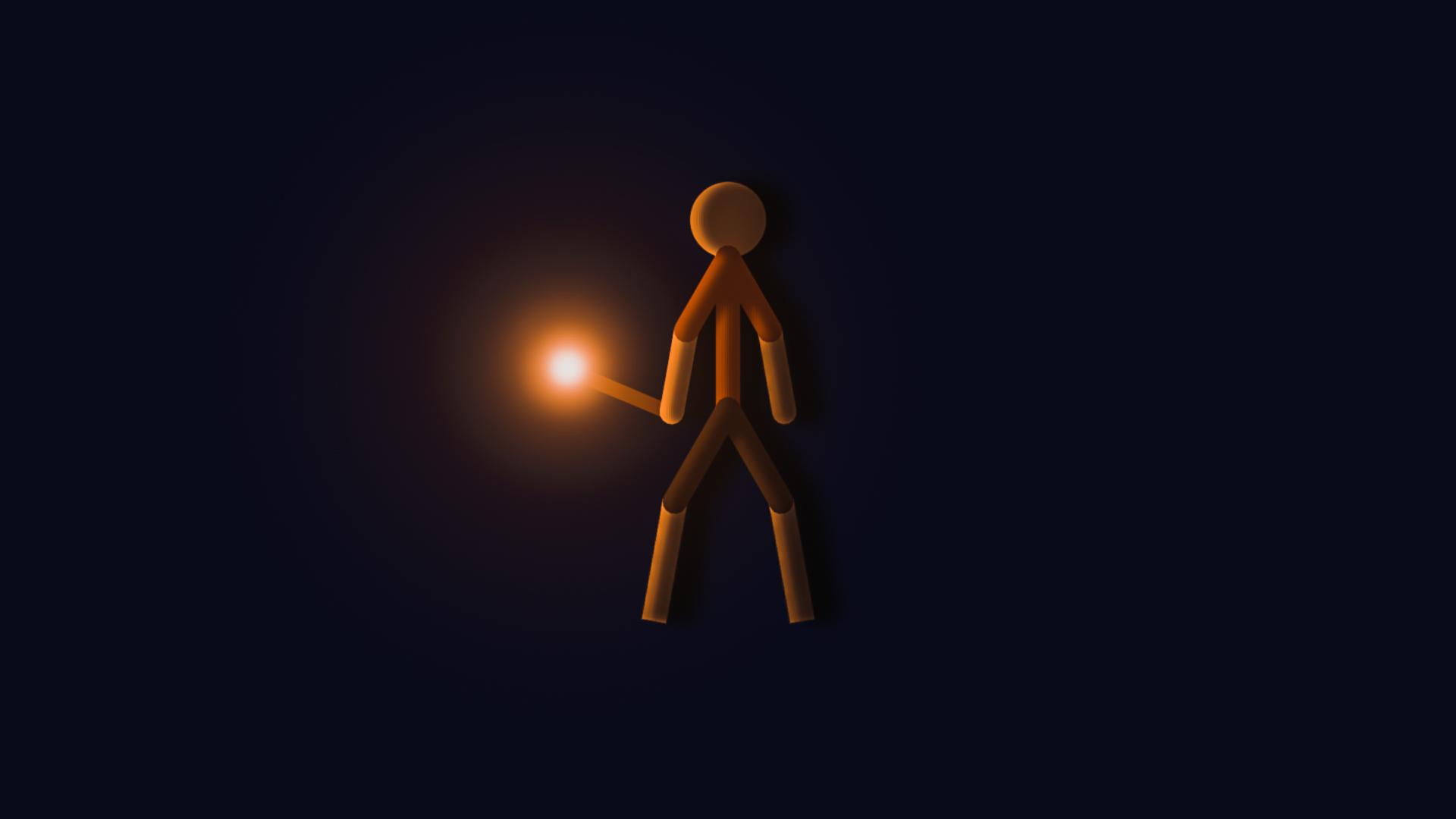
If you wanna improve the look of it i use something called photoshop express, i’m gonna use the charm 4 filter because it looks noice out of most of them.
There are many other things to learn but that’s to be documented in the future.
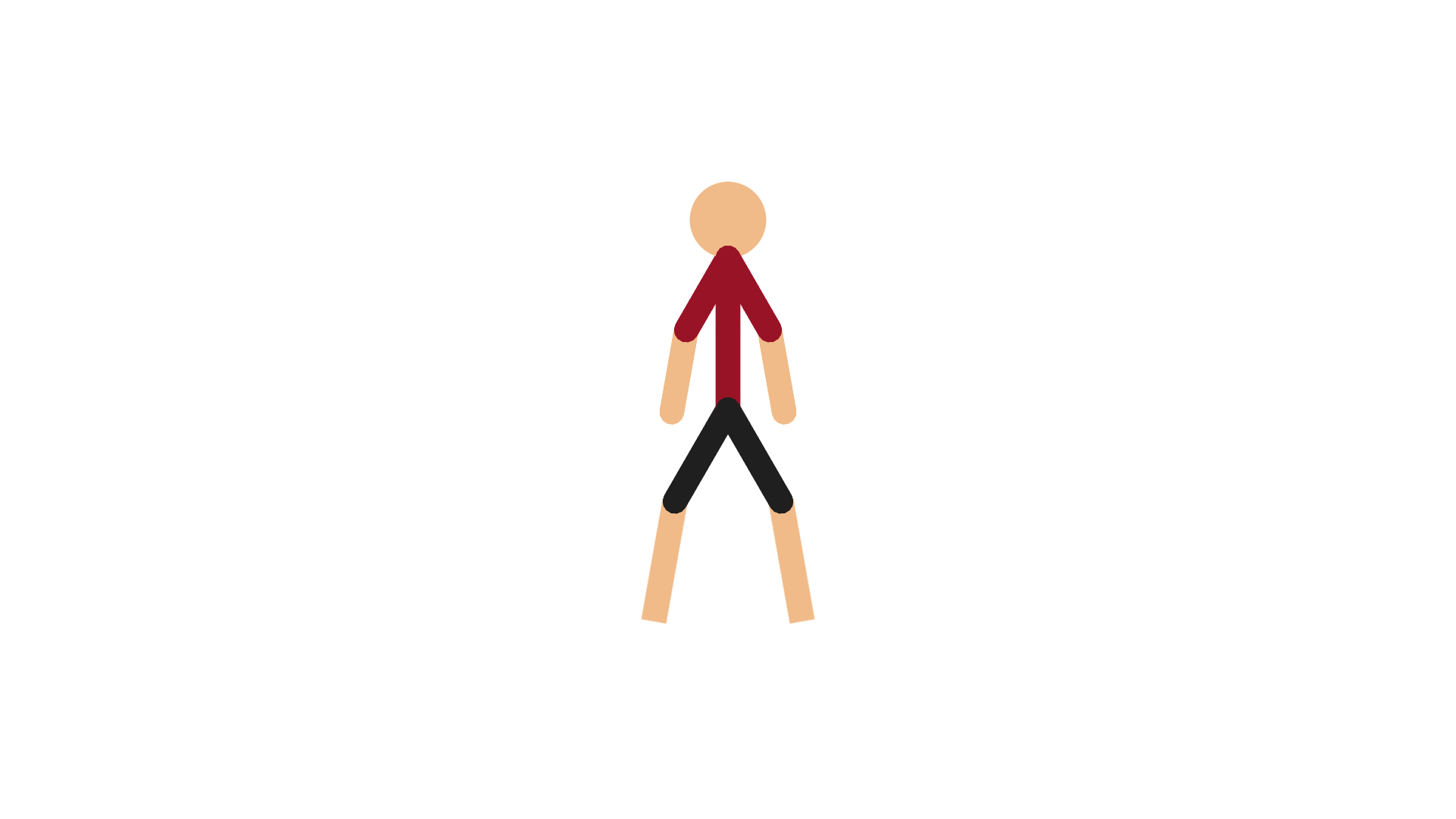
image 1 = nothing
image 2 = after shading
image 3 = charm 4 filter
Stick Nodes®
A stickfigure animation app created for mobile devices!
Create your own stickman animations on your Android or iOS device!


Thank you so much this tutorial helped a lot