
-
Infiniteguess


 2022-03-28 19:13:57 UTC
ㅤ
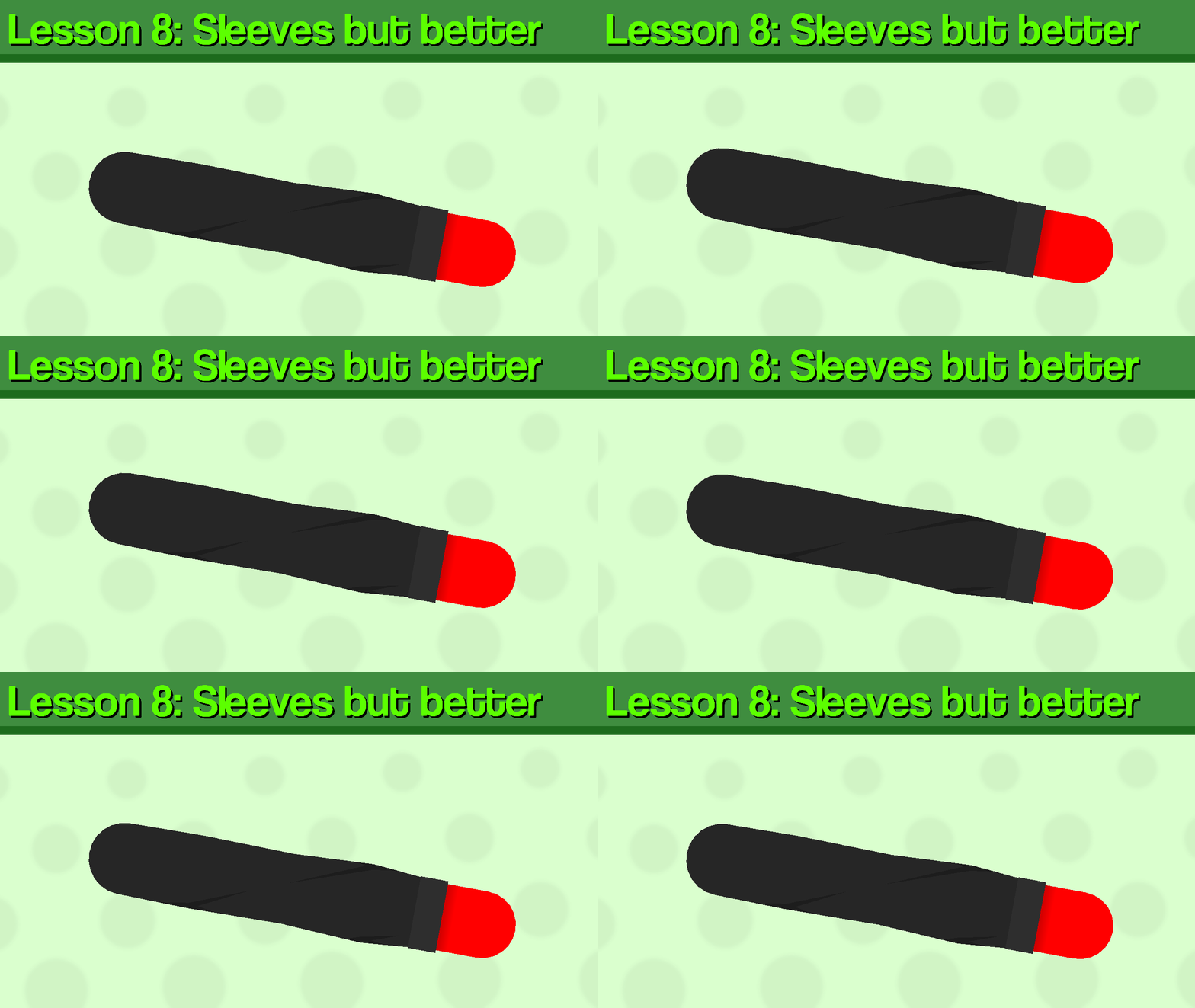
Hi, it’s been about 4 months since I last did one of these. Anyways I tried experimenting with other formats, and I chose this one to try out, anyways let’s start the guide.Today, I’ll be using one of my own figures as an example for the lesson, which I will break down step by step and hopefully teach you something.

ㅤ
Step 1:
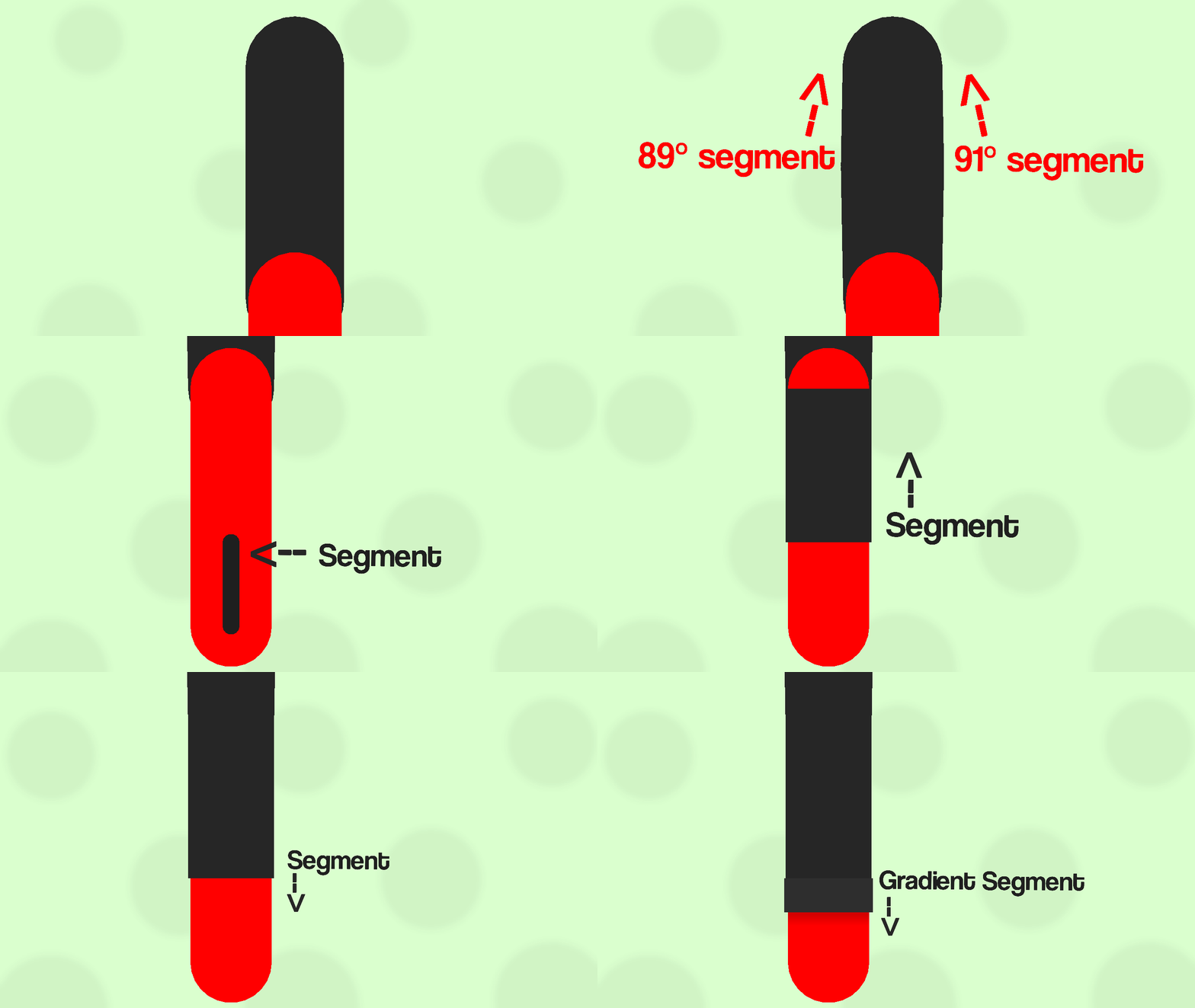
Create your arm, 2 or 3 segments are fine, I’ll be using 2, the upper arm and lower arm. Now that you’ve done that, you want to make the thickness of the upper arm a little bigger than the lower arm, about 2 thicknesses wider, and change it to the desired color for your sleeve.
ㅤ
ㅤ
Step 2:
Next, to add some texture to the sleeve, add slightly angled segments poking out from the upper arm segment and some slightly angled segments back in to meet the main node (the one at the top) to close off the texture.Step 3:
Next, add a segment to the lower arm, and then set the thickness to 0, once you do that, add a segment to the invisible one and have it reach all the way up to the upper arm node (the middle one) and add circle or round segment to close it off. Make sure it is also the same color and thickness as the upper arm since it is going to be the bottom part of the sleeve.Step 4:
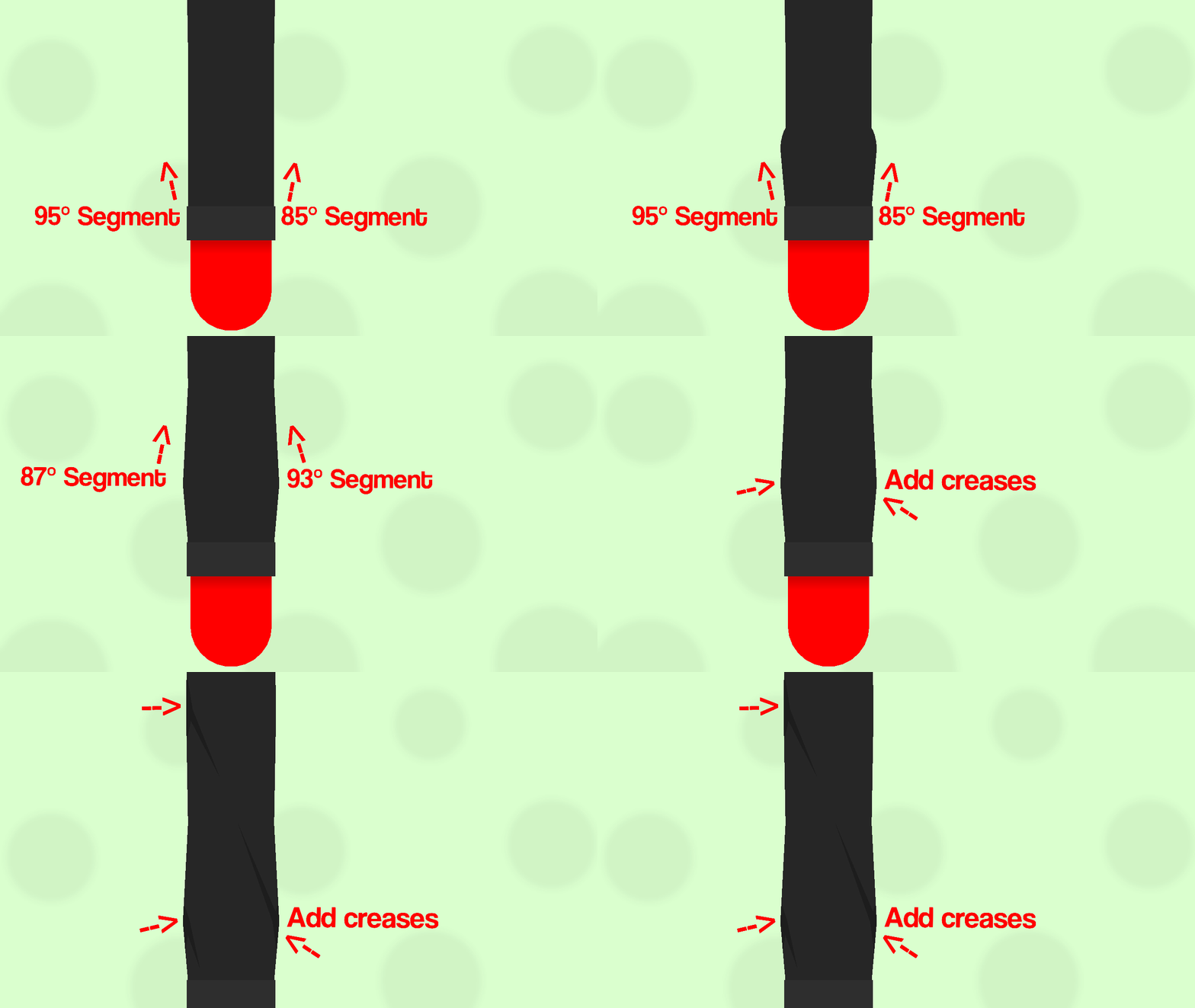
Add a segment going down be the bottom part of the sleeve, it could be the same color as the sleeve or slightly lighter/darker. You could also add a gradient segment to act as a shadow, but it’s only optional.
ㅤ
Step 5:
Like step 2, add segments sticking out from the node with 0 thickness, but have the tilt a bit farther, then stick back into the sleeve (Make sure that the segments are layered behind the bottom segment).Step 6:
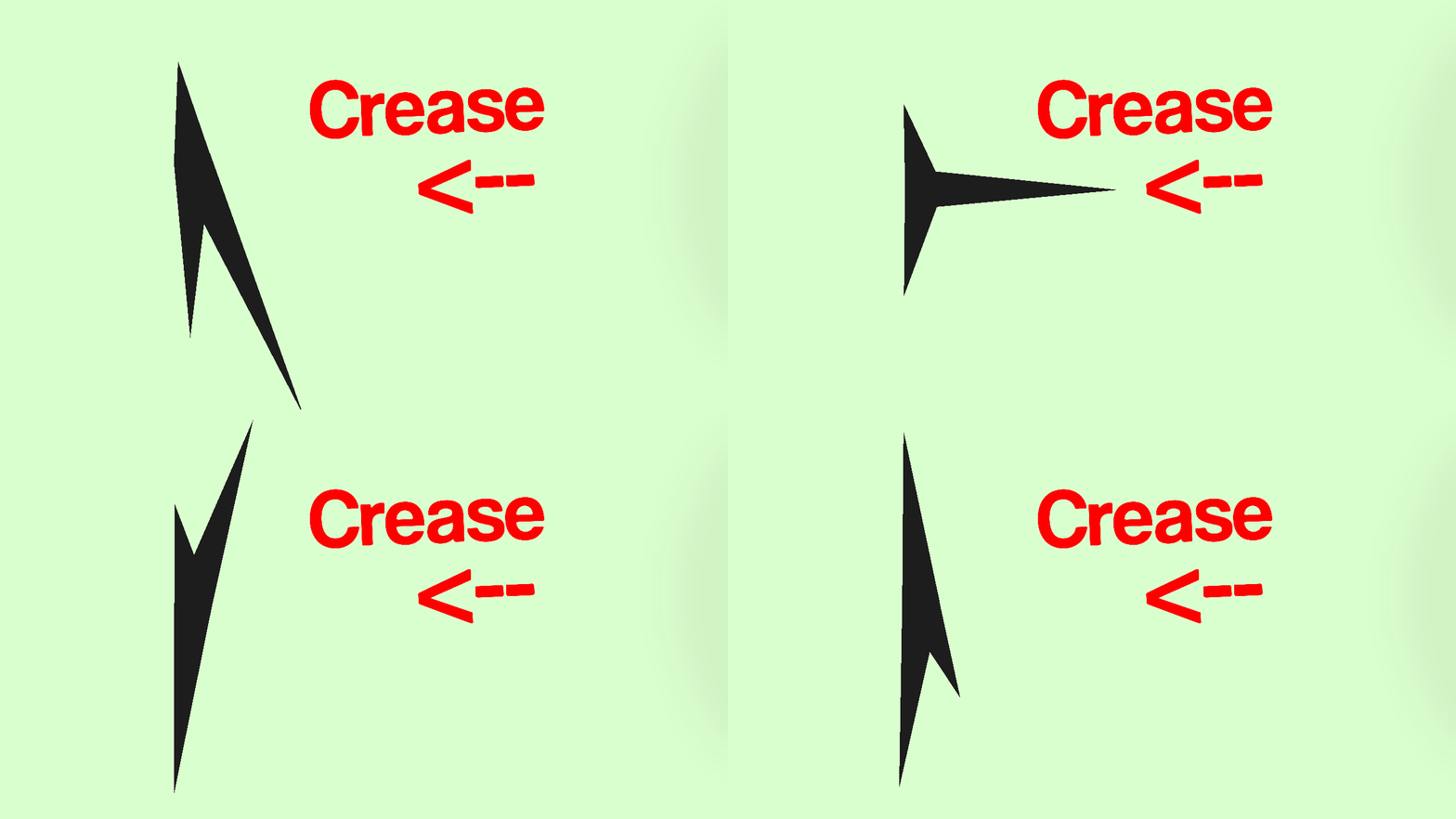
Finally, to add some detail, add creases to pointy parts of the texture segments. The way I make creases are basically just 3 triangle nodes, 2 flat on the sides of the node, and one sticking out. However they don’t all have to be the same or symmetrical.
ㅤ
And that’s all. Hopefully, this wasn’t confusing, just experimenting with how to explain stuff. Anyways, thats how you make better sleeves, I’m not the best when it comes to stickfigure creation, but this is just how I do it.
Stick Nodes®
A stickfigure animation app created for mobile devices!
Create your own stickman animations on your Android or iOS device!


Sorry guys, I posted the unfinished one, so I had to delete it.
I thought I was on my test group, but I was on my profile and didn’t realize I had posted it while I was in the middle of working on it.
I really appreciate you doing this, now i can probably be able to make better clothing for my figures.