
-

Explosive Bullet


 2023-08-13 15:59:45 UTC
 You know something that would be some perfect quality of life stuff.
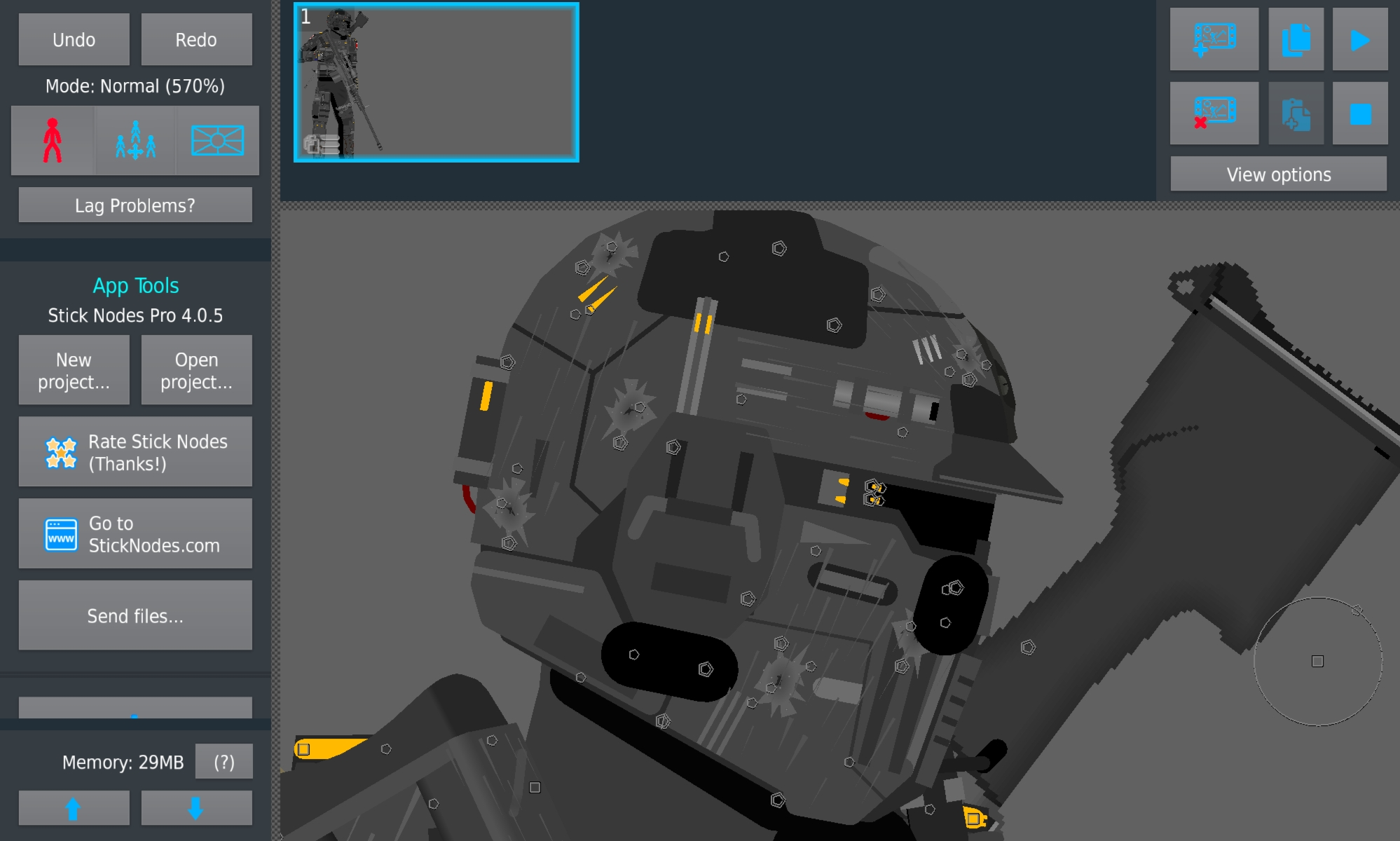
The ability to hide figures not just in the library, but in the view of the animation.Something like hiding nodes that are simply decoration that you don’t want to move, but just want attached to the figure like the cluttered mess I have on my splash here.
Everything moves with the head and is joined. But what if I could keep the overlaying figures visible but have the nodes invisible so I can have something cleaner to animate with.
Have the ability for sprites and MCs too, anything in front of you while you animate can be toggled on and off.Take the feature a step further and have the ability to hide the the nodes themselves.
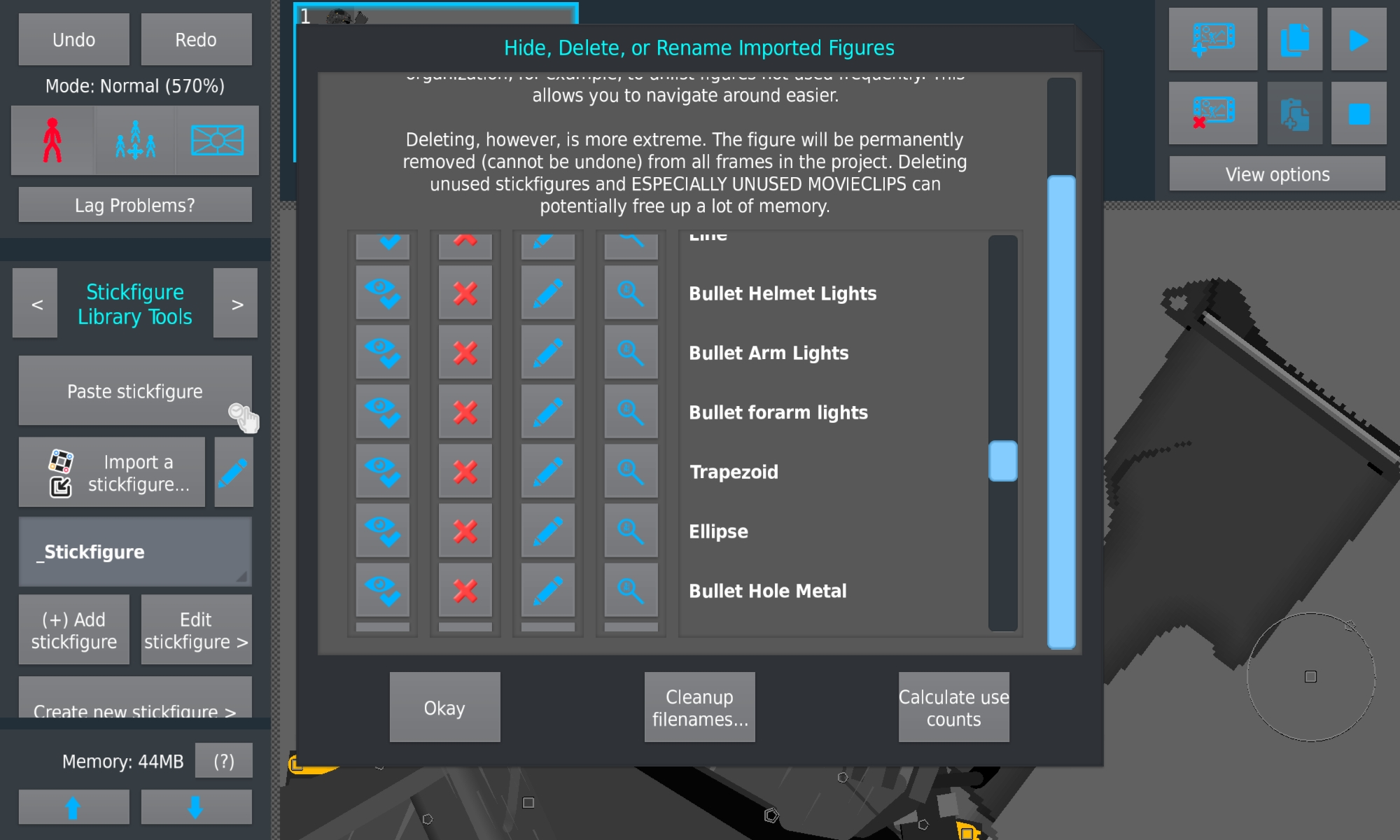
Animating someone walking in grass and can’t see their feet? Hide figure visiblity. All options in the same menu that allows you to hide stuff in the library.A simple feature yet this could entice people to do some more crazy things visually.
Stick Nodes®
A stickfigure animation app created for mobile devices!
Create your own stickman animations on your Android or iOS device!


@ralph here’s a good suggestion-
if you lock joined stickfigures, don’t all the nodes go away?
i might be wrong
Yeah
Yeah, that do work. Hidden behind 300000 other buttons though. It would still be nice to have that lock all or hide all in the menu. Specifically the hide to actually hide the figure in view so you can accurately animate behind it.
In the meantime I can use the lock movement.
But please add a hide all or lock all to the library menu. It would be excellent for optimization too.