
-
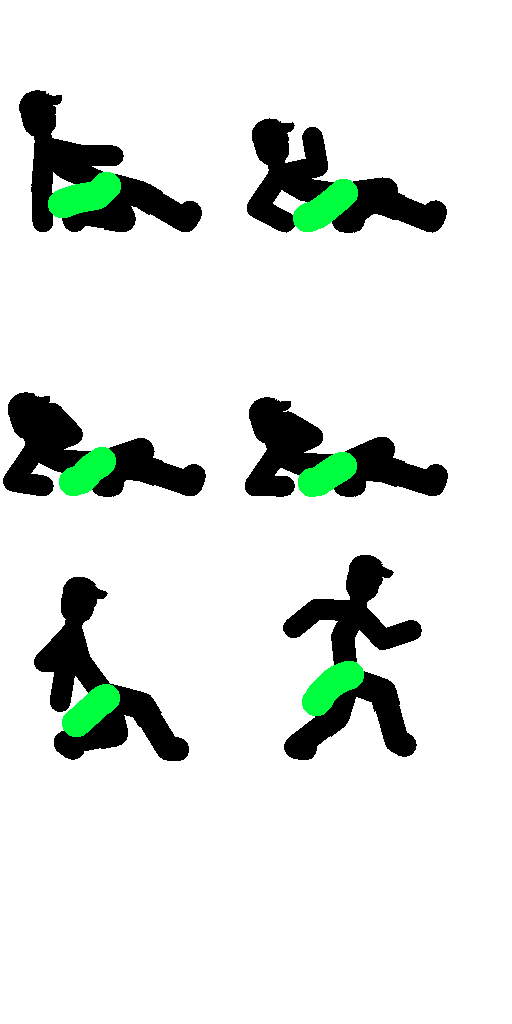
Can someone tell me how to edit the Mini Game sprites? I mean I pulled them out and edited them, but I can’t get them to work.they simply won’t show up, and are automatically replaced by the defaults. I know the mini game doesn’t support skins. Help please?
Stick Nodes®
A stickfigure animation app created for mobile devices!
Create your own stickman animations on your Android or iOS device!


Arc is still trying to figure this out
Pretty disheartening. Thought maybe the old skin method would work but I seem to be wrong.
Not like I can’t figure it out. I just need to replace it as the same image. The issue people do is that they might not put it in correct folder or simply not use transparency.
ah
I tried that but with the sounds
Idk if it works with the images mabye try the same quality and pixel size of the default texture
Also if you wanna try to change the pixel size use an app called video & picture resizer from the app store or the play store
I can’t even find an apk editor for Android that works tbh. So instead I renamed the apk as .zip and copy paste into it, making sure files were the same res as they were when I copied them to edit, but when I renamed the zip back to apk, it wouldn’t parse the apk. It said it was null.
I’m gonna exploit this whole thing hard.