

Biscuit’s Group
Welcome, I’ll do random things here, updates, series, remakes, etc. Not much to say, it’s pretty simple.
-
Max’s Stand, Open Your Heart!
Abilities:
-Close Ranged Stand, Stats that of Gold Experience
-Can summon balls of energy from it’s hands, and throw them with lethal speed and force
-Able to shoot a plasma ray from it’s chest gem that burns through almost anything
-Can heal stand user (Max)
-If enough power is channeled, OYH can explode his enemy’s heart, similar to Kira’s bomb -
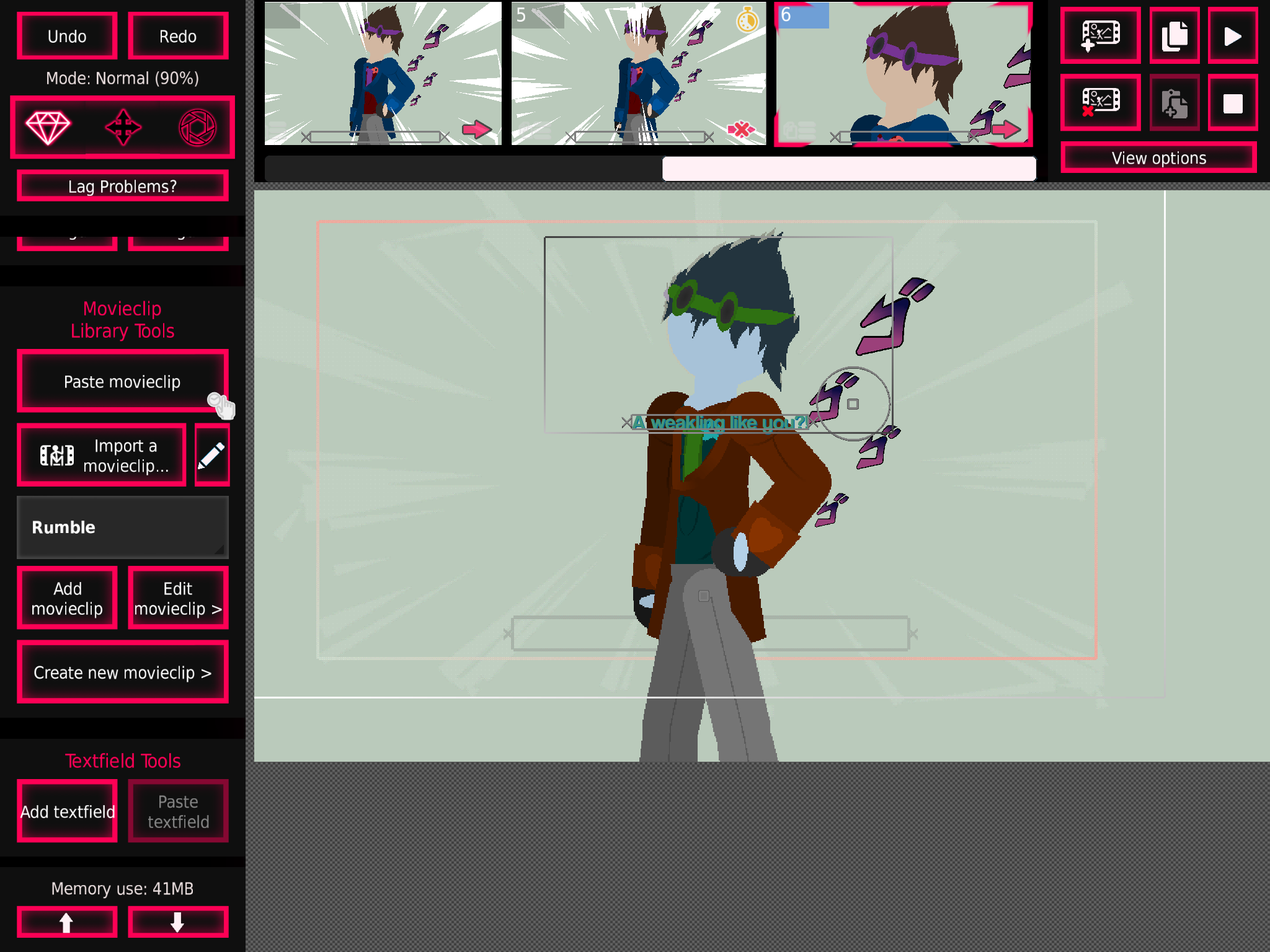
So that’s what JoJo recolored max would look like
Cool
-

Hue shift 0.50
-

Their skin color doesn’t change when the color changes smh my head 🤦♀️
2021-10-13 20:22:56 UTC-
Replying to:
Say sike right now
SAY SIKE RIGHT NOW
-
Replying to:
Talking about during fights like the Jotaro vs kakoyin fight
2021-10-13 20:56:09 UTC-
Replying to:
Nonononononono
-
-
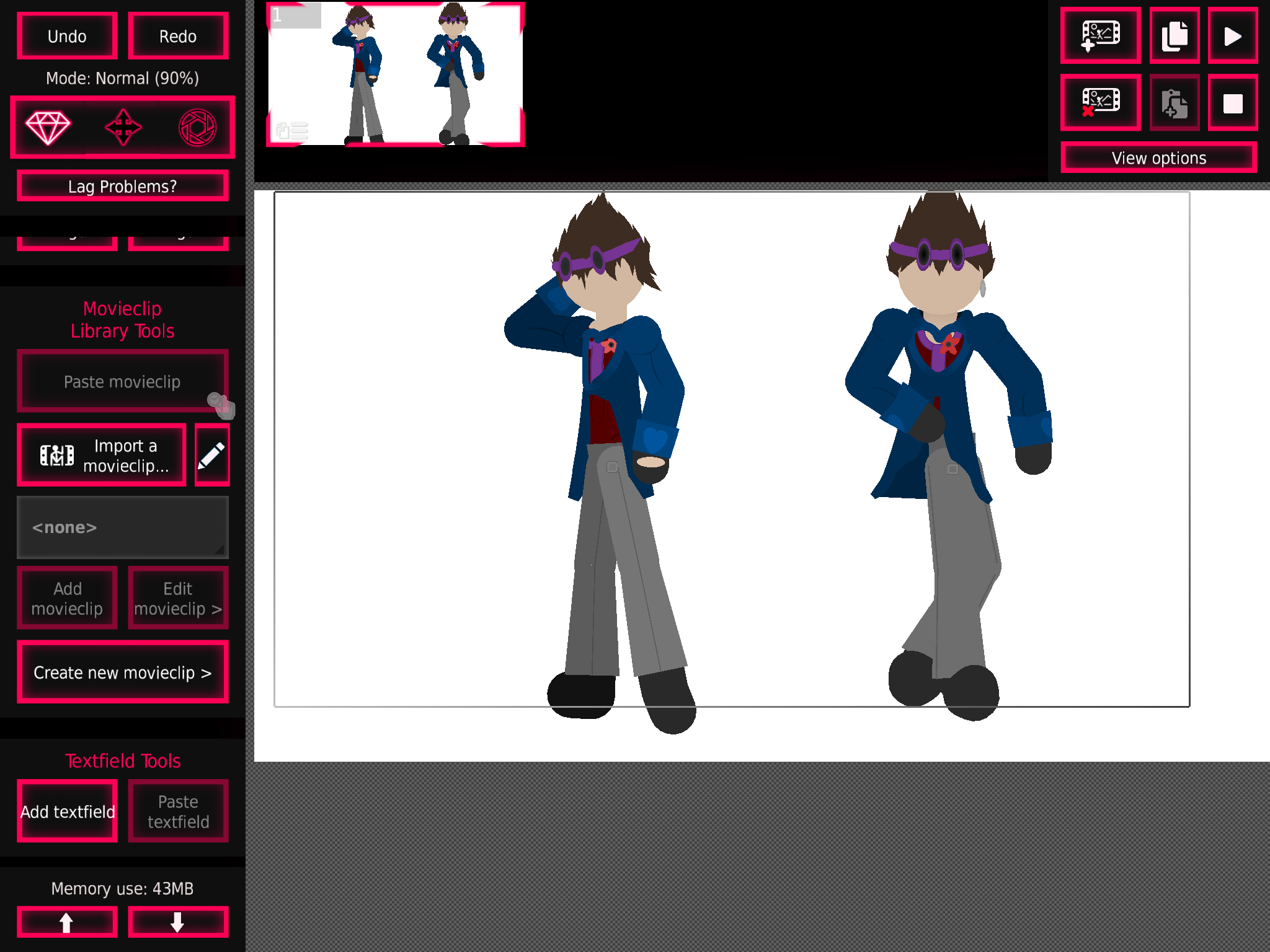
Finished the side view, and I took inspiration from Josuke and Kira
I’m also doing his stand (not dr love, we don’t talk about that)
-
And now it’s canon bc the void
Whenever he enters the JoJo universe, his stand re-activates (remember, powers only work in those worlds so he can only use his stand in the JoJo universe)
2021-10-13 16:49:08 UTC -

Now draw her giving birth
2021-10-13 16:57:55 UTC-
Replying to:
um…
thats a he
-
Replying to:
I know what I said
2021-10-13 17:55:13 UTC-
Replying to:
explain
-
Replying to:
Draw her giving birth first
-
Replying to:
im asking questions here
explain
-
-
-
-

NARR but festive joined the group
 Biscuit’s Group 4 years, 8 months ago
-
yah
2021-10-13 12:52:20 UTC
-
-
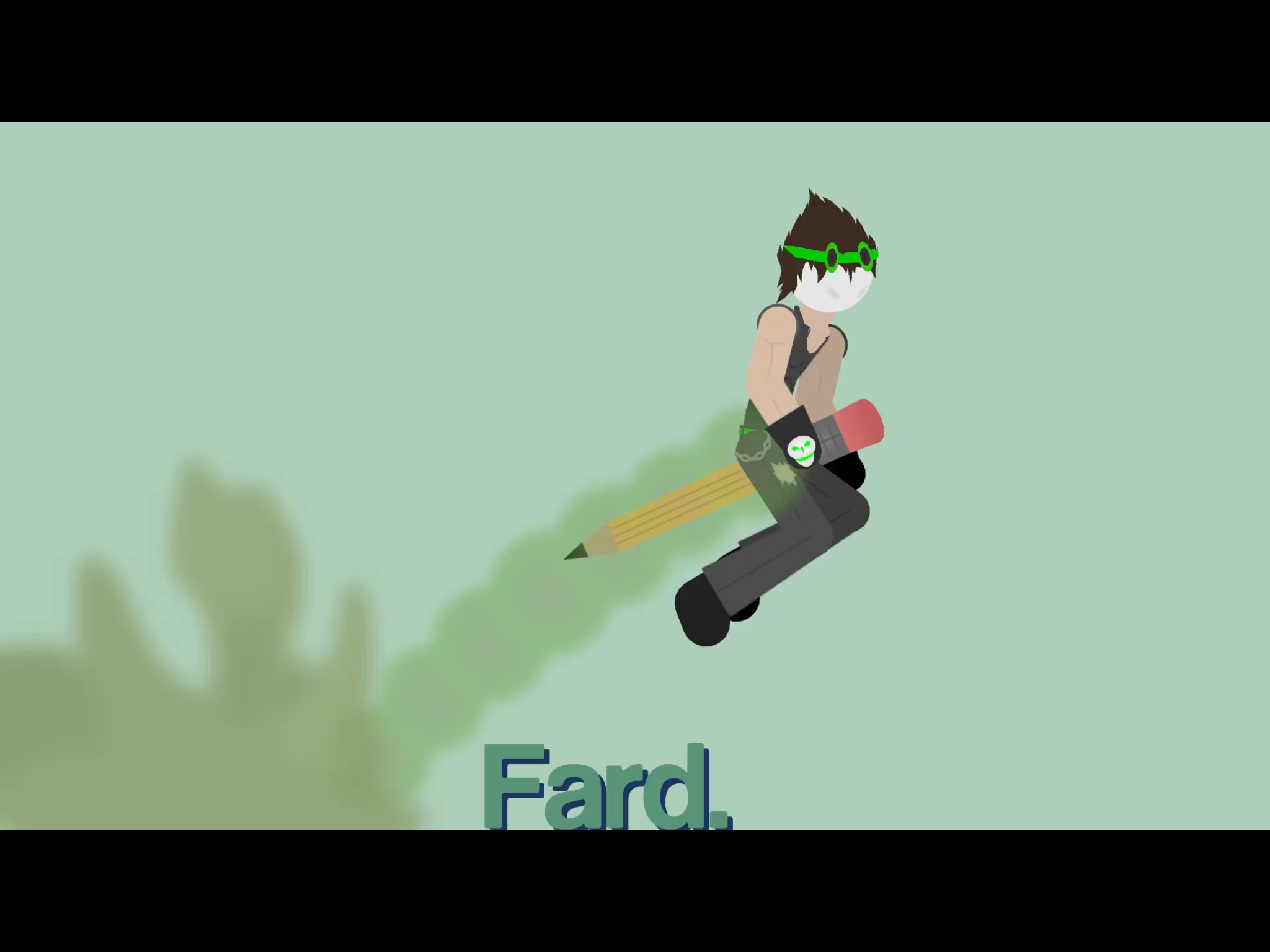
Fard.
Also “good” morning
-

Wtf I seen this an I thought he has pencil coming out of his ass
2021-10-13 13:57:03 UTC
-
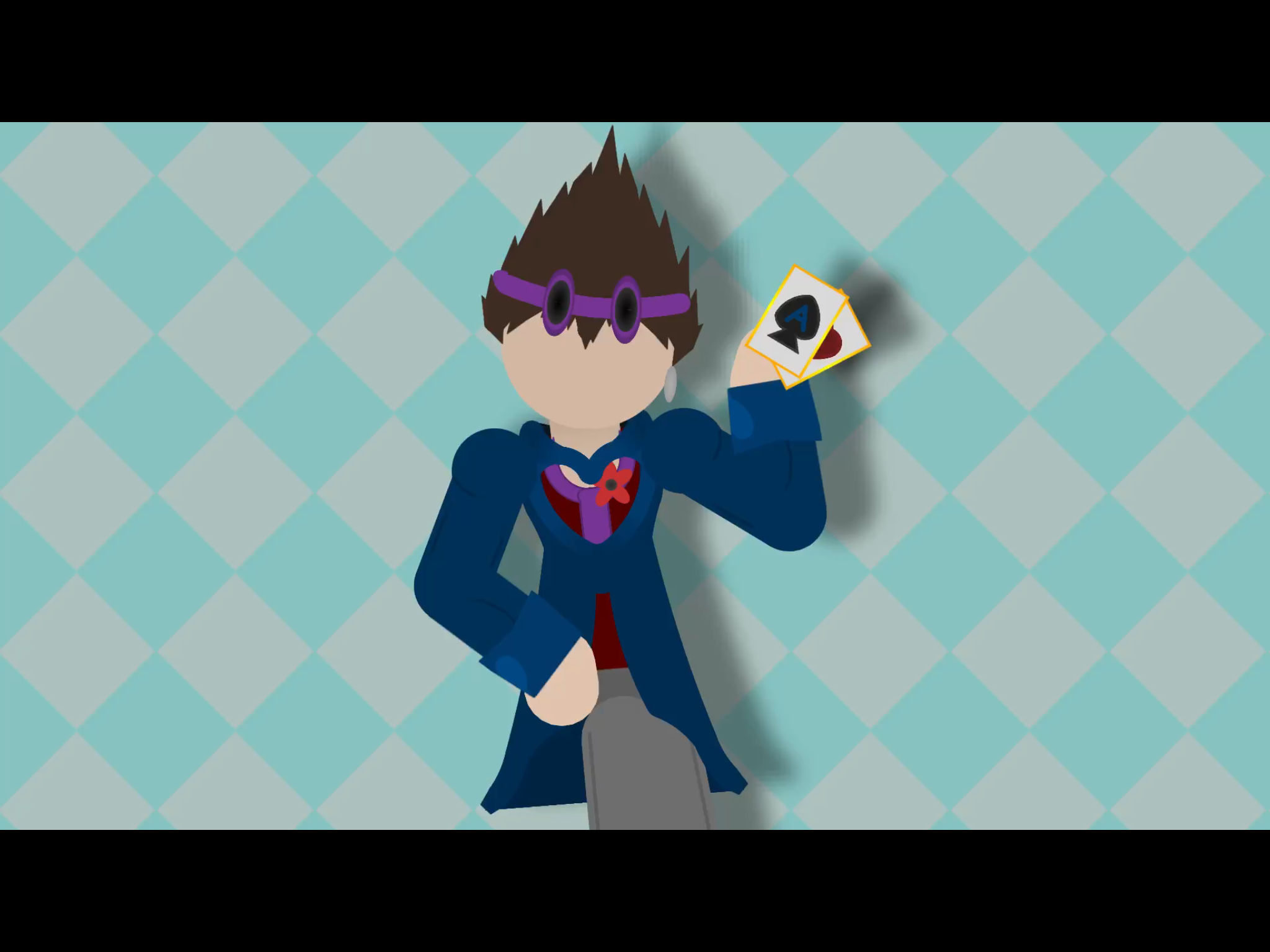
Got a new suit, again….
Anyone catch the reference I made with the design?
-
Fun fact: I actually have a dress jacket that looks just like this
This whole outfit (minus the goggles and cards) I have
-
Replying to:
Prove it
2021-10-13 04:05:15 UTC-
Replying to:
-
-

formal cbt man real
2021-10-13 04:00:42 UTC -
Amongus
-
Replying to:
No
Just
No
2021-10-13 11:41:22 UTC-
Replying to:
Yes
Just
Yes
-
-
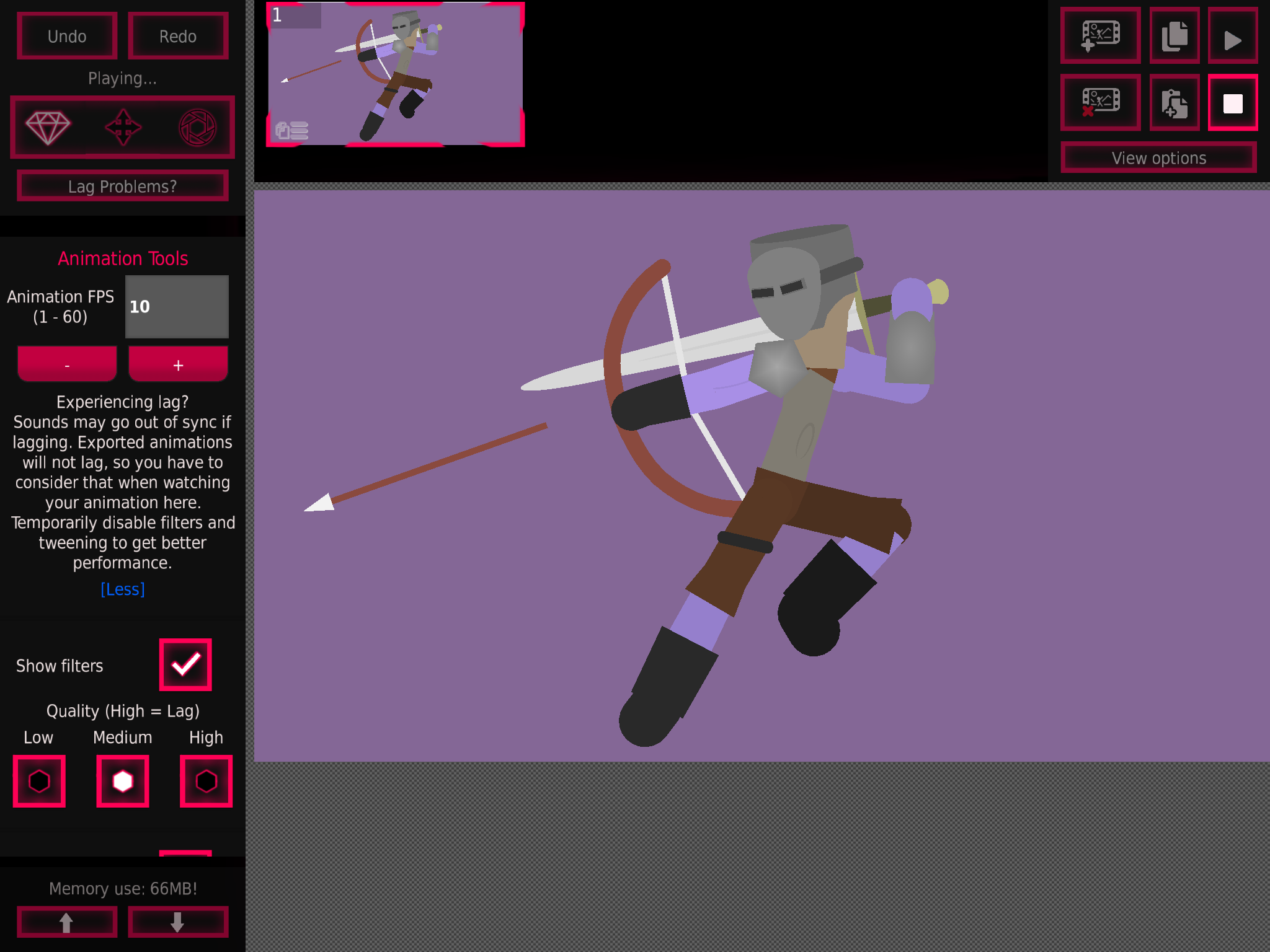
Still a wip, but Grodotians have been at a centuries old war with Okzai (Oakz-Eye), a mysterious race that has been known to read minds, foretell the future, and manipulate shadows and darkness as if it were a moveable object, creating weapons and beasts with it.
Anyway, here is a low-rank night
-
Fun fact, Max’s Sword of Night was created by a warlock who actually hated his own race, giving max the one weapon that can effectively cut through shadowfire, a black metal with white glowing dots. This is highly durable, lightweight, and fireproof, so higher rank soldiers have it for unmatched protection
2021-10-11 20:36:30 UTC
-
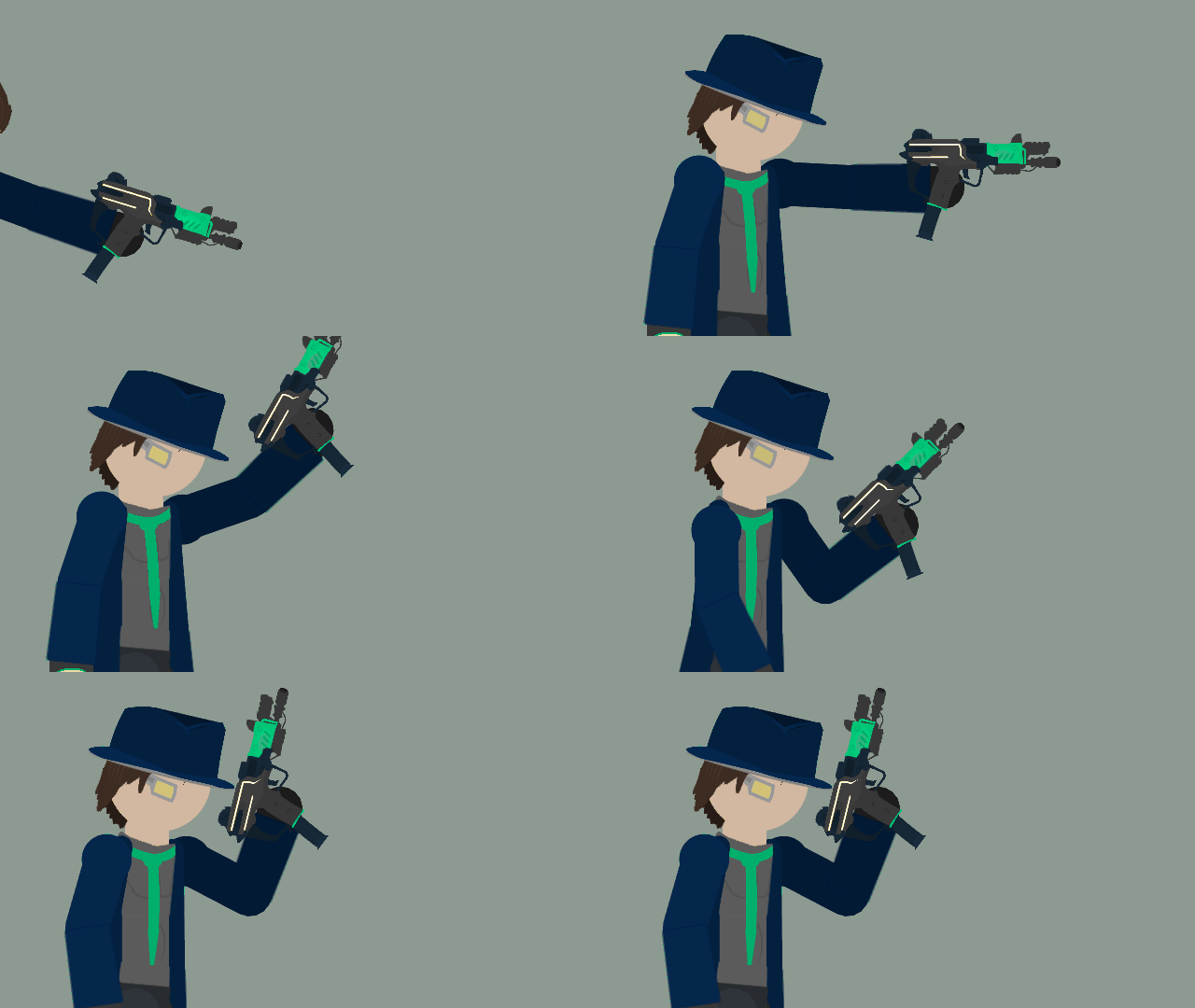
So Vincent is like good with guns
Like deadshot good lol
Anyway here’s a pew pew gif
-
Also, his scouter helps
Scans the area and has thermal, x ray, etc
Gives him possible strategies counters and stuff
2021-10-11 16:59:13 UTC-
 Replying to:
x ray more like se-
2021-10-11 17:11:43 UTC
-
One skin tight under shirt ngl
2021-10-11 17:12:35 UTC-
Replying to:
Idk
-
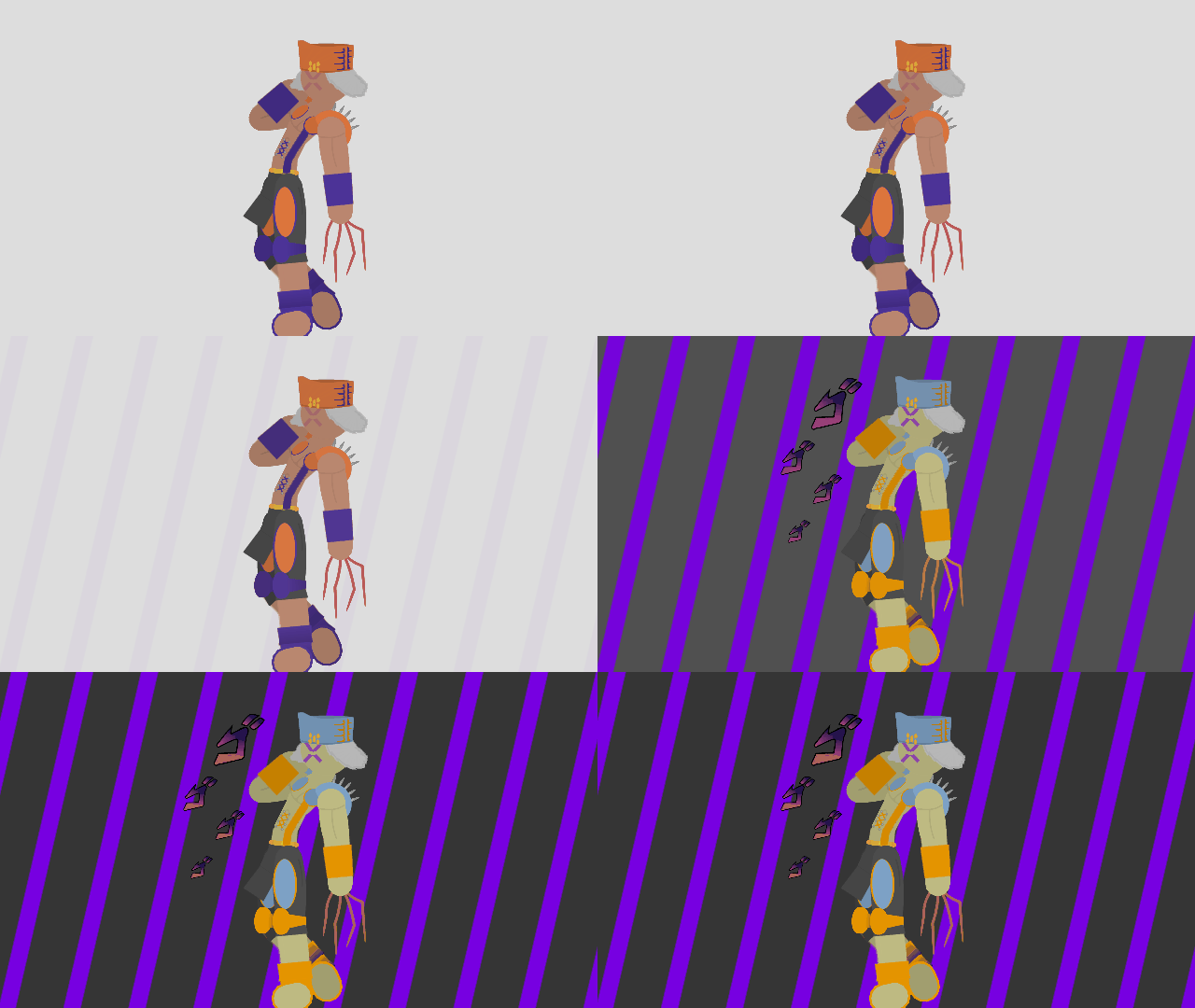
In addition to the pillar men, the mask, and the stone, I’m doing their recolors based on how they look in the anime when things heat up
Example:
-

madlad
thats gonna be pretty damn neat when done
2021-10-10 21:27:44 UTC
-
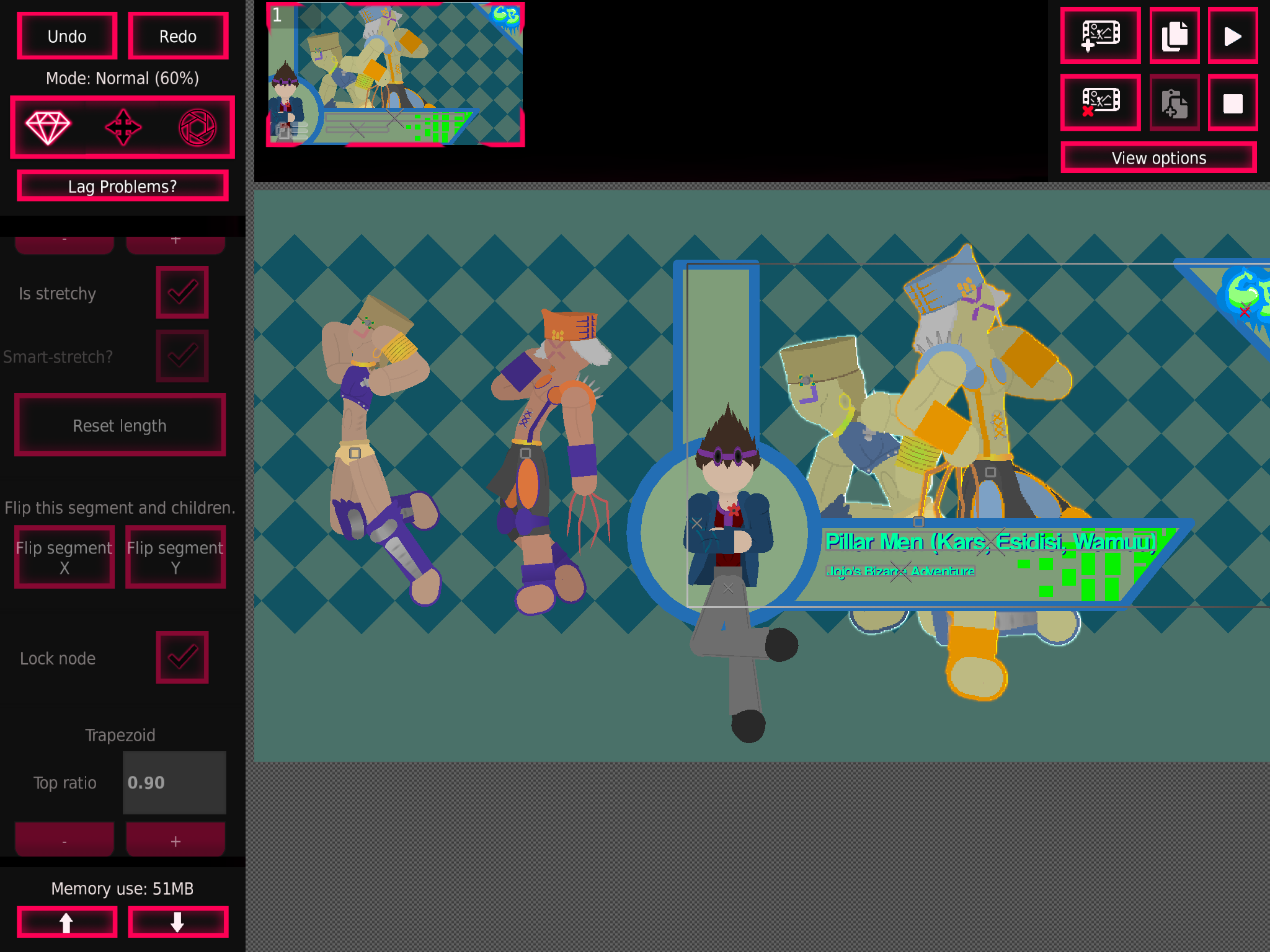
Wham and AC/DC done lol, now I just need Cars
-

Aight bro here’s some Cars
 2021-10-10 18:37:31 UTC
-
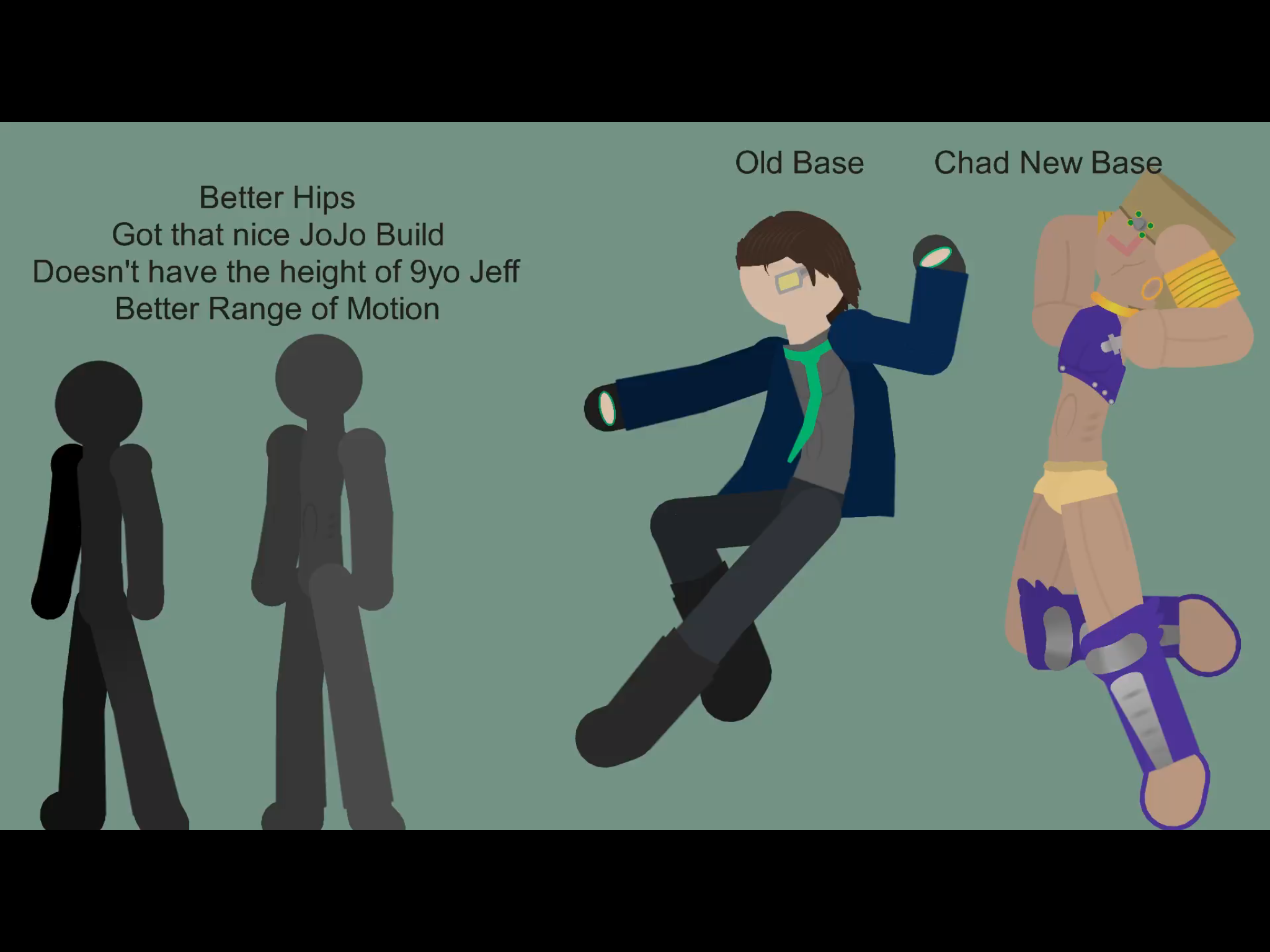
Slight base improved
-
base flexing
 2021-10-10 17:16:25 UTC
-
Replying to:
Who that
If that’s yours, you must go to court for non block base
2021-10-10 17:35:49 UTC-
Replying to:
i will go to court for tax evasion
2021-10-10 17:43:42 UTC
-
 Replying to:
Bro can i use your base
-
Replying to:
nah
probably soon2021-10-10 18:19:22 UTC
-
-
ooh noice
2021-10-10 17:21:33 UTC
-
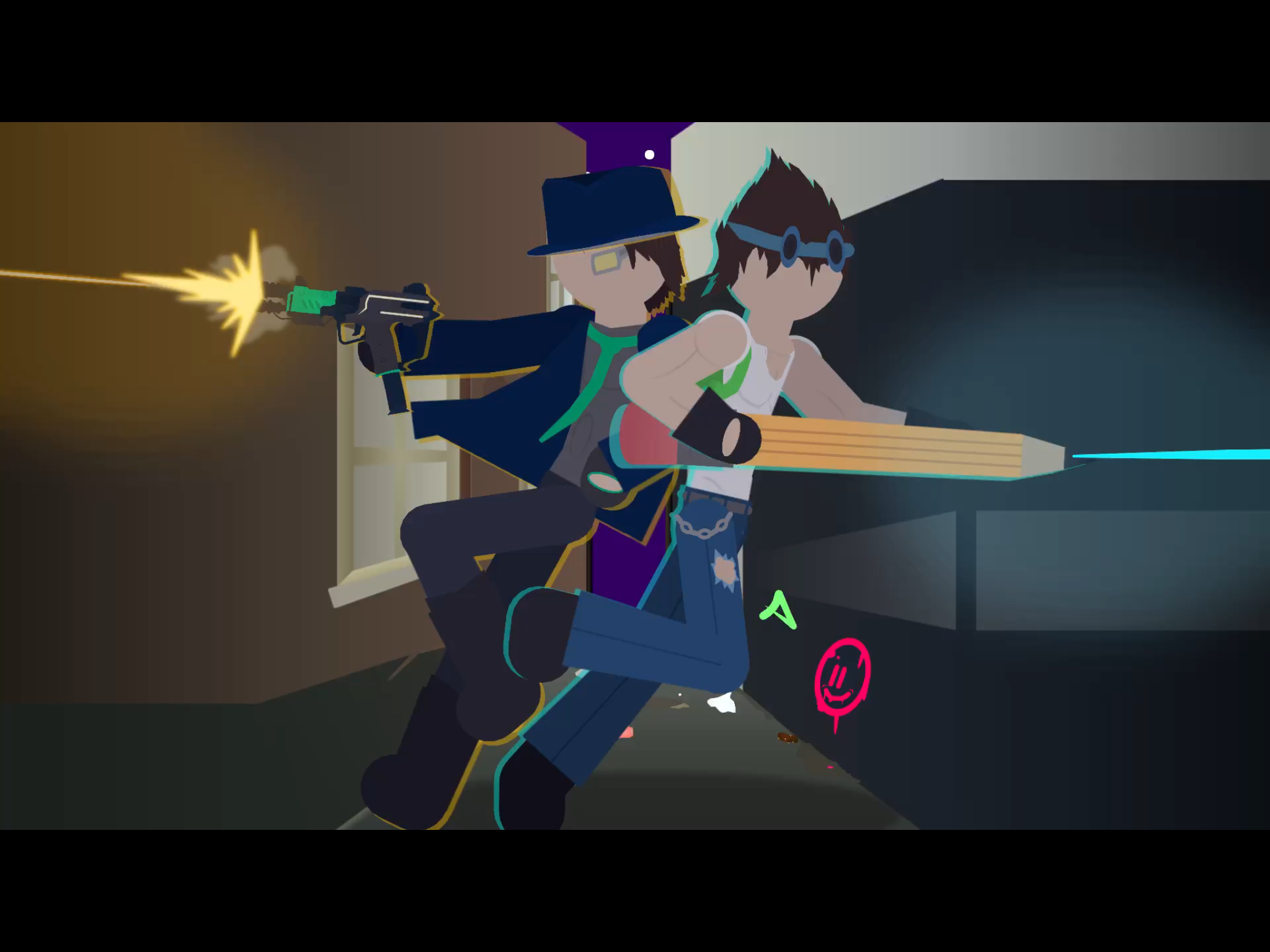
These hurt to make
@beginninganimator teach me
Idea: make a group with “classes” every Saturday or so, we all gather to see the post you have about making high detail pics
-
And it can be interactive as well
“What’s the answer to this”
“Says answer”
“Correct”2021-10-10 15:11:45 UTC -

so first, you wanna give it a blur somewhere between 0.05-0.10.
Then you may or may not want to tint it, i’m going to do so because i’m making the background a nostalgic blue (for me).
Next you wanna duplicate it, then put the new figure behind. Tint it to 1.00 with a black/dark color, then blur it and bring down the opacity to an extent that looks good.
This can work as both a shadow on the stick and a shadow behind the stick so just do whatever with that. Or just do both.
Now if you want to add a light, i made a movieclip called “star light” and its mean’t to create a thingamajing of light. This thing is very powerful, and it took a lot of tweaking to adjust to my liking.
So lets say he’s holding a torch, i’m gonna use this as the light for the torch. Gonna blur it to 0.65 to smooth it out and put its opacity on a scale between 0.20-0.50. Gonna give it some tint to an orange color. Then i’m gonna put a white one under the orange one, make it smaller and stuff.
You’re now gonna tell the blue-tint to fuck off and then tint the figure to an orange color since that’s the color of the fire on the torch. And that’s it.
If you wanna improve the look of it i use something called photoshop express, i’m gonna use the charm 4 filter because it looks noice out of most of them.
There are many other things to learn but that’s to be documented in the future.Well this was not typed by me, this was an explanation given by coll himself, I just copied and pasted it
The technique the says it’s really hard so here is a simple way
First add the fig you want, the copy and paste it, have the pasted figure forward of the original fig, then decrease the opacity to 50 and tint it completely and select the colour you want to merge with the background, and then use blur upto 75 or even more or less
2021-10-10 15:31:58 UTC-
Replying to:
Thanks
That was hard to read lol
“Do this to it” doesn’t help
2021-10-10 15:39:12 UTC-
Replying to:
Ik that the is enormous, just read the last passage to get it
2021-10-10 15:50:16 UTC
-

I guess I could share my art skills with the community for others to learn.
The problem I’m seeing with this image is the lighting, which is a common error most people make.
Add some blur around either 0.05-0.10 to them. Try to make the lighting as realistic as possible, using shadows and light sources to your advantage. The light source doesnt seem to be bright enough, try to make it stronger. I recommend creating a movieclip as I’ve done before that I call star light. Its nothing more than a light source that decreases in opacity as it moves outward, the thing is is that its constructed with alot of circles to make it look really smooth. They look like they could be slightly tinted to the color of their light source. Another thing to point out is the light coming from behind him which rationally makes no sense.There’s alot of things I didn’t mention in this comment that could be done, so I’ll talk about it later.
Stick nodes art is actually quite simple once you’ve passed all the road blocks, the main problem people usually have is lighting and how to make it work in stick nodes. It really becomes a very simple process once you get the hang of it. Me myself is still developing new techniques to support further advancement.2021-10-10 17:40:27 UTC-
Replying to:
Thanks
2021-10-10 17:48:03 UTC -
Replying to:
could you give like a mediafire link or something to your star light thing
2021-10-11 22:46:40 UTC
-
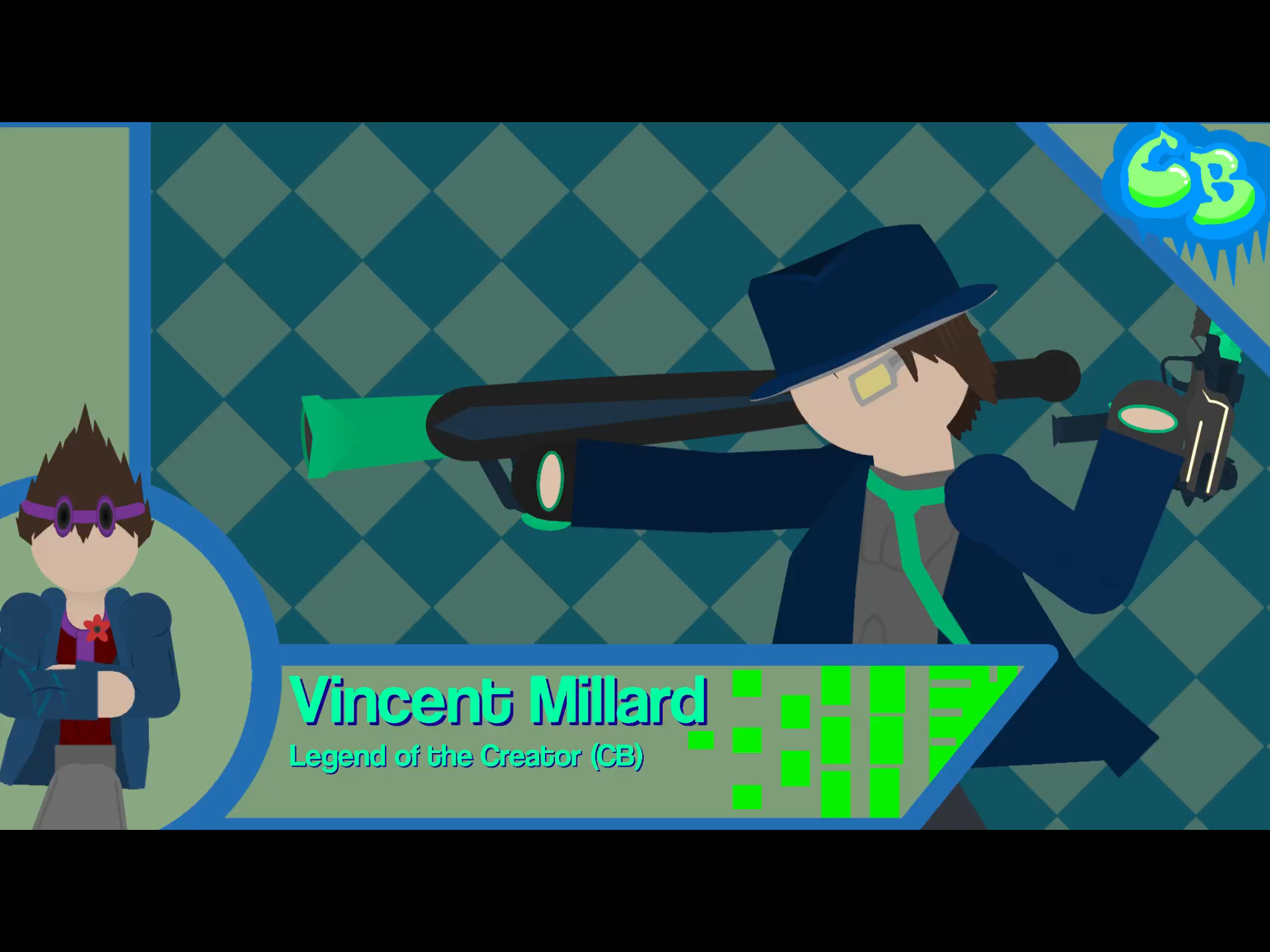
Remember that old suit Max had, with the green tie? Yeah, that was actually Vincent Millard’s
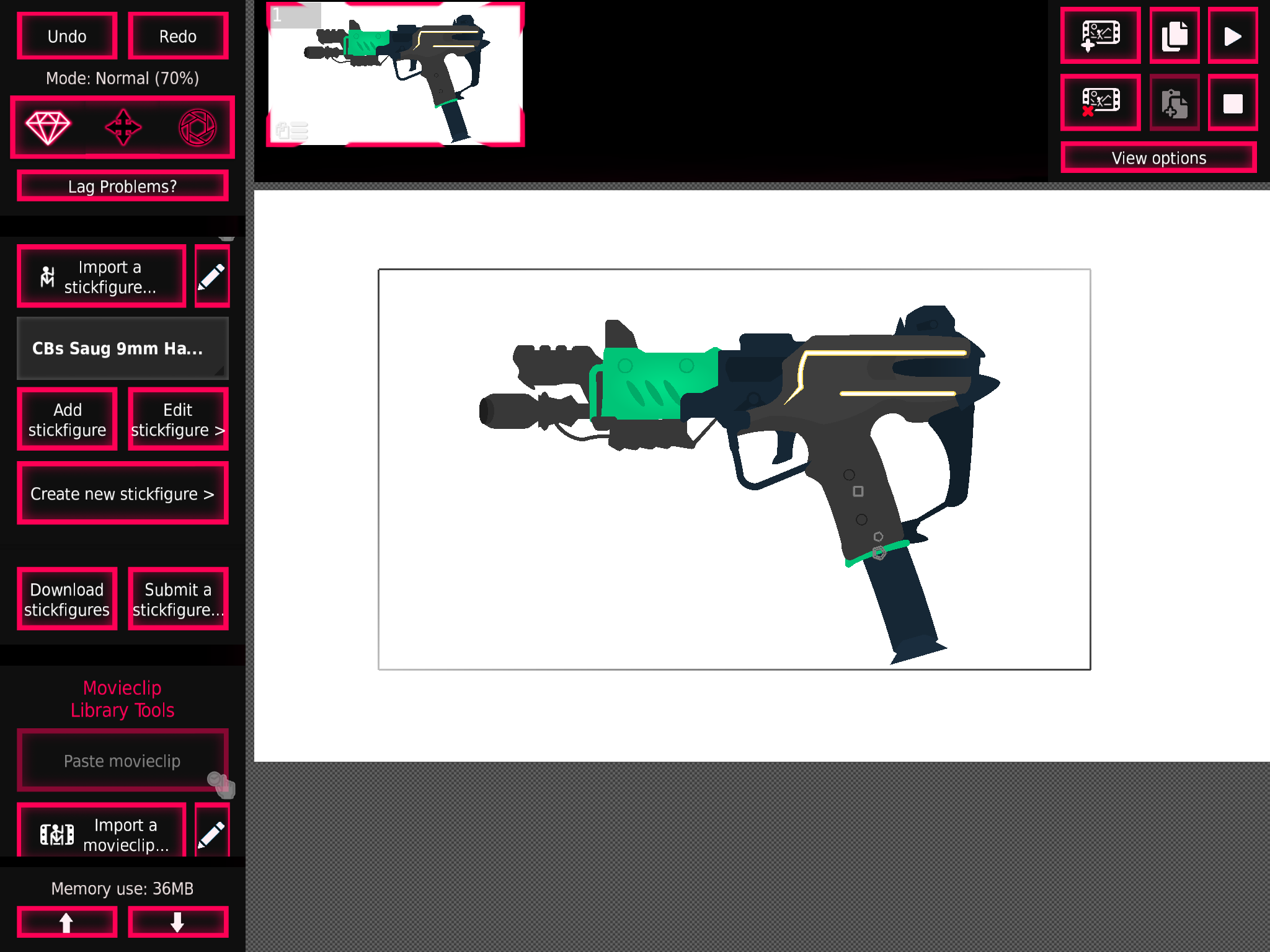
Vincent, Max’s brother, is an assassin with a love for firearms. Owning a gun shop, he doesn’t dissapoint when it comes to advanced, not-so-ordinary weaponry. He carries a Saug 9mm Sub-Machine Gun, as well as a baseball bat with an integrated cannon. If all else fails, his hat is lined with extremely sharp blades, making him the modern day Kung Lao! He’ll do anything for Max, even if it means sacrificing himself for his younger bro.
-
Also
“Mih-Lahrd” (emphasis on lard)
2021-10-10 02:32:13 UTC
-
Saug 9mm
-
if midoriya was a gun
idk because green
2021-10-09 23:08:22 UTC-
Replying to:
W a t
-
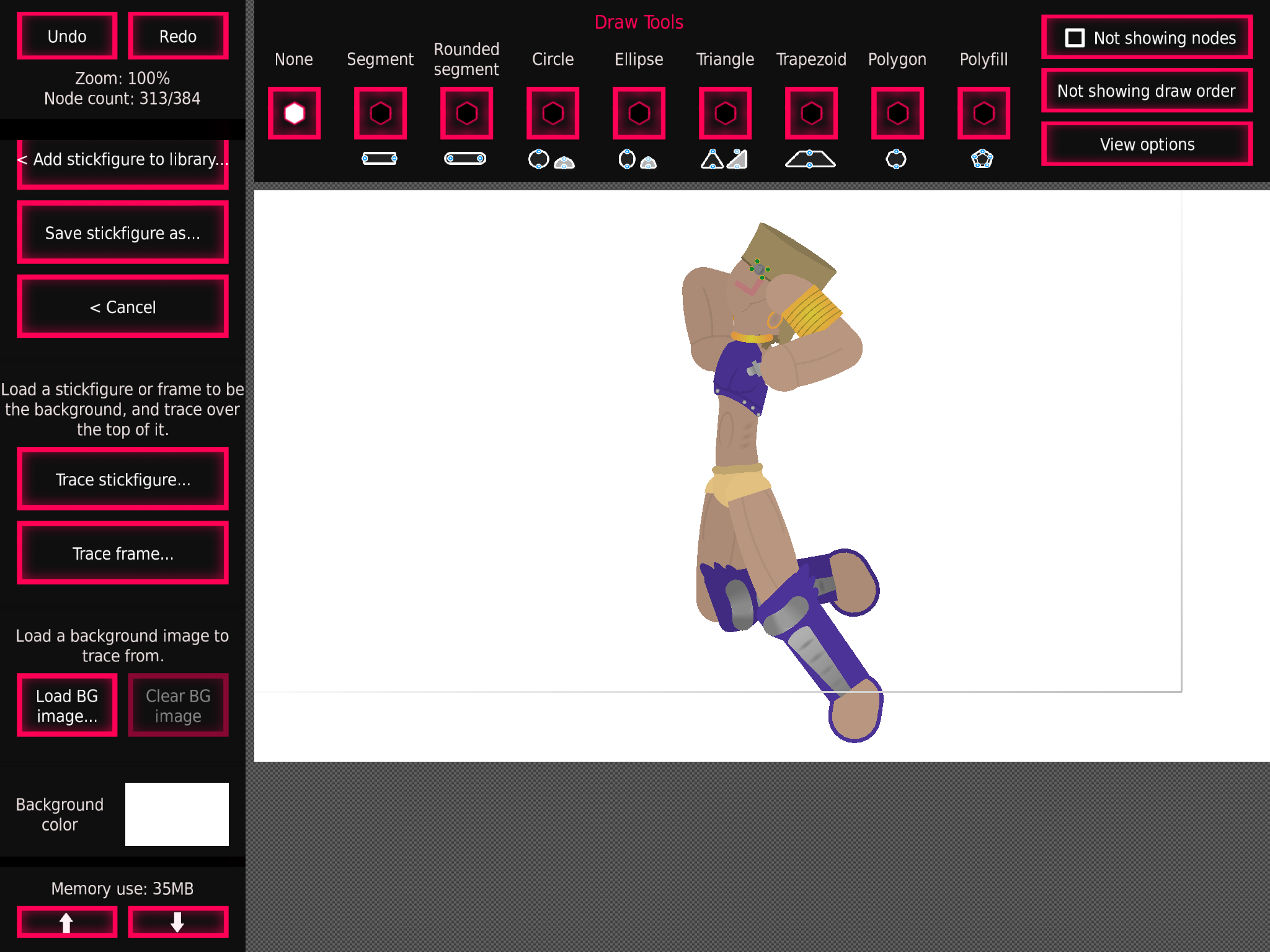
So i’m doing some column fellows, should I do Santana?
I’m also trying to do their recolors, when when things get intense
Here’s the best column fellow, wham
-
yes
i love ittheres something you should also do
say oc’s go
2021-10-08 16:47:42 UTC-
Replying to:
Lol
I still have to finish Ralph vs Sean before I do ocs
So not yet
-
Replying to:
o
2021-10-08 16:50:46 UTC
-
-
SHOULD I DO SANTANA
ANSWER ME GOD DARNIT
-
2021-10-08 18:34:06 UTC
-
- Load More


Also, for some reason Max’s pencil always transports him to the time where part 3 and 5 took place, hence the part 5 style stand
I see you kekeke
Fellow crush 40 lover?
Finally, someone with good taste in music
Hm, maybe it is gonna be alright
Man I love sonic adventure
Who doesn’t?
…
*several people are typing*
R.I.P Dr Love
Officially
got some corrupted shinnok action
ps @nicky1612 i have a stickfigure request…