

@beginninganimator


Joined on October 4th, 2019, this user has been a member for 2,457 days and is the 26,591st person to register an account.
Has 35 submissions, the first one uploaded on October 9th, 2019 and the most recent on June 16th, 2023.
Of those, 12 have been featured and 24 have won Users' Choice.
On average, each submission earns 5,671 downloads.
In total, they have been download 198,491 times.
Counting every individual stickfigure, including the contents of all packs, this user has technically made and submitted 210 stickfigures.
On average, when this user rates stickfigures, they are 94% positive.
Also, they are typically 100% positive when rating animation spotlights.
Has made 546 comments on non-activity pages of the site. Alternatively, this user has made 14,977 comments on actual activity pages of the site.
This member is not a Users' Choice voter.
Show More D.O.H.D | Development of Hyper-realism Dynamics.Owner
 THE NODIUM | ?Owner
 Beauty Is Everywhere - StickFigure Request.Owner
 𝗦.𝗡.𝗨 – 𝗣𝗿𝗲 𝗝𝘂𝗹𝘆 𝟮𝟬𝟮𝟮 𝗗𝗮𝘁𝗮𝗯𝗮𝘀𝗲 🚫 [ ᴏᴜᴛᴅᴀᴛᴇᴅ ɢʀᴏᴜᴘ ] 🚫admin
 Quesoadmin
 #TeamDemonadmin
 Rene’s Groupadmin
 StickNodes Movies!admin
 Big Black Man (changed title cause the original was unbearably cringe, still a dead group tho.)admin
 Africa Campaignadmin
 The Cat Cultadmin
 The role play groupadmin
 The Jayingee Youtube Fan Groupadmin
 Flamingo YouTube Fan group./Flamingo memesadmin
 Achlon Theatermod
 The Profile Rankersmod
- OCs Battlesmod
 Cold weather peepsmod
 Chill Boismod


-

creed and
Collo are now friends 4 years, 8 months ago -
Replying to comment by:
This post was tedious because i’m trying to keep the post short, make things make sense while trying not to give useless information.
-
More on hand-made shadows and how to apply what i’ve shown to some stuff.
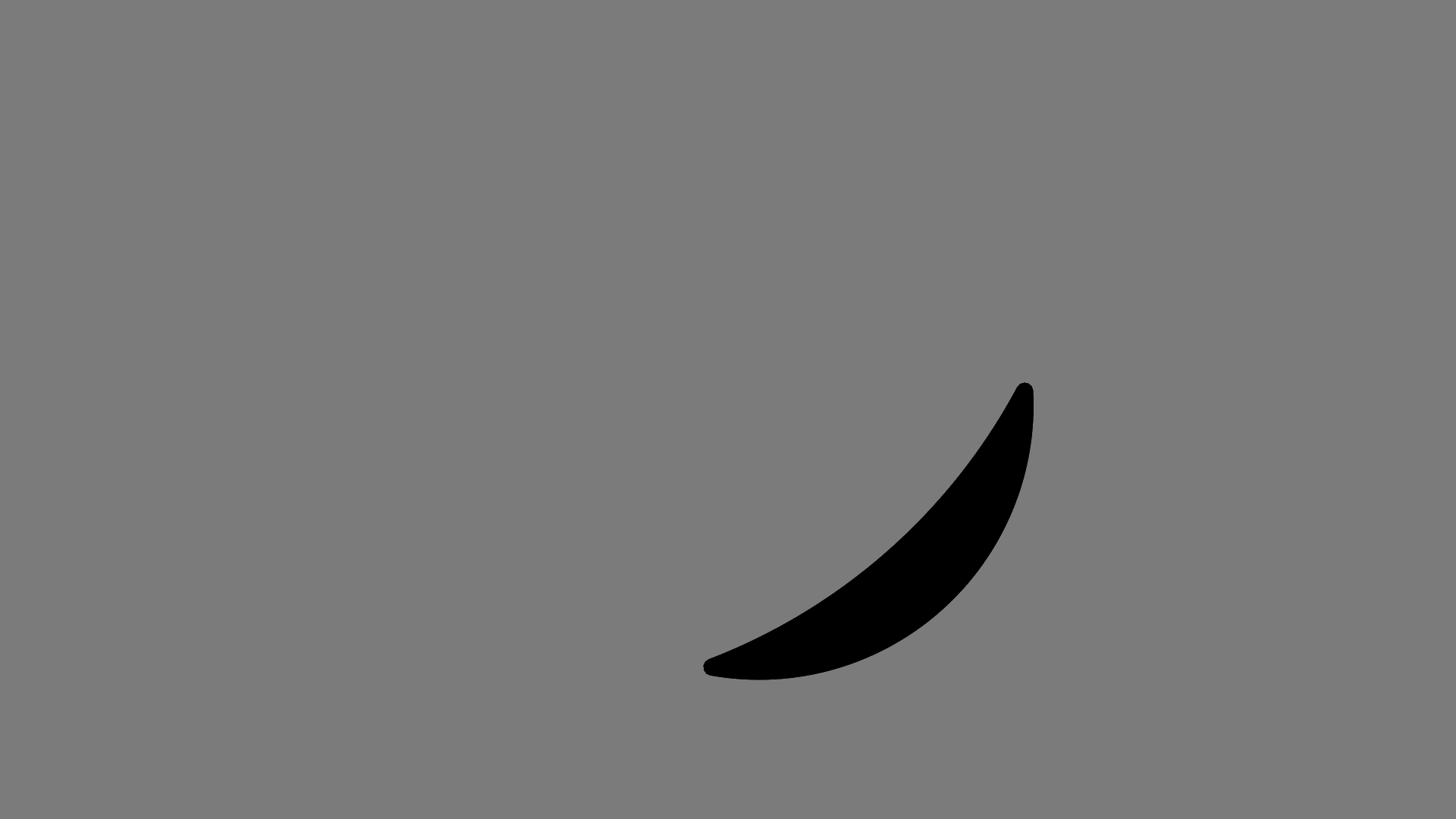
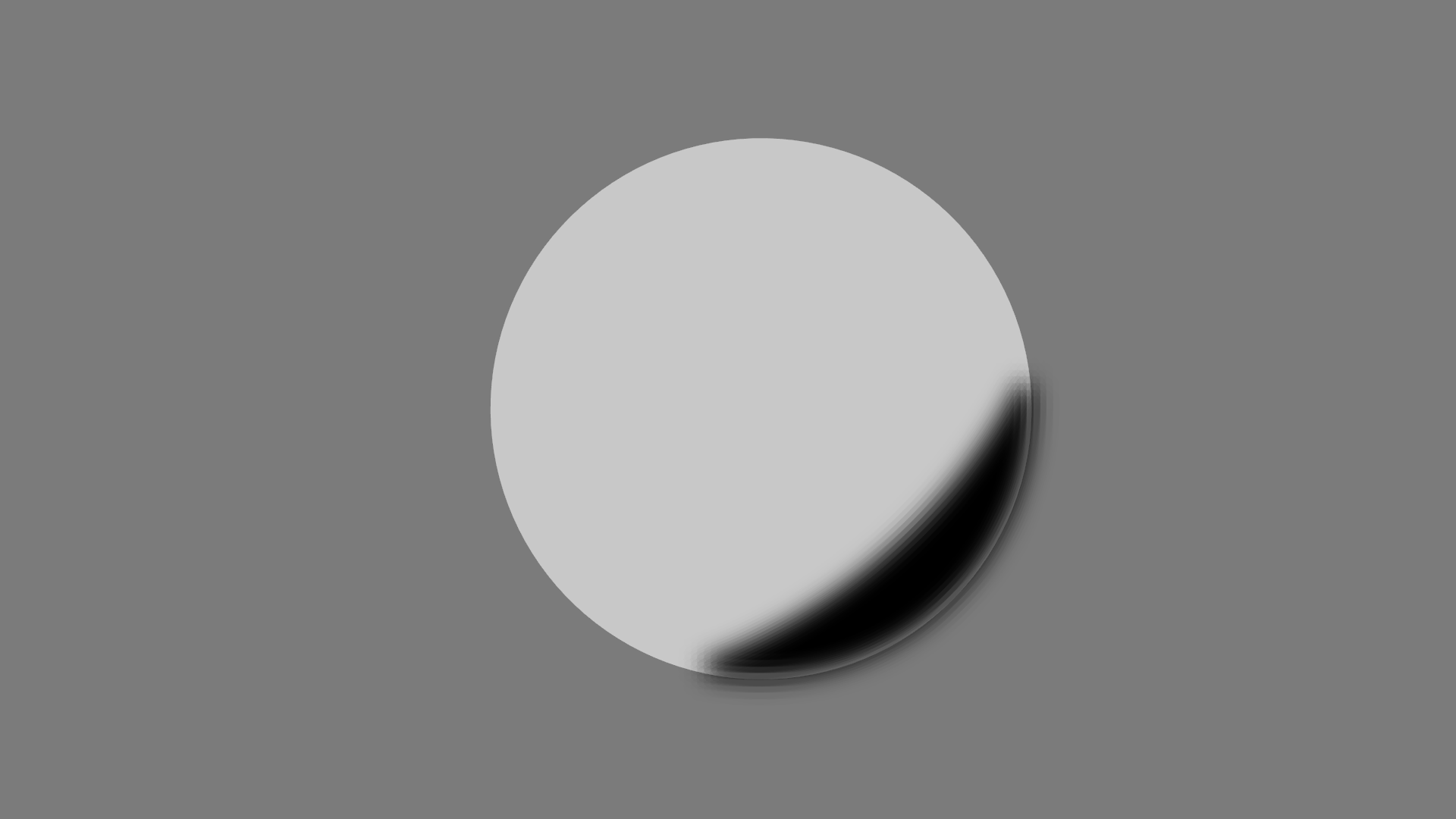
1. try to make the shadow look like a banana. Use a circle as a figure to make a shadow-arc from it.
Your result should turn out similar to the top image shown below.
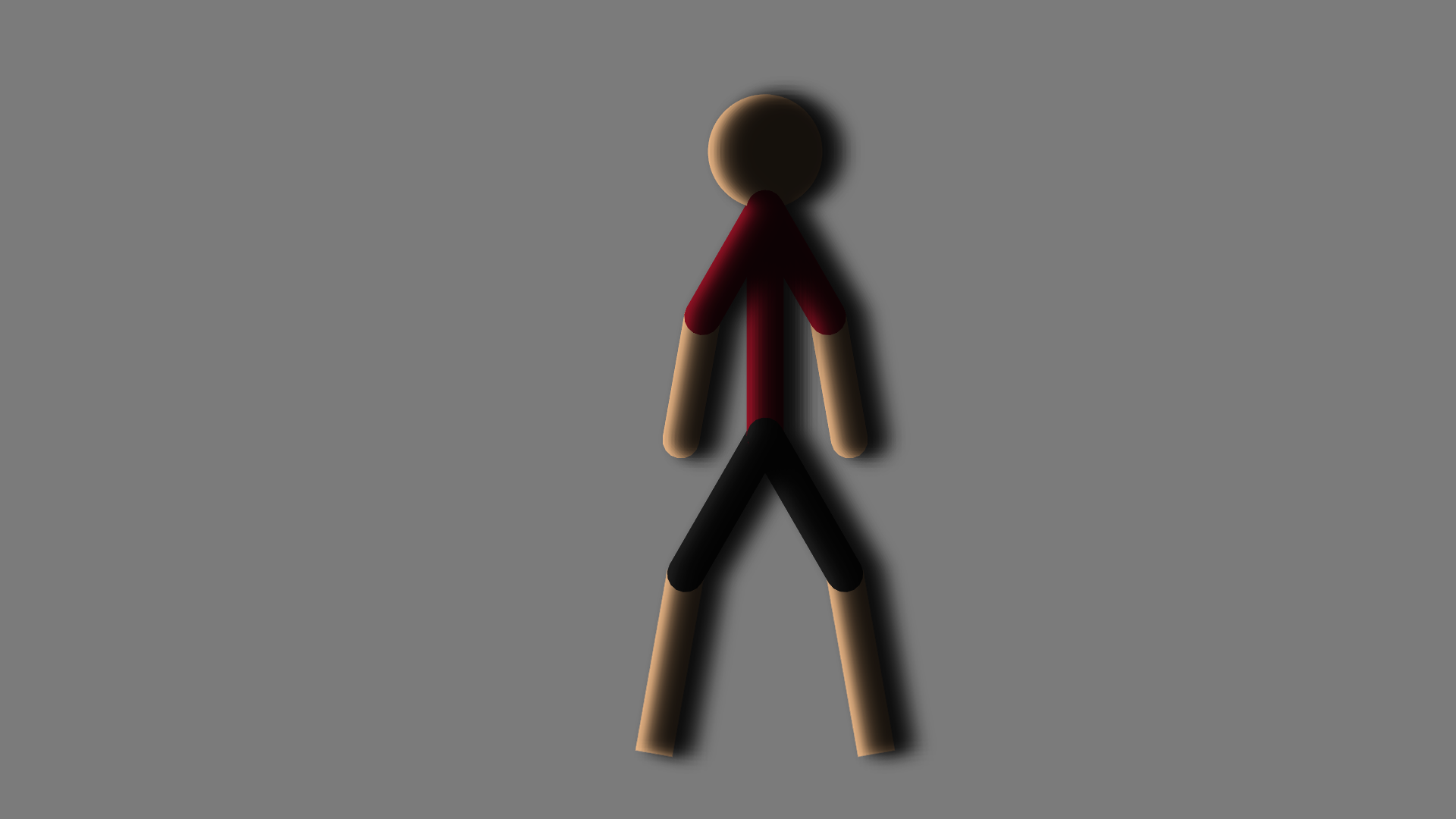
Make sure your shadow is large enough.2. i’m gonna show you how to apply what i’ve shown you to actual figures. Duplicate your figure, turn it into a shadow and copy and paste a shadow as many times as you want. Just put them all behind each other. Same properties to creating shadows apply. Make sure they have a low opacity. For actual figures i’d suggest just black.
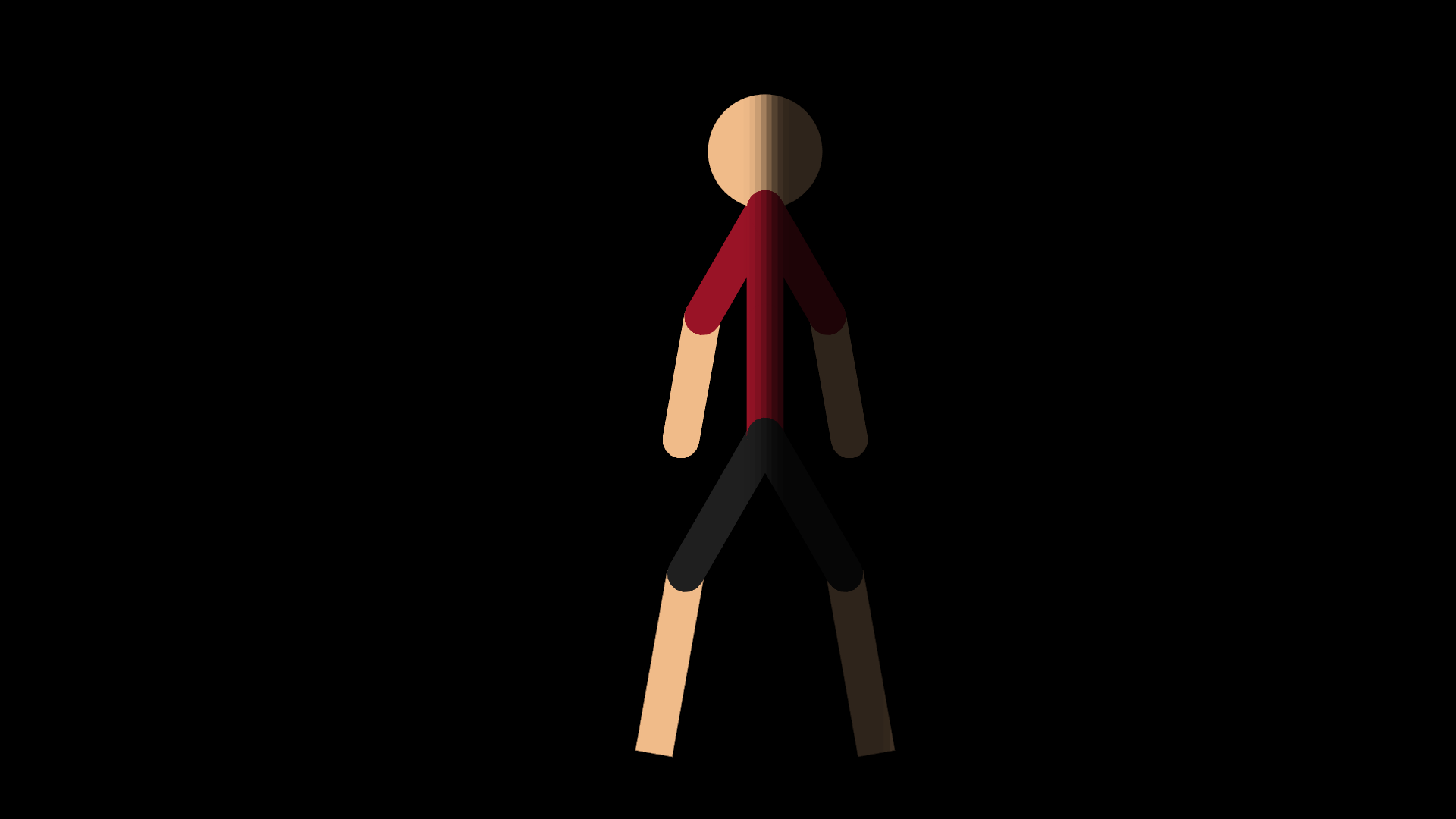
Circular Arcs could be used as shadows for the head, the ball method could also be used for the head as well. Basically anything circular could apply to those procedures.3. The line method can be applied by stretching a shadow across the figure. Although you could use hand-made shadows for anything highly specific.
To cut everything down to only what’s necessary for you, here’s a list:
The arc-method. The line-method. Hand-made shadows. The shadow-behind-shadow method. The ball-method (relatively.)
-
This post was tedious because i’m trying to keep the post short, make things make sense while trying not to give useless information.
2021-10-11 21:36:01 UTC-
 Replying to:
you have a better understanding of content creation than 90% of youtubers
“how to open a can of soda”
video is 8 minutes long
2021-10-11 22:23:36 UTC
-
ps drop shadow filters will be a thing in 3.3.0
it’s already implemented im just slow as dicks getting this update finalized
2021-10-11 22:27:34 UTC-
 Replying to:
when 3.3.0 comming out doe 😳
2021-10-11 22:29:12 UTC-
Replying to:
was gonna be this past week but irl got in the way
2021-10-11 23:03:06 UTC
-
Replying to:
incredibly exciting
i won’t have to teach or make drop shadows manually
2021-10-11 22:35:52 UTC -
 Replying to:
ralph i congratulate you for working so hard
2021-10-13 16:49:56 UTC
-
i made a similar shadow where i likeeeee
ok so i made a segment as big as i could, i put it in the corner, blur 100 and did some things with the glow and opacity was kinda like i think not invisible but not fully solid i dont have the image i could get it later tho2021-10-17 19:53:59 UTC
-
Replying to comment by:
For the top image, i feel like you didn\’t duplicate and put another arc behind it or you duplicated the arc and didn\’t move it. If not then you could lower the opacity some more.
For the bottom one, i feel that the shadow opacity doesn\’t correlate with the background. So try to decrease the some more until it looks good. I didn\’t cover much on this one and help out some more on how to make it look even better so some of it is my fault.
-
Replying to comment by:
i once got over 123 views in a few seconds
i deleted the video tho
-
Replying to comment by:
The fact that it\’s colliding with it isn\’t a confirmed idea.
It\’s currently an experimental concept similar to milky way & andromeda, kind of like me trying to give them some similarities to each other.
It might be abandoned and mama media will probably just pass over it instead of colliding.
-
Replying to comment by:
also, what was the game from there that you wanted to show me? the link was broken.
-
Replying to comment by:
mamamedia is the neighboring galaxy requested by Ralph. Supposedly its this website that was mean\’t for children that i guess ralph came across of back then. There are some links of games and stuff on it that Ralph wanted to show me but they were broken.
-
Gotta keep the group alive.
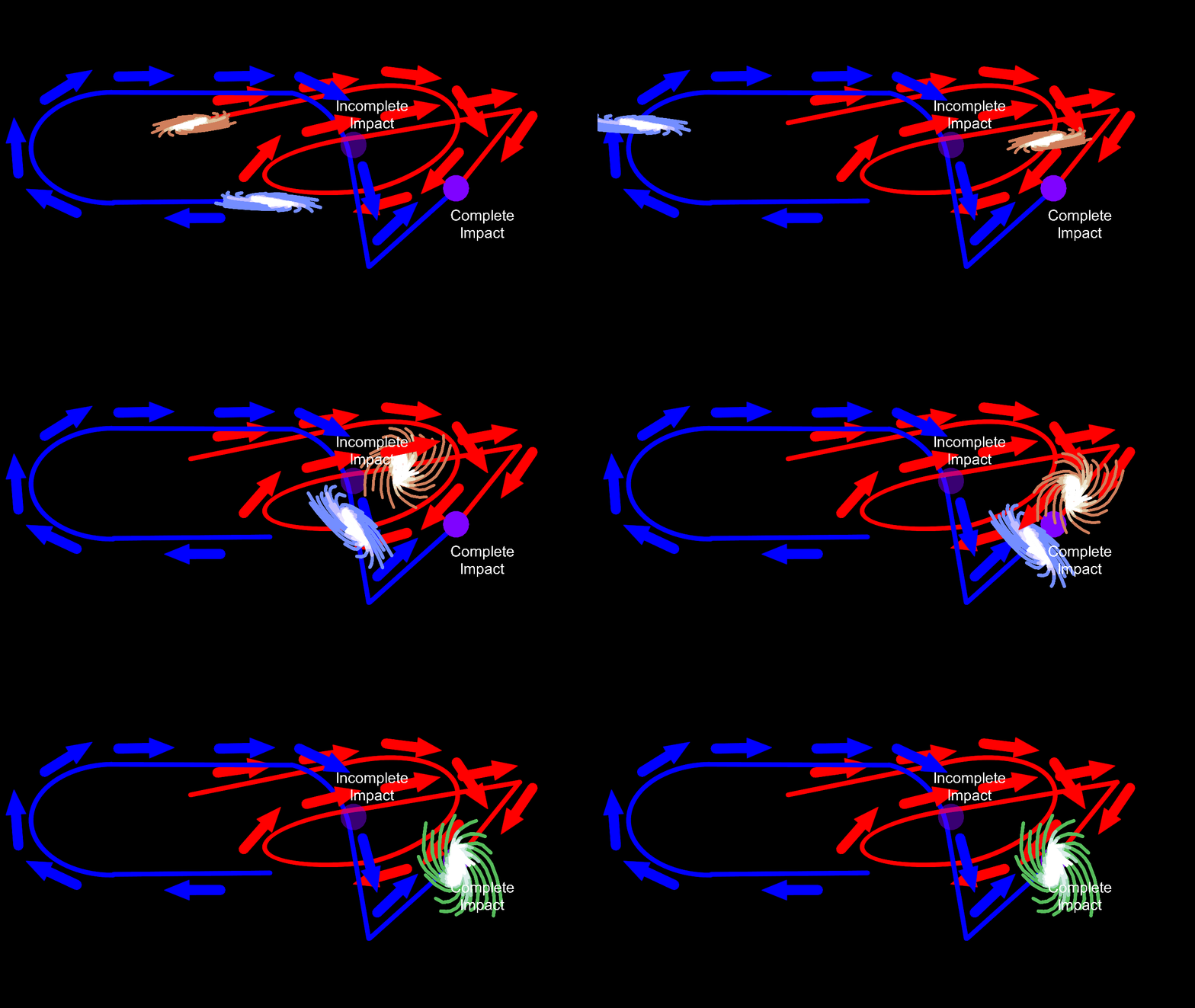
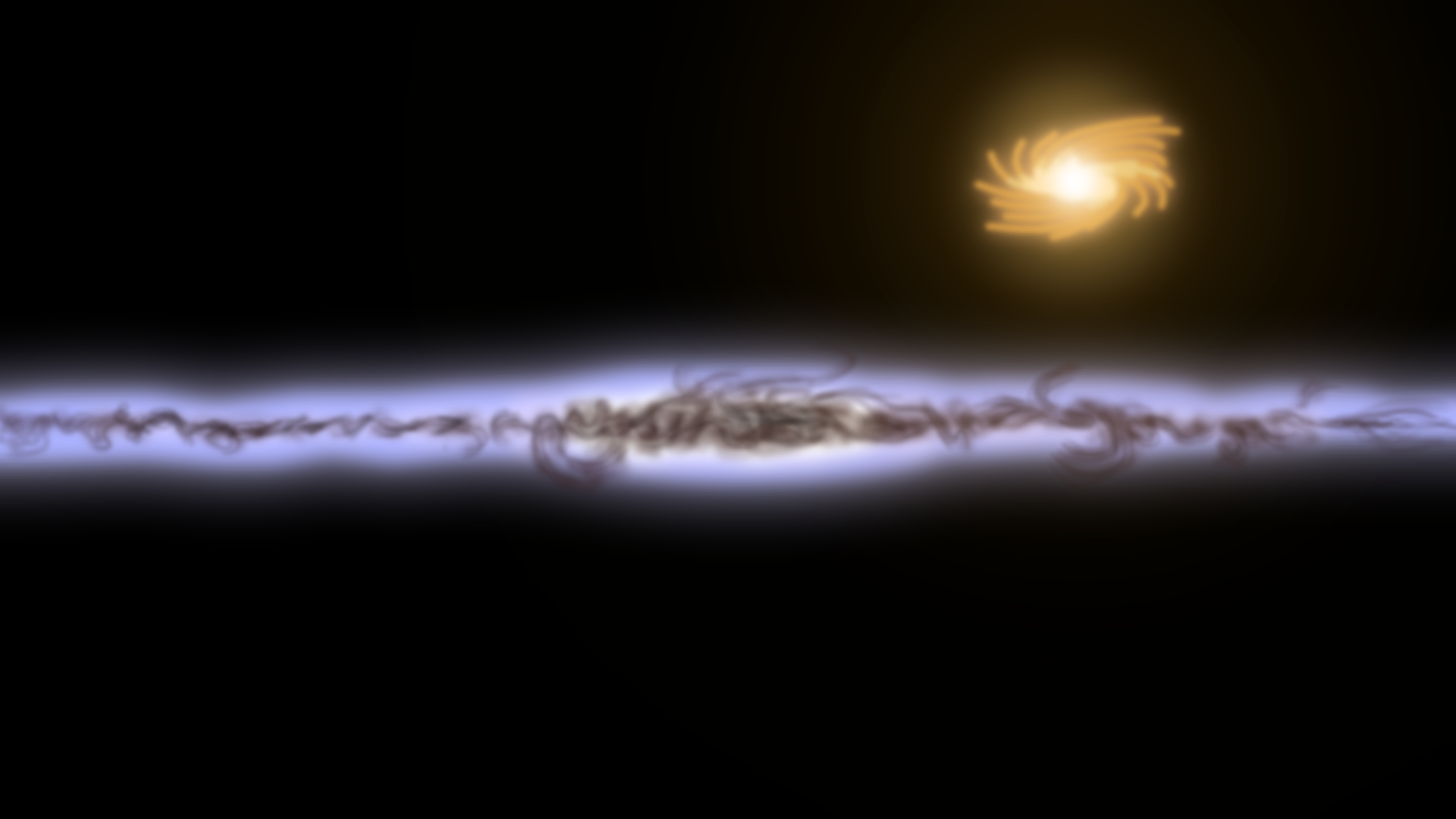
Anyways, course of collision between the stick nodes galaxy and the
mama media galaxy.
======================
-

What the fuck is mama media
And why is it colliding with sticknodes
2021-10-11 20:14:15 UTC-
Replying to:
mamamedia is the neighboring galaxy requested by Ralph. Supposedly its this website that was mean’t for children that i guess ralph came across of back then. There are some links of games and stuff on it that Ralph wanted to show me but they were broken.
2021-10-11 20:15:53 UTC -
Replying to:
The fact that it’s colliding with it isn’t a confirmed idea.
It’s currently an experimental concept similar to milky way & andromeda, kind of like me trying to give them some similarities to each other.
It might be abandoned and mama media will probably just pass over it instead of colliding.
2021-10-11 20:19:25 UTC-
Replying to:
O ok cool
2021-10-11 22:51:00 UTC
-
Replying to comment by:
conserve nodes
me stacking projects on top of each other
-
Replying to comment by:
Amazing job
-
Replying to comment by:
ngl he looks like one of those dudes who you can\’t tell is a male or female imo
But still pretty good
-
Replying to comment by:
good job!
-
Replying to comment by:
can\’t compare to my galaxy bg\’s with over 40,000 nodes
-
Replying to comment by:
Me when incest
- Load More


