



@explosivebullet


Joined on July 5th, 2017, this user has been a member for 3,287 days and is the 202nd person to register an account.
Has 143 submissions, the first one uploaded on December 22nd, 2016 and the most recent on June 10th, 2025.
Of those, 19 have been featured and 54 have won Users' Choice.
On average, each submission earns 11,011 downloads.
In total, they have been download 1,585,654 times.
Counting every individual stickfigure, including the contents of all packs, this user has technically made and submitted 1,155 stickfigures.
On average, when this user rates stickfigures, they are 95% positive.
Also, they are typically 20% positive when rating animation spotlights.
Has made 6,370 comments on non-activity pages of the site. Alternatively, this user has made 12,497 comments on actual activity pages of the site.
This user also has been featured in the Animation Spotlights 9 times.
This member is a Users' Choice voter!
Their current voting streak is 0 and their longest streak is 1239 consecutive votes.
 Spotlight CritiquesOwner
 Project Landfall SeriesOwner
 X-Ray Collab 2 (Upcoming)Owner
 EB Figures and AnimationsOwner
 FPS Animation GroupOwner
 Stew’s Generic Groupadmin
 Questions and Helpadmin
 Military Nodersadmin
 Mission Breaks Chains Series.admin
 War Technicals and Infantry (This Group is very dead)admin
 Operation: Containmentadmin
 The Ramox seriesadmin
 Politics (13+)mod
 After the Flash Downfallmod
 The Fight For Freedom Seriesmod
 Stick Nodes 2 Development Teammod
 MK groupmod
 Curtis Entertainment Corp.mod
 The New Internet War Groupmod
 Ramoxfire’s Forge Of Figuresmod
 Blades and Guns (weapon guru group) (This Group is very dead)mod
 Vault 279mod
 Ezora Adventures(RPG and Role-play group!)mod
 Marksman Collabmod
 #Team StickNodes Movie Aftermathmod


-
 Replying to comment by:
I feel that’s just a little too used in the skin.
-
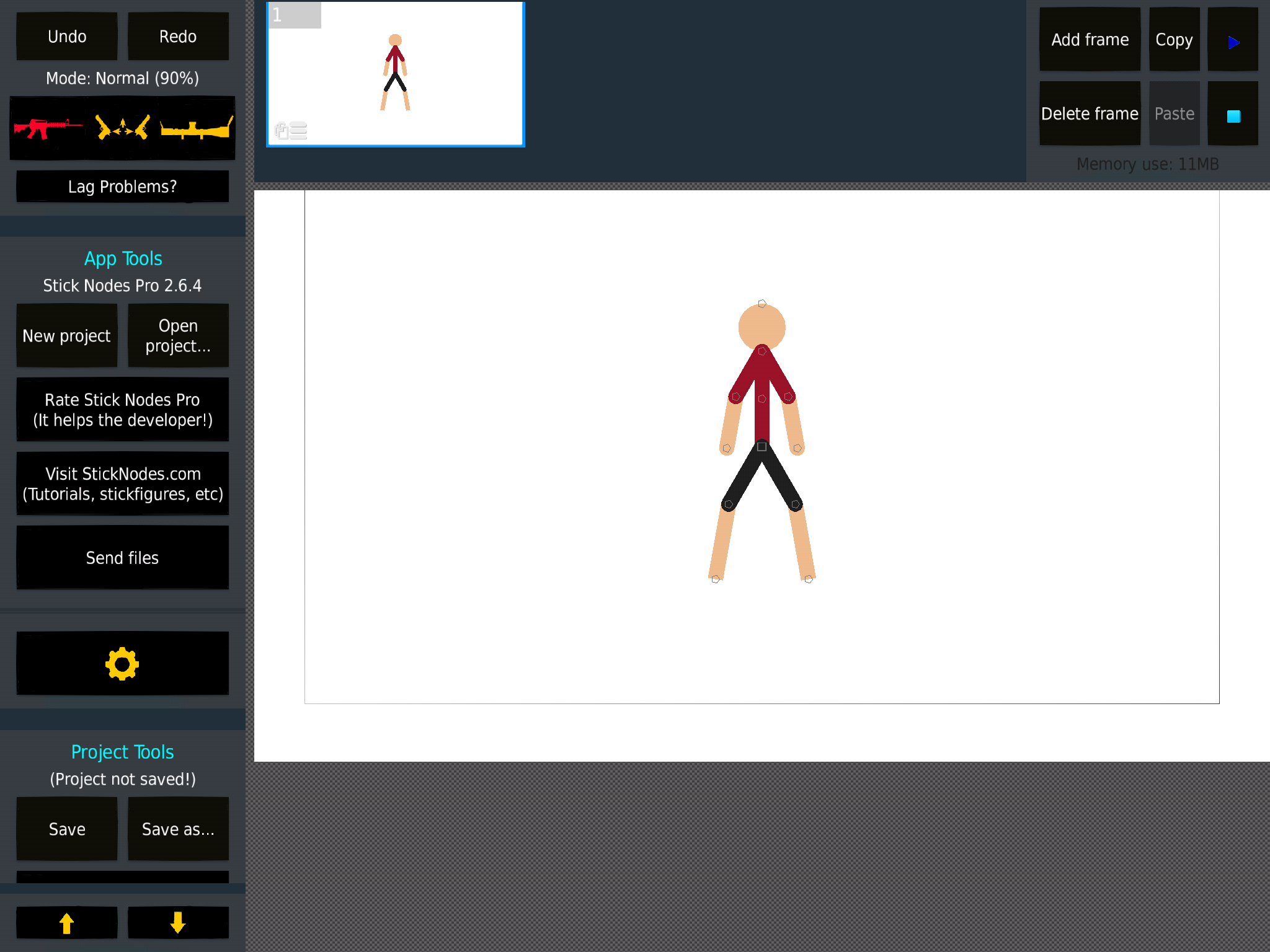
Skin works all good now. But I’m debating whether the loading thing should be a spinning helmet or a spinning bullet case.
-
Replying to comment by:
Alright. I\’m gonna do another method though, but if it doesn\’t work, I will try and make the actual image a layer over the 1st.
-
Replying to comment by:
Yes you do. #Soon
-
Replying to comment by:
Don\’t use a phone but there is a background eraser. So thank you for pointing me in that direction.
-
Replying to comment by:
No checkboxes are locked. And I\’m on layer 0 which is the image. Nothing happens.
-
Replying to comment by:
Wait. Then how did he reply to your comment knowing who you are?
-
Replying to comment by:
Same thing with the NBC veteran. No additions to design were made, the only acception is the combat bot because I felt it needed more pouches. The updated versions are all intended to add smart stretch, fix bugs with the last version of the figure, add a female version, add a front view version and update the figures to the current PL base. That wasn\’t done for the NBC Veteran though since theres all the clothing overlapping which made it hard to differenciate between something that had the base and something that did not.
-
Replying to comment by:
Paint tool? That doesn\’t have a transparent option with what I am using. For photoshop, any recommendations on which app I should use which is able to do the job precisely?
-
Replying to comment by:
I can\’t remove it with mediabang. And tips on how I could remove it? The eraser and the selection tool literally do not do anything.
-
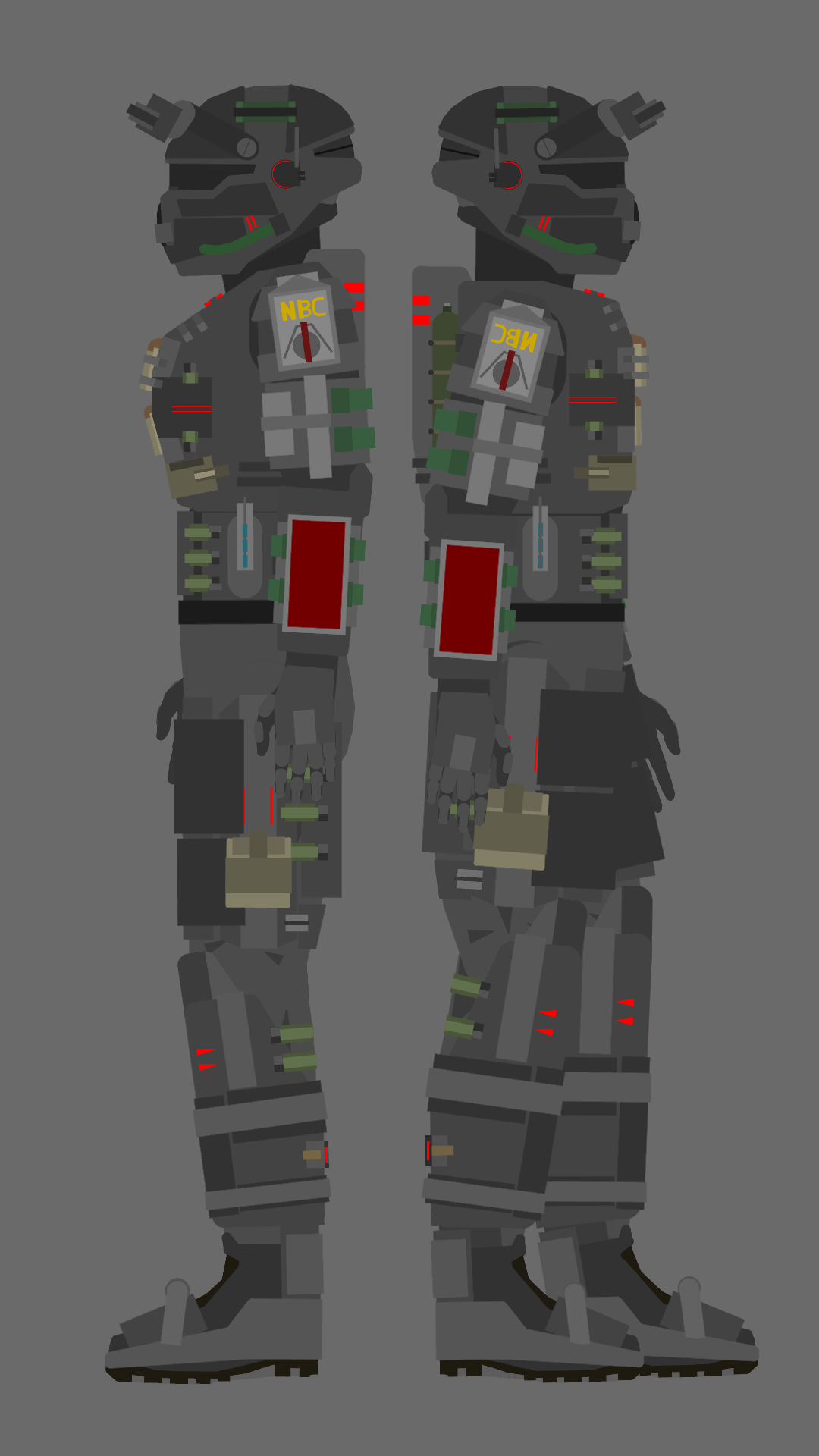
NBC Elite update is in progress. Lot’s of remaking.
-

ok
to a person lacking attention to detail though, this may look more or less the same compared to the old one though-
Replying to:
Same thing with the NBC veteran. No additions to design were made, the only acception is the combat bot because I felt it needed more pouches. The updated versions are all intended to add smart stretch, fix bugs with the last version of the figure, add a female version, add a front view version and update the figures to the current PL base. That wasn’t done for the NBC Veteran though since theres all the clothing overlapping which made it hard to differenciate between something that had the base and something that did not.
-
Replying to:
ah
-
-
-
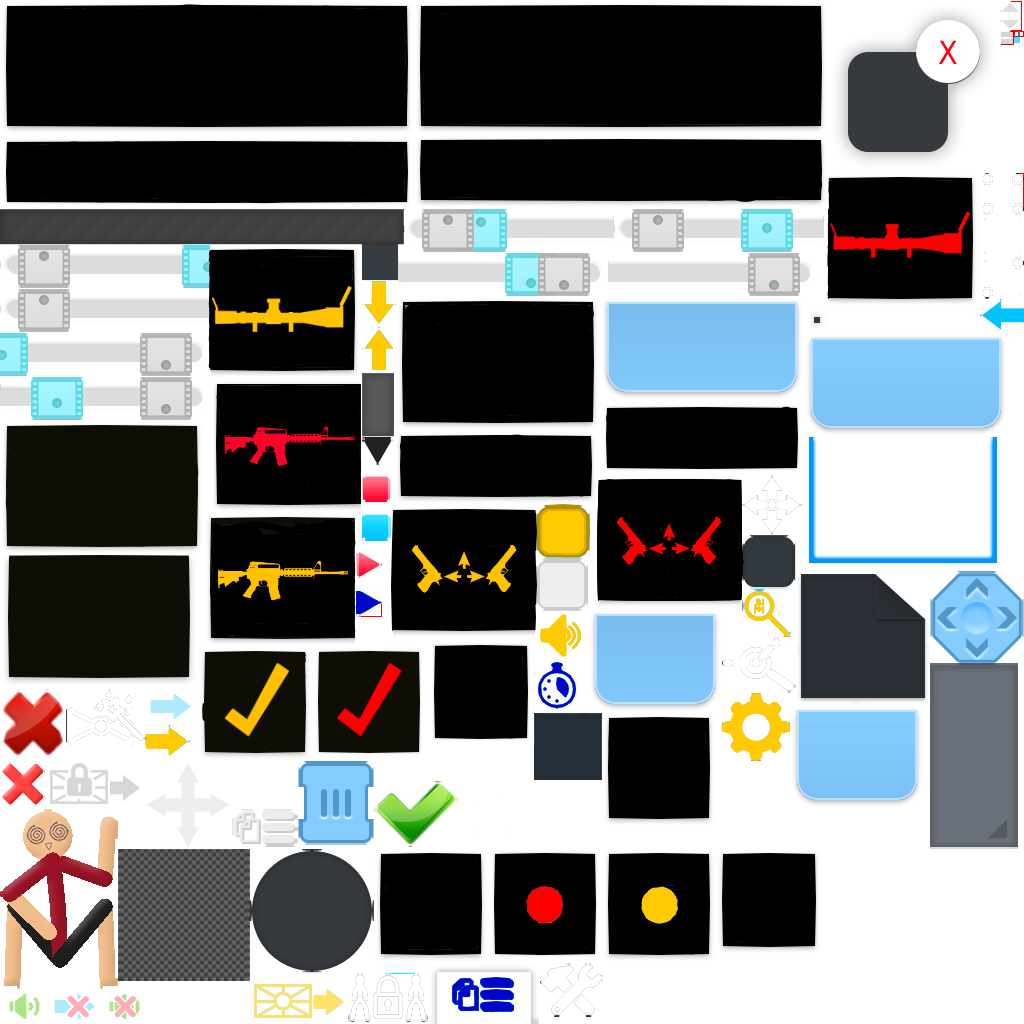
Anybody have any idea on how to get rid of the bastard on the bottom left. The loading dude. I can’t cause I can’t find anything accurate enough to take him out and not anything else without taking away the transparency in the PNG.
-

I’ll see what I can do. I’ll send it on discord when I’m done
-

Use paint tool or photoshop
You can take it out just by selecting2019-08-14 03:25:23 UTC-
Replying to:
Paint tool? That doesn’t have a transparent option with what I am using. For photoshop, any recommendations on which app I should use which is able to do the job precisely?
-
Replying to:
It works for me
You can export the final work on png so
-
-
he might be that one guy who crashes the party
-

Gimp, Medibang, photopea, photoshop, basically anything that has selection tool and an eraser.
-
Replying to:
I can’t remove it with mediabang. And tips on how I could remove it? The eraser and the selection tool literally do not do anything.
-
Replying to:
Locked alpha layer. Or you’re on wrong layer. Or your brush is at 0% or some sort of blending mode.
And selection tool is simply to prevent other stuff from getting erased
-
Replying to:
No checkboxes are locked. And I’m on layer 0 which is the image. Nothing happens.
-
Replying to:
You can always try making new project with the image you exported. Tho you could have possibly made a stack of the loading stickfigure on multiple layers
-
Replying to:
Alright. I’m gonna do another method though, but if it doesn’t work, I will try and make the actual image a layer over the 1st.
-
-
-
-
-
-

E- Explosive bullet skin?!
I need it lmao-
Replying to:
Yes you do. #Soon
-
Replying to:
Hype time!!!
-
-
-

U can download eraser in ur phone. That is what I use
-
Replying to:
Don’t use a phone but there is a background eraser. So thank you for pointing me in that direction.
-
-
Replying to comment by:
The HTML method is bronked though. I tried to paste the URL in the HTML image box but it just deselected so I couldn\’t paste it there. And I have no interest in downloading an GIF to repost it then delete it or to type the URL out.
-
Replying to comment by:
Well. Theres 3 things I could do.
I could have downloaded the picture, or I could put it in the post a a URL. Using the insert URL method. But for some reason it just deselected the text box so I couldn\’t paste the link. So I was just like screw it and threw it in then posts text. -
Replying to comment by:
I was gonna post that.
- Load More


How does you SN app look like that, that’s epic by epic games
http://sticknodes.com/groups/sticknodes-modders/
Oh ye heck nah sorry I asked
The spinning bullet would be cool tbh
Annnndd the zoom is a sniper scope, lmfao.
The Loading should be a spinning gun I think.
I feel that’s just a little too used in the skin.