


@taukshianimations
Joined on June 24th, 2019, this user has been a member for 2,540 days and is the 21,330th person to register an account.
Has 0 submissions and to be honest, that's just sad.
On average, when this user rates stickfigures, they are 73% positive.
Also, they are typically 87% positive when rating animation spotlights.
Has made 71 comments on non-activity pages of the site. Alternatively, this user has made 1,218 comments on actual activity pages of the site.
This user also has been featured in the Animation Spotlights 1 time.
This member is not a Users' Choice voter.
Show More




-

@ralph this is what I’m talking about when my sounds aren’t importing
-
Me getting frustrated because when my new imported sounds doesn’t show after update:

-

I just moved my sounds to the downloads folder, then it appears in the app
2020-07-12 09:27:00 UTC
-
Replying to comment by:
Omg what am I looking at……
-
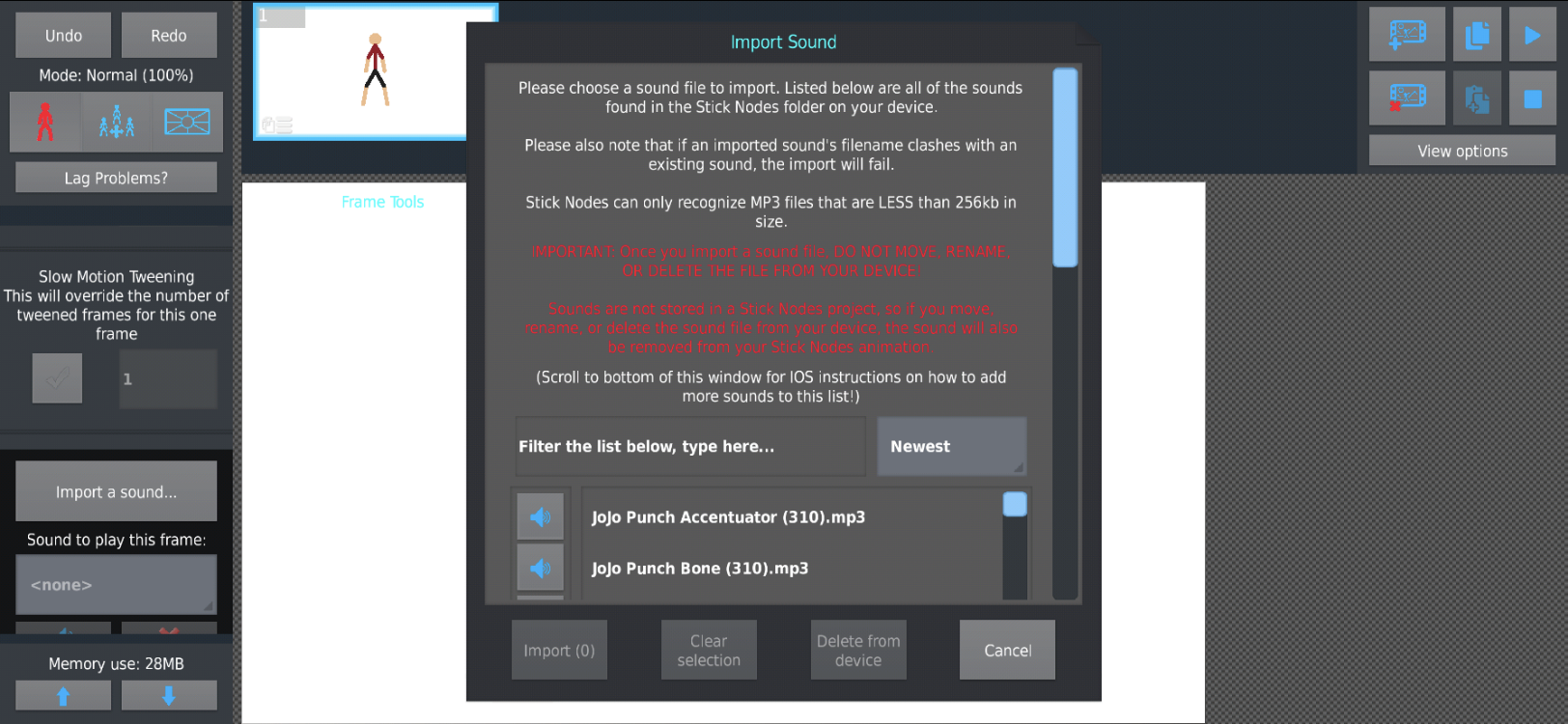
Help. My sounds are still not importing. @ralph
-

so i said this on your other post but:
so, that “should” work
its possible Boom.mp3 is > 256kb ?
what iOS OS version do you have btw
-
Replying to:
-
Replying to:
Oh. I said it’s less than 256kb. And my iOS is 13.5
-
Replying to:
Sorry they sent your comment late
-
-
-
-
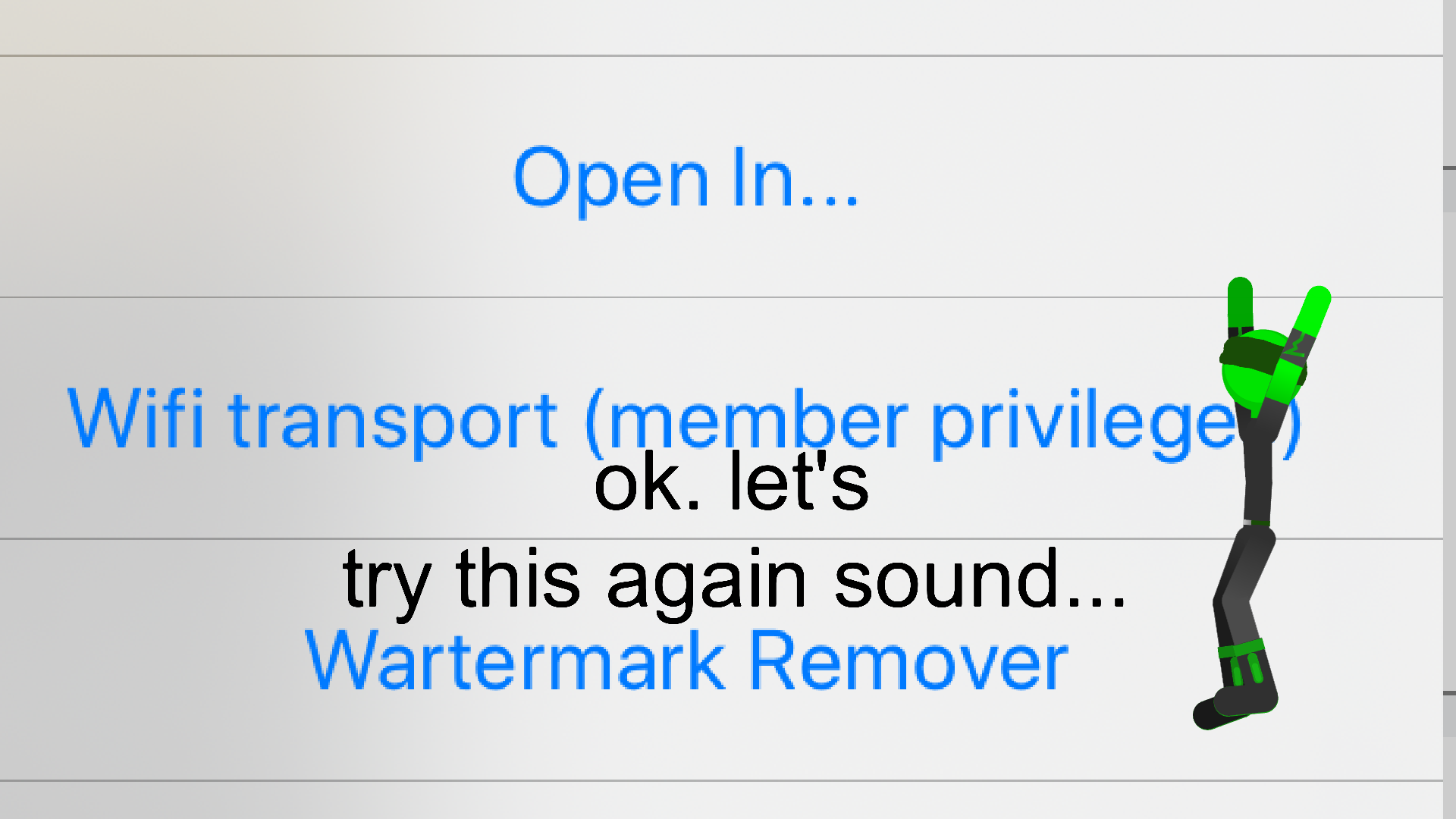
Ack I need help. I’m still trying to import sounds to stick nodes pro on iOS. But still it’s not working…(ever since the update)
-
-
Replying to comment by:
1. I used a converter to convert a sound file to mp3.
2. Then I press “share”.
3. I press open or copy to Stick Nodes Pro.
4. Then Boom, the mp3 would be there. But now it shows nothing when I import it now. -
-
when the teacher called on you to answer 5 minutes ago and you’re still stalling
2020-07-12 00:27:03 UTC-
 Replying to:
I just ask to repeat the question if I dont know
-
Replying to comment by:
Well I used a mp3 converter app from the App Store. To do wav to mp3. But now it’s not working anymore since I updated the app. (Doesn’t pop up it’s imported)
-
Ack I can’t import sound to stick nodes pro ever since I updated. The way I used to do it before the update worked. I need help. I’m on iOS btw.
-
pls details
what was the way you used to do it that’s not working now?
2020-07-11 23:10:24 UTC-
Replying to:
Well I used a mp3 converter app from the App Store. To do wav to mp3. But now it’s not working anymore since I updated the app. (Doesn’t pop up it’s imported)
-
 Replying to:
did you put it in the sounds folder?
-
Replying to:
but what *specifically* are you doing to get it into SN
details, all the details
“But now it’s not working anymore” doesn’t help me much-
Replying to:
1. I used a converter to convert a sound file to mp3.
2. Then I press “share”.
3. I press open or copy to Stick Nodes Pro.
4. Then Boom, the mp3 would be there. But now it shows nothing when I import it now.-
Replying to:
so, that “should” work
its possible Boom.mp3 is > 256kb ?
what iOS OS version do you have btw
2020-07-12 16:36:57 UTC-
Replying to:
13.5 and my mp3s is less than 256kb
-
-
-
-
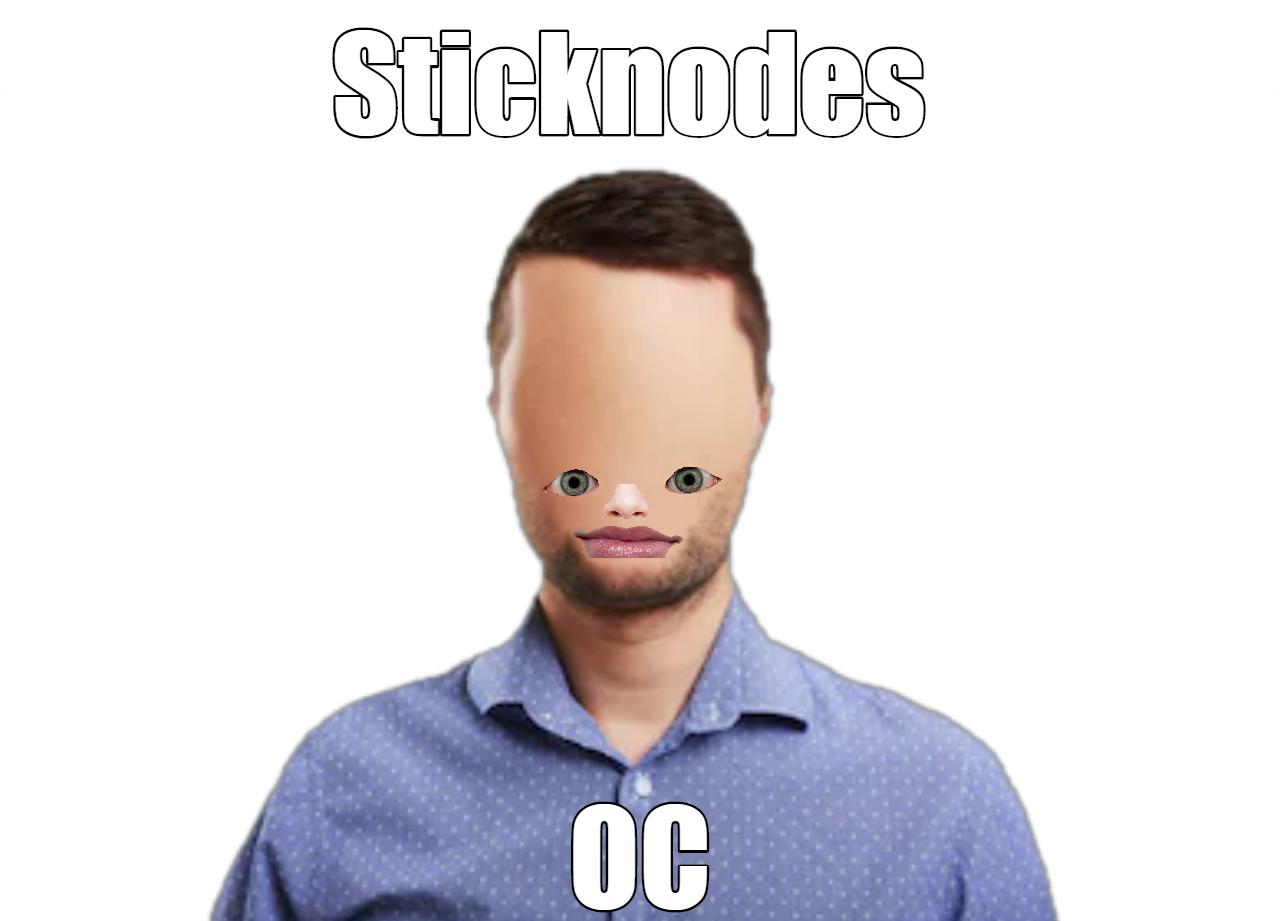
Hey. Here’s my new oc.
( ͡ᵔ ͜ʖ ͡ᵔ )
-

Ah yes
Enslaved biology2020-07-06 09:29:44 UTC -

*UC voting this*
2020-07-06 10:30:30 UTC -

Wow 100 UC votes and a million downloads
-
Replying to comment by:
True
-
Lol
-
Oh I know. I’m just saying too. I’m impatient
- Load More


maybe the sound is too big
No it’s not. It’s less than 256kb
okay that seems like you’re doing everything right
what exactly is that app, is that just “Documents” or…?
the one with all those sounds listed
also what IOS version is this
Yes I’m doing it from Documents and the iOS version is 13.5.1
so you just have a bunch of downloaded MP3 files there?
just wanna make sure I try to recreate this right, they may be something weird going on regarding this since 3.1.6
a new update will be out soon-ish (this week), but i’ll let you know what I find here in this thread
Oh ok sure. Thank you. (P.S. some were converted)
*11 days later* my bad but this is fixed in 3.1.8 which just went live on the app store
Woohoo. Thanks my dude I didn’t mind the wait. Stuff like this takes time to get fix.