



@teamwest


Joined on March 30th, 2018, this user has been a member for 2,989 days and is the 7,006th person to register an account.
Has 20 submissions, the first one uploaded on April 2nd, 2018 and the most recent on March 19th, 2023.
Of those, 4 have been featured and 8 have won Users' Choice.
On average, each submission earns 6,783 downloads.
In total, they have been download 135,664 times.
Counting every individual stickfigure, including the contents of all packs, this user has technically made and submitted 192 stickfigures.
On average, when this user rates stickfigures, they are 84% positive.
Also, they are typically 100% positive when rating animation spotlights.
Has made 144 comments on non-activity pages of the site. Alternatively, this user has made 5,423 comments on actual activity pages of the site.
This member is not a Users' Choice voter.
Show More









-
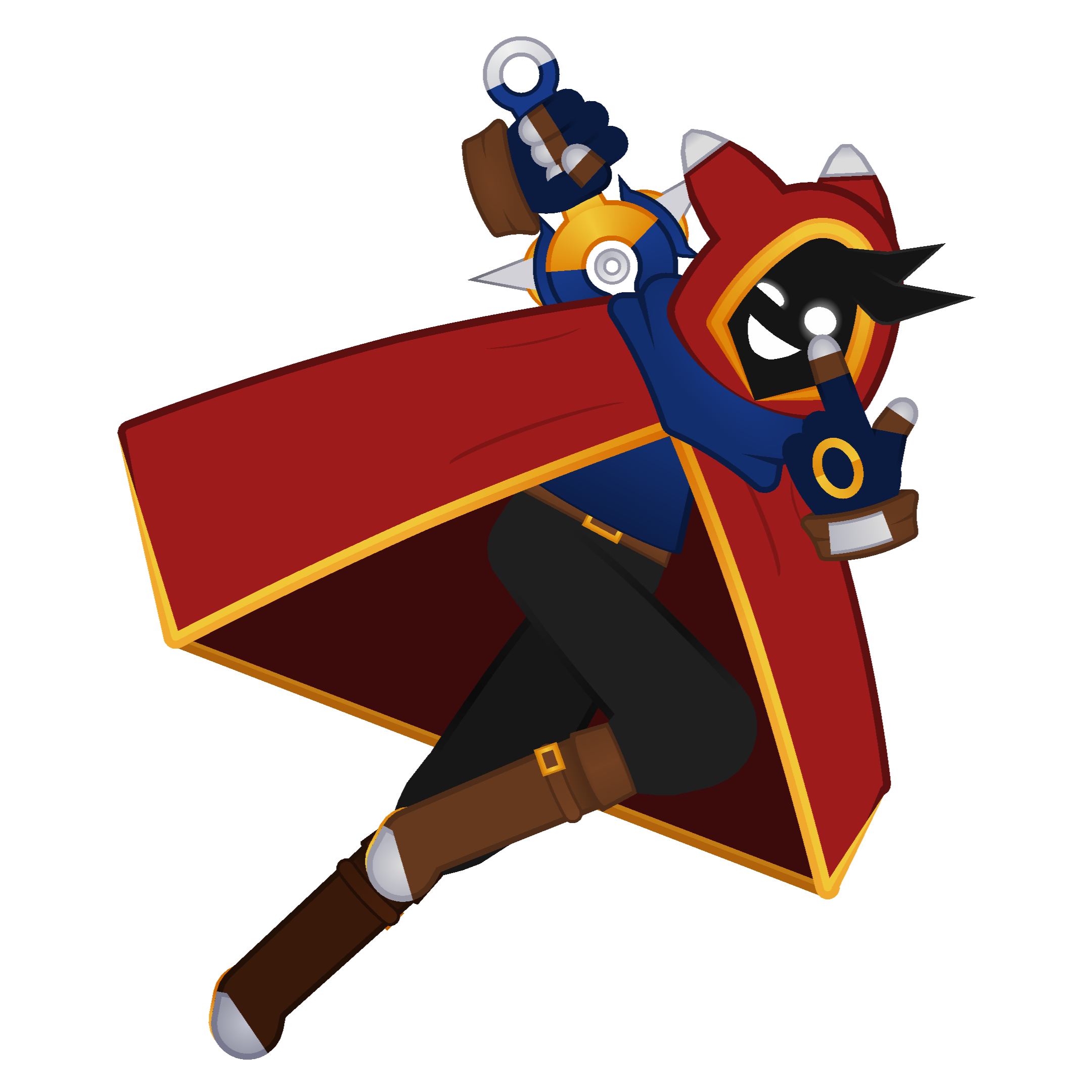
Mellow’s been a lot of things ever since I created him, and I’m honestly fine with having a new iteration every so often. It’s fun to play with the character and see where I can take him next, and it just keeps things fresh.
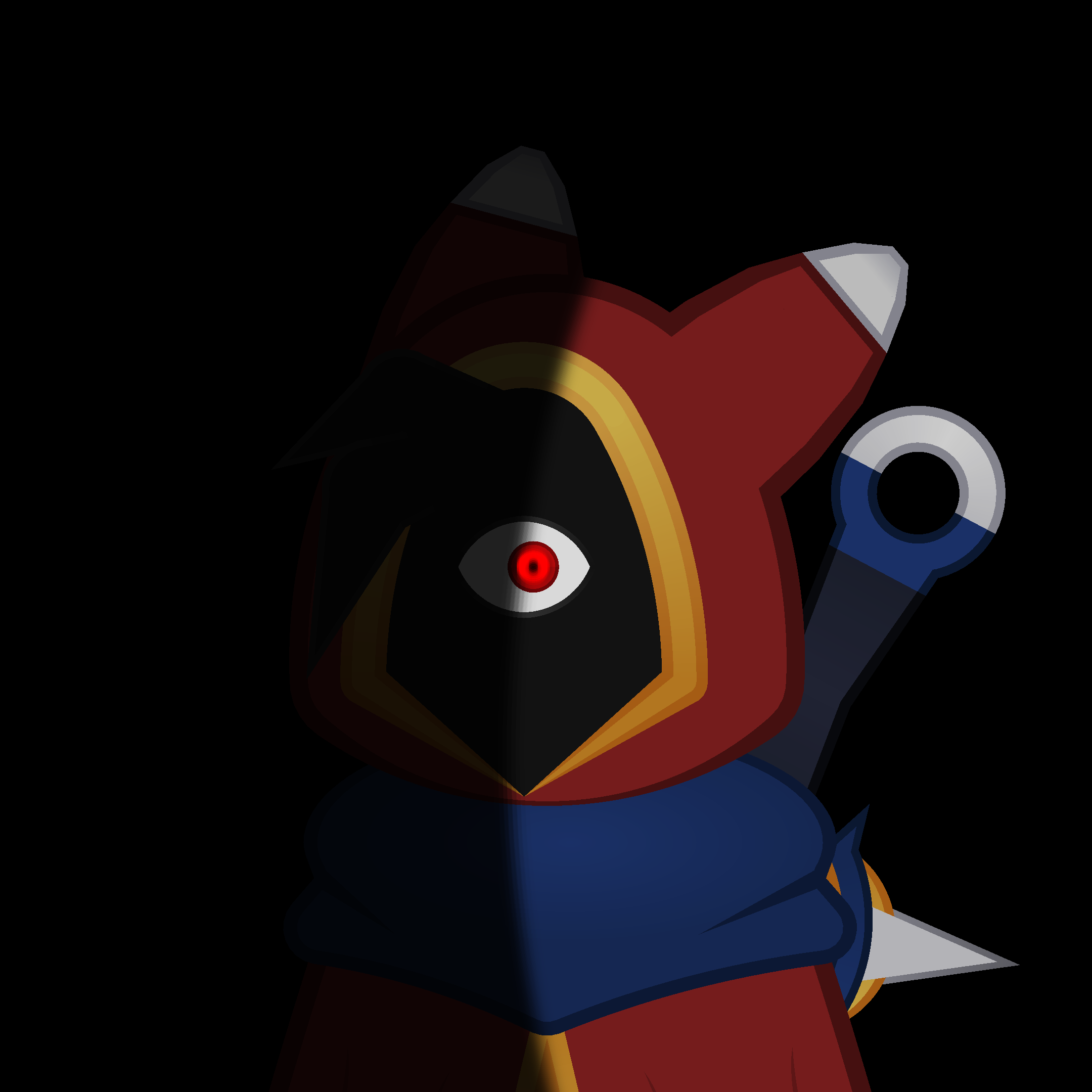
I called this guy Hood Wizard (very imaginative) but I prefer calling him Hoodie
-
You should have
-

Mike Wazowski
2023-08-09 16:18:07 UTC-
 Replying to:
Wike mazowski
-

But I didn’t
What are you gonna do about it?
2023-08-09 16:30:00 UTC -

i shouldve what
2023-08-09 16:59:45 UTC-
 Replying to:
You should have
2023-08-09 17:41:12 UTC
-
 Replying to comment by:
Not gonna lie, I thought this mention would be totally worse than this
-
Never meet your heroes in person
-

 2023-08-08 01:11:47 UTC
-
 Replying to:
“Baracka omba was a good pres-“
Me: “NOW LET ME STOP YOU RIGHT THEIR BUDDY I HAVE SOMEBODY WHO WANTS TO MEET YOU!” -12 gauge shotgun2023-08-08 01:33:43 UTC -
 Replying to:
Only real ones will know
2023-08-08 01:44:15 UTC
-

Buffalo Soldiers
2023-08-08 01:37:17 UTC
-
Replying to comment by:
I can think of plenty of situations where you\’d want to scale segments while making a figure. But it\’s basically useless while animating, especially for more detailed figures that would benefit from increased dynamics. Maybe for a simple base stickfigure it\’d have some use, but for someone like me who occasionally animates with more complex figures, I can\’t use segment scale to help with expression, like decreasing eye size or something like that
-
I feel like there\’s very little point in having Segment Scale outside of figure creation when it doesn\’t scale the size of its children nodes too.
If there was the option to toggle between single segment scale, and segment and children scale, maybe there would be more use for it-
Yeah, for me personally whenever I know I’ll be making finer details I either adjust the segment scale to 0.16 0.25 or something like 0.05, that way for things like curves in segments and general sizing and length it’s far more intricate.
It’s just about the prep for it beforehand plus I’m pretty sure you can use the modify tool to adjust multiple at once.
2023-08-06 12:12:41 UTC-
Replying to:
I can think of plenty of situations where you’d want to scale segments while making a figure. But it’s basically useless while animating, especially for more detailed figures that would benefit from increased dynamics. Maybe for a simple base stickfigure it’d have some use, but for someone like me who occasionally animates with more complex figures, I can’t use segment scale to help with expression, like decreasing eye size or something like that
2023-08-06 12:21:34 UTC
-
-
Replying to comment by:
Now to disappear for 2 weeks again
-
-
Now to disappear for 2 weeks again
2023-08-01 17:09:24 UTC -
Edibles?
2023-08-01 17:14:53 UTC -
 2023-08-01 17:51:27 UTC
 -

It is the best meme that I have in my entire life
-
-
Replying to comment by:
Thank ye
-
Replying to comment by:
*thumbs up*
-
Replying to comment by:
People will call any character remotely animalistic a furry these days, won\’t they
-
Replying to comment by:
A bit more than that
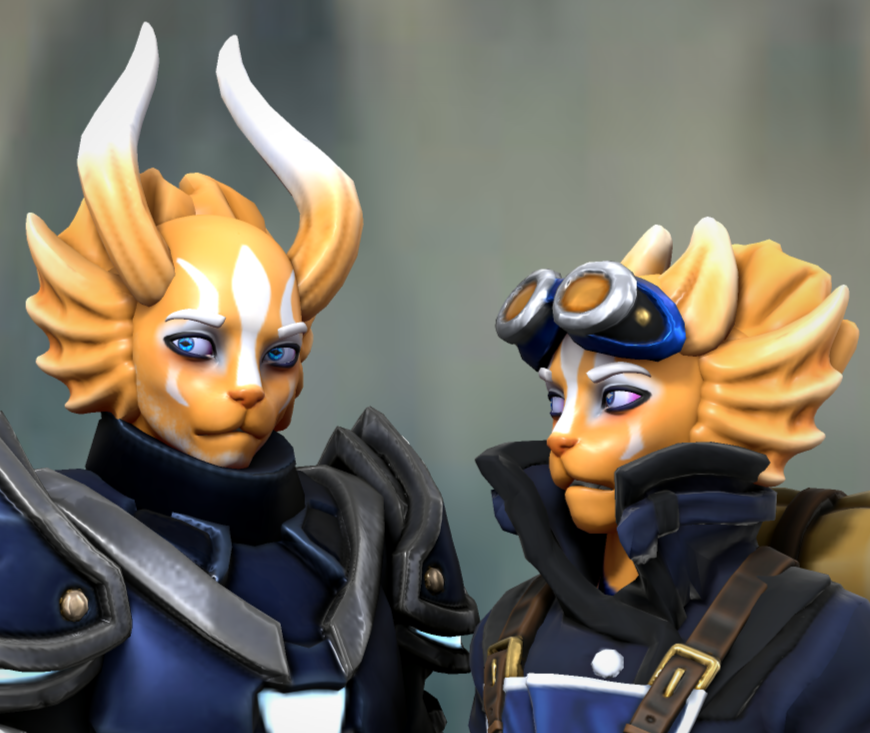
-
Lookalike
Doppelganger
There are lots of ways to say “another me”
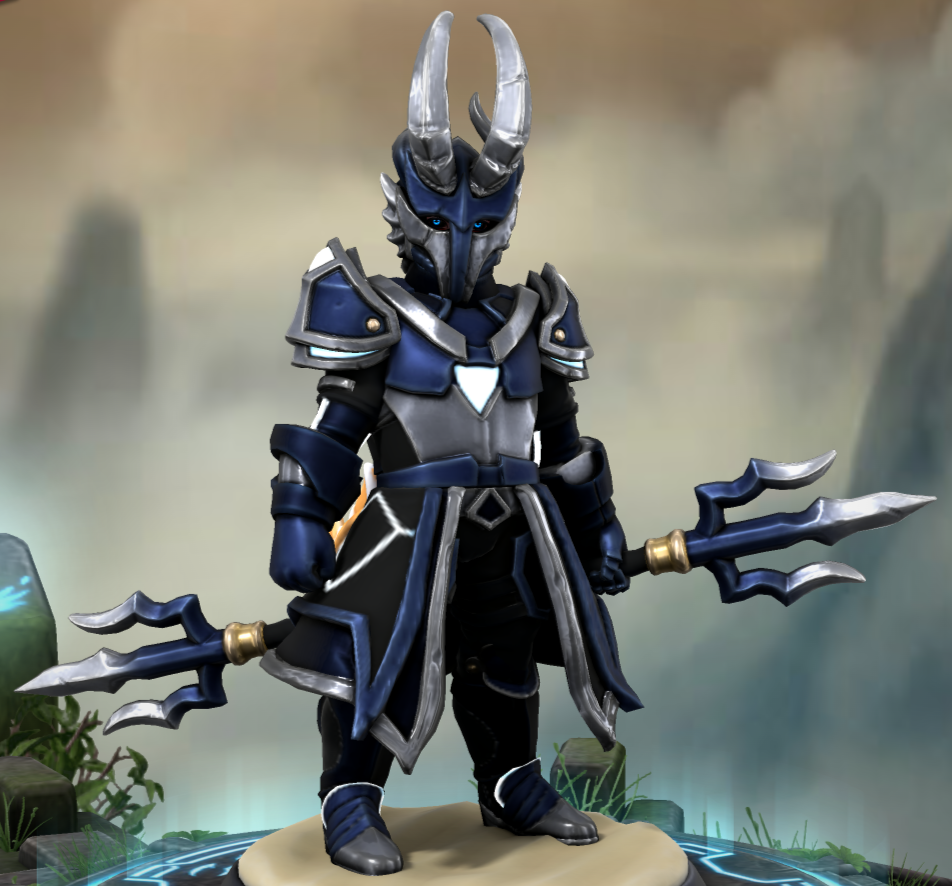
Villano Número 3
-

User Banned
They copy fight styles?
2023-07-16 14:59:24 UTC-
Replying to:
A bit more than that
2023-07-16 15:07:07 UTC-
 Replying to:
.jpg) 2023-07-16 15:50:42 UTC
2023-07-16 15:50:42 UTC -
 Replying to:
The villain is closely a furri
2023-07-16 15:54:40 UTC-
Replying to:
People will call any character remotely animalistic a furry these days, won’t they
2023-07-16 15:56:03 UTC-
Replying to:
Almost, no one noticing yet
2023-07-16 15:57:20 UTC-
Replying to:
*thumbs up*
2023-07-16 16:07:09 UTC
-

looks cool 👍
2023-07-16 16:28:45 UTC-
Replying to:
Thank ye
2023-07-16 16:29:21 UTC
-

I’ve been getting into heroforge
tell me
how2023-07-16 20:39:35 UTC
- Load More


He is also Dark Matter
User Banned
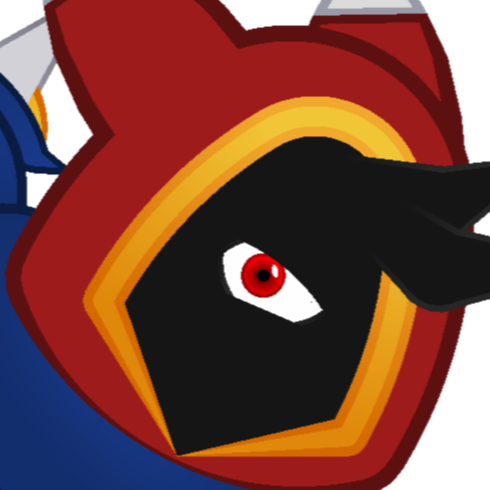
Great there is racial change.
From pinky orange to black
he passes the silhouette check
nifty colors too
(a main character should be identifiable with only his outline/silhouette)
jigglypuff seen from above