


(Guest)
Aug 14th, 2017
Oct 3rd, 2019
( 12 thumbs )
( 12 thumbs )
 1st
1st 2nd
2nd 3rd
3rd
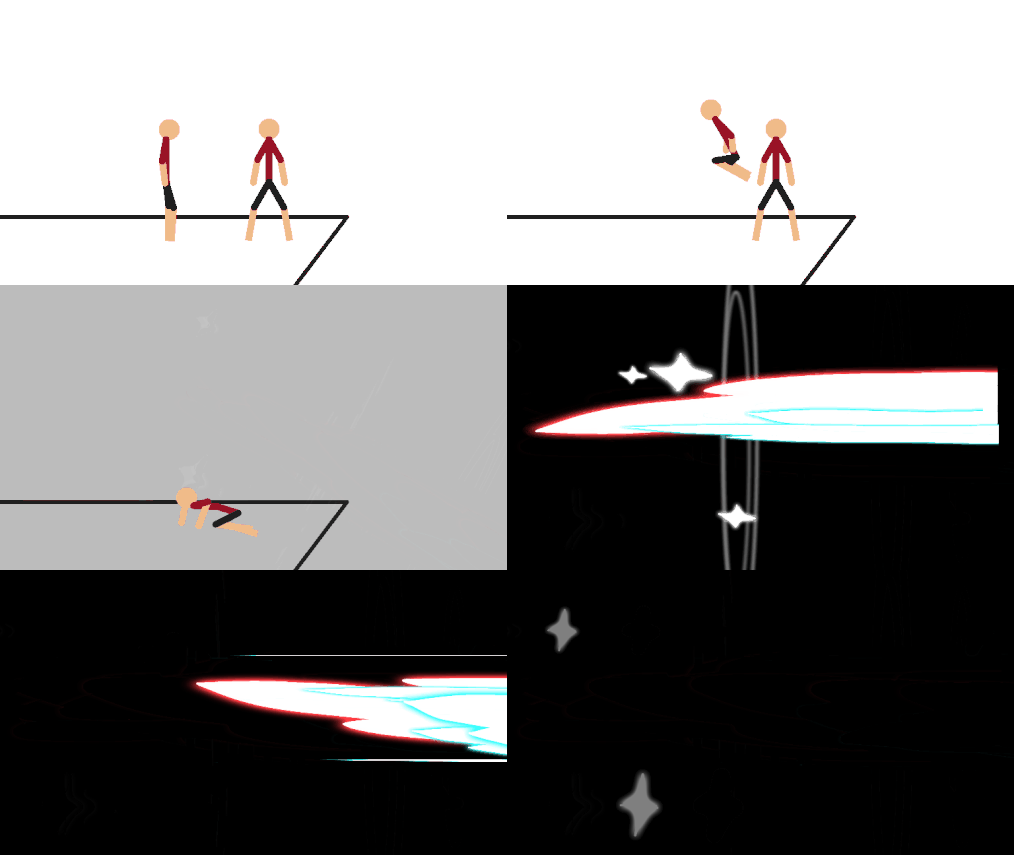
A speedy dash effect.
Aug 14th, 2017
Oct 3rd, 2019
( 12 thumbs )
( 12 thumbs )
1st2nd3rdProblem with this submission?
Please log in to report this file.


Other popular submissions in effects category


DASH = CASH
BASH YOUR HEAD
For the latest version do you still need a Mac/pPC to download on IOS or has that changed? If not please explain on a lower level ( as I am a dull-brained human being that does not understand such ‘complicated’ computer terms) Thank you for eventually reading this.
With iOS, you can now download node files AND stk files from droids and various other sites. Just press download and it should say open in stick nodes and bam.for packs, just get iZip and open the pack in iZip and then open each individual node file into stick nodes from izip
People must love being fast cuz this is the most popular .nodes file
Amazing!!!
Is samsung same as android? Cuz my samsung is a tablet
And i am following the instructions on how to download a stickfigure but it wont work the way i see it in the faq
Samsung are hardware makers, they make the actual device. But the device runs Android. Basically nowadays, if you don’t have an iPhone, you likely have an Android (or Windows Phone but I think that’s like 2-3 people tops).
You shouldn’t even need to follow any instructions, just download the stickfigure and then open Stick Nodes and look for it in the import list.
I use this in all my animations ,good job!
Hey look i can comment
Nice