
-

vuice


 2022-10-25 00:27:16 UTC
 yet another update
Lets see what bools correspond to what bytes. If you’re unfamiliar with what a bool is, its just a type of data that has two outcomes – True and False.
To represent bools in a byte, you can use this:
01 = True
00 = FalseEight bools exist per node: Is static, Is stretchy, Use smart stretch, Dont Smart Stretch, Use segment color, Use Gradient Color, Reverse Gradient, and Use Stickfigure Scale.
Obviously you know some or all of these if you have ever used sticknodes before. These are all options that you either tick on or tick off — in other words, they are either true or false.
Proceed — Below is where you can find each bool in a one-node figure. This is a lot of info so I’m probably going to have to create some site to host all of my documentation on this soon.
IS STATIC:
Data Position 00000060, byte 5
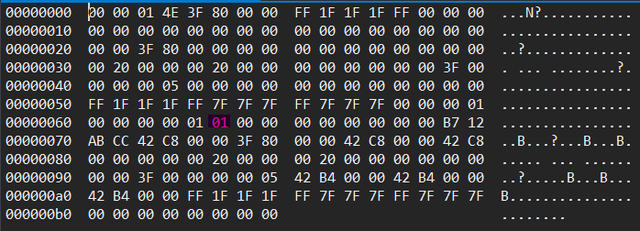
IS STRETCHY
Data Position 00000060, byte 6
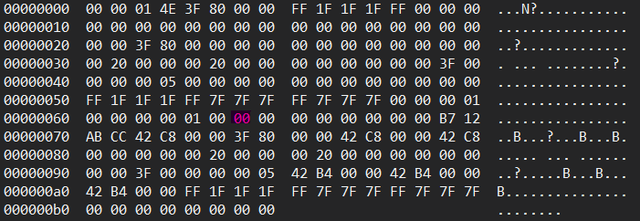
USE SMART STRETCH
Data Position 00000060, byte 7
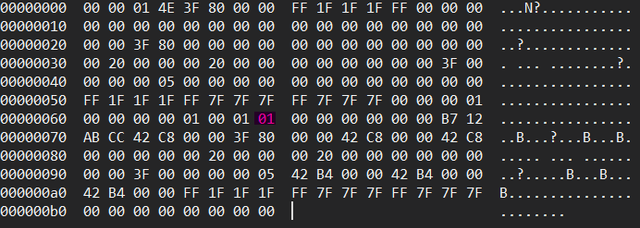
DONT SMART STRETCH
Data Position 00000060, byte 8
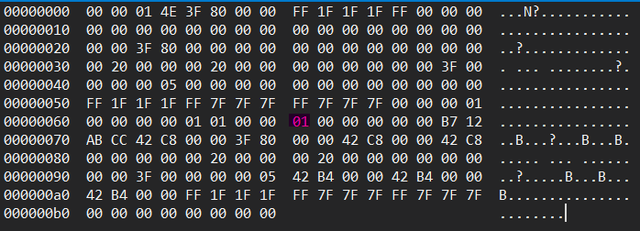
USE STICKFIGURE SCALE
Data position 00000060, byte 13

USE SEGMENT COLOR
Data Position 00000060, byte 9
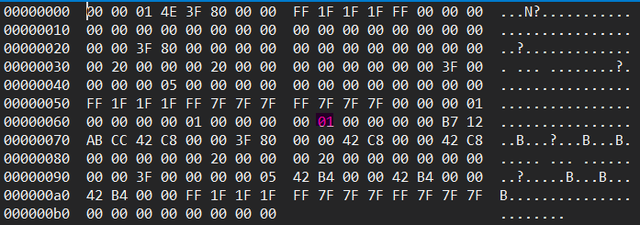
USE GRADIENT COLOR
Position 00000060, byte 11
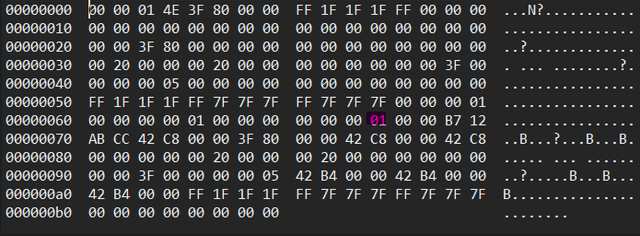
REVERSE GRADIENT
Data Position 00000060, byte 12
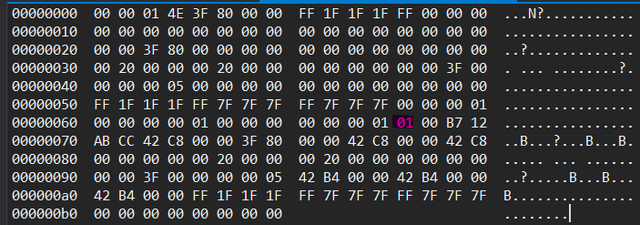
Finally I got through writing all that. Hopefully nothing screws up with all those embeds. But now we know which bytes to edit for bools.
Stick Nodes®
A stickfigure animation app created for mobile devices!
Create your own stickman animations on your Android or iOS device!


Once again, make sure your hex editor has 16 bytes per row if you want things to match up
he knows too much he’s going to find it
I’m just here to prove that Sticknodes demon is fake