
-

Explosive Bullet


 2019-09-16 03:57:34 UTC
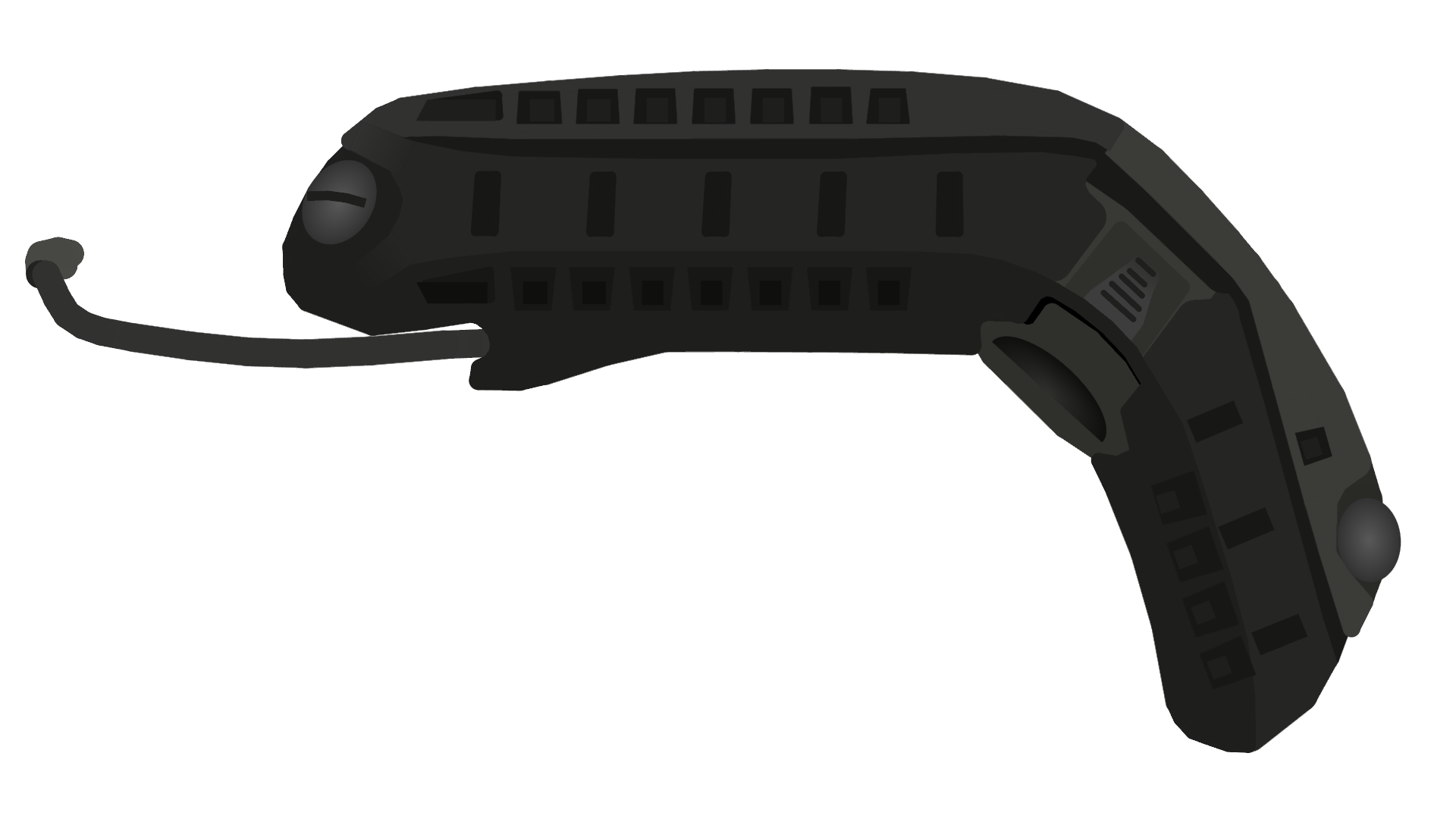
 High poly helmets are 100% impossible to have in one figure. This is only one piece of a helmet. 384 nodes. All because of the detail mixed in with the damn curves.
Stick Nodes®
A stickfigure animation app created for mobile devices!
Create your own stickman animations on your Android or iOS device!


man, that’s something in your quality
Just one more small detail must be added.
You should be the Gordon Ramsay of Stick Nodes.
Yeah. I really should be.
I’m a bit of a high poly man myself
Indeed.
Yeah, this is why I purposely miss some Details so I can keep the damn Fig 1 Fig
I gotta stand out so I will do everything to get every detail. Screw the optimal stuff, I need things to look good in the video.
But… You don’t put polyfill on every single segment?-
Also movieclips might help out on this sort of thing now.
Nope. I find polyfills are only good for helping with joint movements with oddly shaped figures. Like PL figures. For coloring stuff in, they doing work very well. Unless it’s a figure that isnt demanding in nodes. If the figure is smart stretch though, we get a whole new story since polyfills are very good for smart stretch.
Wait. How will movieclips help?
what EB asked ^
lol im just curious
Replying here since eb made post so he gets notif anyway.
You can divide the stick in parts and compile them in movieclip. Afterall you can join movieclips to sticks so nothing has really changed.
Wait. I think I know what you are saying. Put the figure together in a movieclip. Genius.
You can also decrease how much Nodes it would take by having 49 other frames blank. Cuz on the project it takes an average, and that would decrease the count immensely
Wait. So you’re telling me that by throwing 49 blank frames out, the app is just gonna be like, here, have some additional nodes. This the same for figures? Or do I have everything wrong. If not, I am going to abuse it hardcore.
Imagine in the movieclip we have frames with following segment count:
5, 4, 5, 8
When you put that thing in the project it calculates the average. Rounded down.
5.5 – average
Which means movieclip will take only 5 Nodes.
If you have movieclip frame that’s 3200 Nodes large and the rest is blank. When you add it, it becomes 64 Nodes worth.
There’s also more, you can also add blank movieclips in the project, blank movieclip is worth 0 nodes, but… You can edit the movieclips. Which means you can above the node limit of animation menu frame. I went for ~1.5million Nodes on a frame.
It lags hard tho so use the knowledge wisely.
Also you will be able to make entire fullbody disappear without transparency intersecting with movieclips because they can have filters. Meaning you’ll be able to make the camouflage sort of thing.
Ok, you outta keep this down so Ralph doesn’t patch this. It all makes sense now though. I’m gonna have to abuse it.
Nah Ralph already knows about it and he won’t patch it lmao.
Good. Good.
yes, you were right when you daid that you would kill somerandomcrab
should put this in your site
Yes. Thank Red for this meme though.
More curves than a thicc nodes character gotdam
Umm…
you’re a mad man
I don’t know when to stop, pls help.
Btw this would be a could time to whip out an even larger node limit. Do it.
just gotta put in the cheat code yo
If this cheat code thing is legit I’m actually gonna lose it because I can’t find anything on it.
…now i feel bad because it was a joke
🙁
Now, you can get rid of that shame by adding one or increasing the limit!