ok so i figures out the problem is that you have to turn off ‘smart stretch?’ before u can say ‘do not smart stretch,’ but the thing is, u can onl select it after making it a non static node which doesn’t make sense
1) selected a node, made it “Smart Stretch”
2) then made that node static
3) then tried to make that node “do not smart stretch”
and it wasn’t taking the property change, this is a UI issue i will fix
BUT…you shouldn’t have a node that is static as “Smart Stretch”, idk if you’re misunderstanding or this was just you working w/e and left it checked this one time – you just need 1 Smart Stretch node, the “parent”, that tells it to stretch all of its children (static children, not marked with “do not smart stretch”)
Replying to:Ralph (Developer)okay the issue here is you
1) selected a node, made it "Sm
yeah i see that’s my fault, i just had, like, three nodes all in the same spot and it was getting confusing af
but one thing you should definitely change (idk if this is what u were talking about) is not being able to select or deselect Smart Stretch unless it’s static AND stretchy is a bad idea


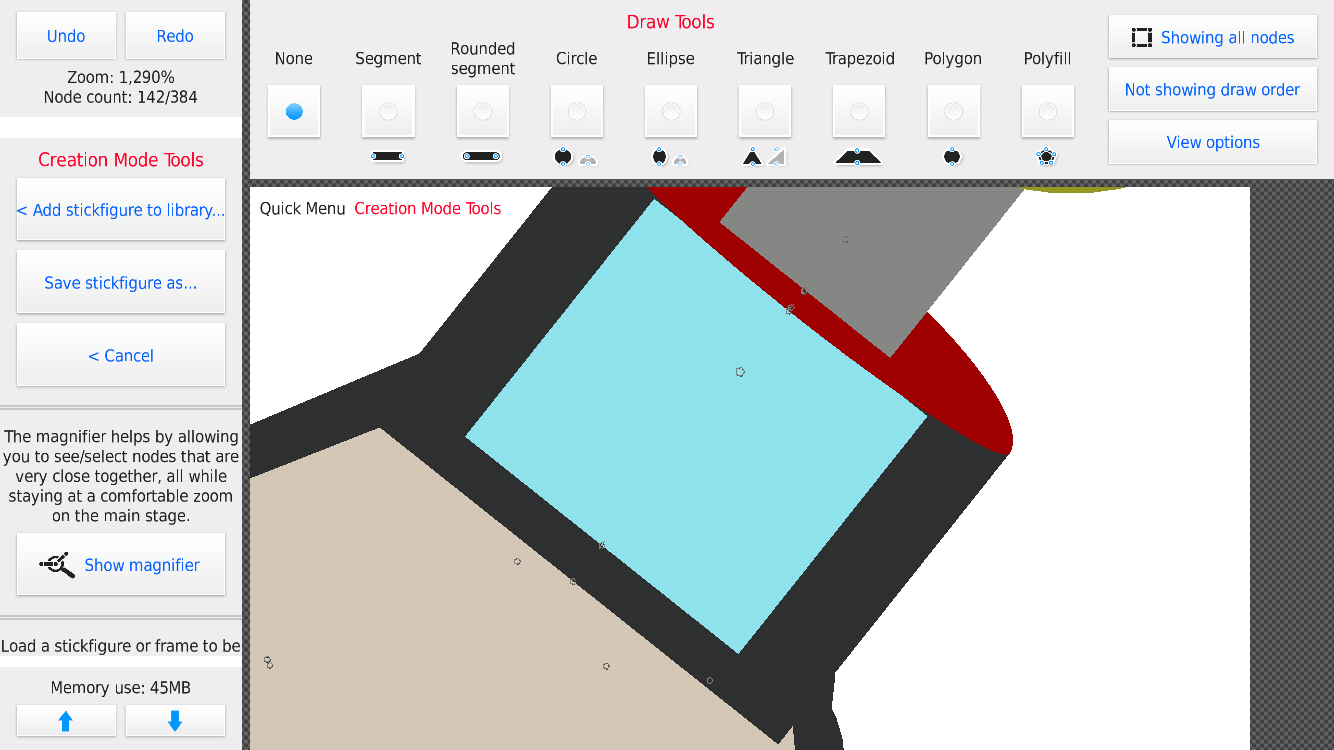
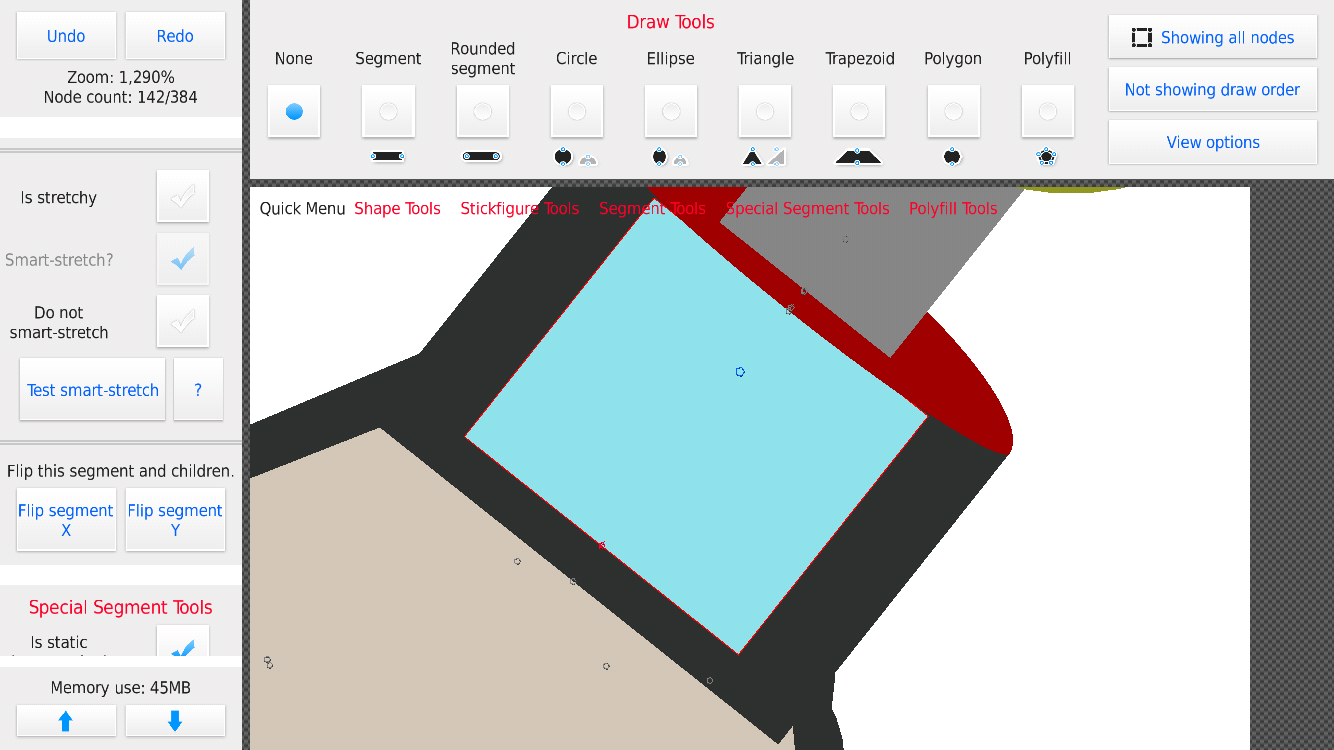
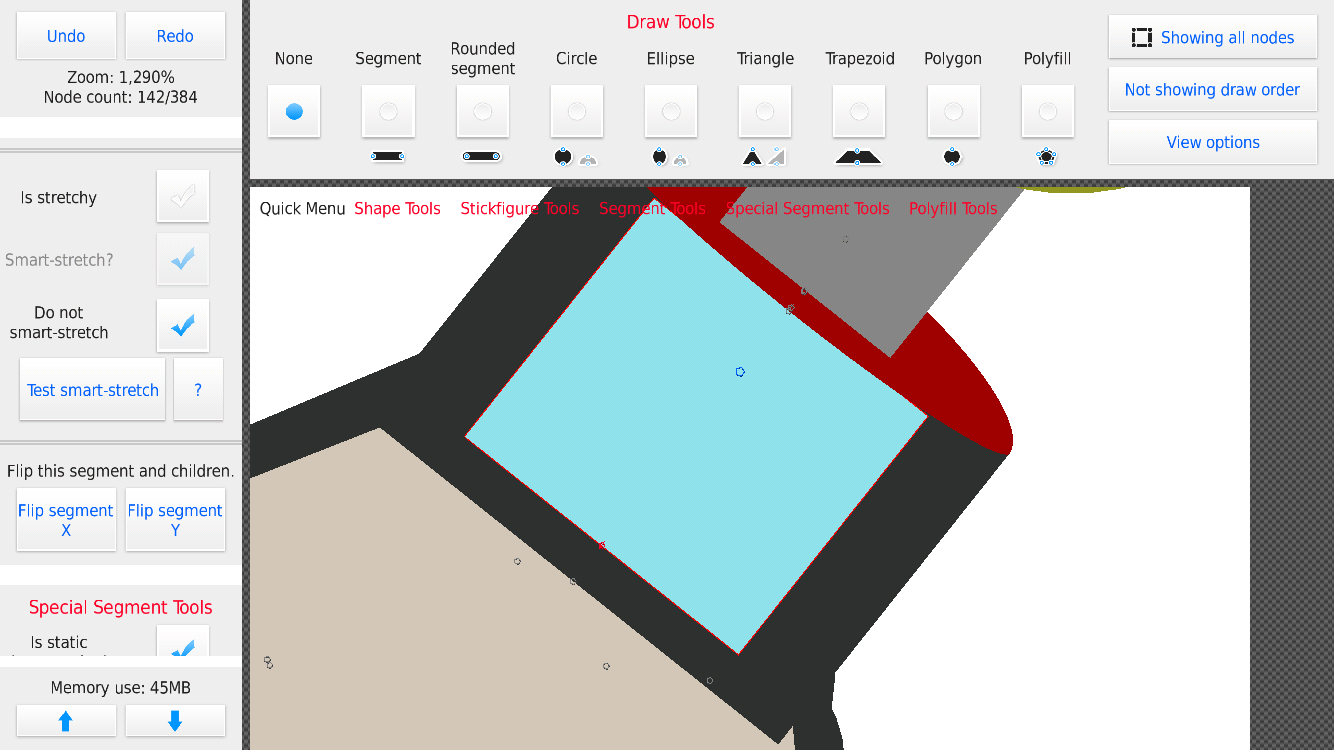
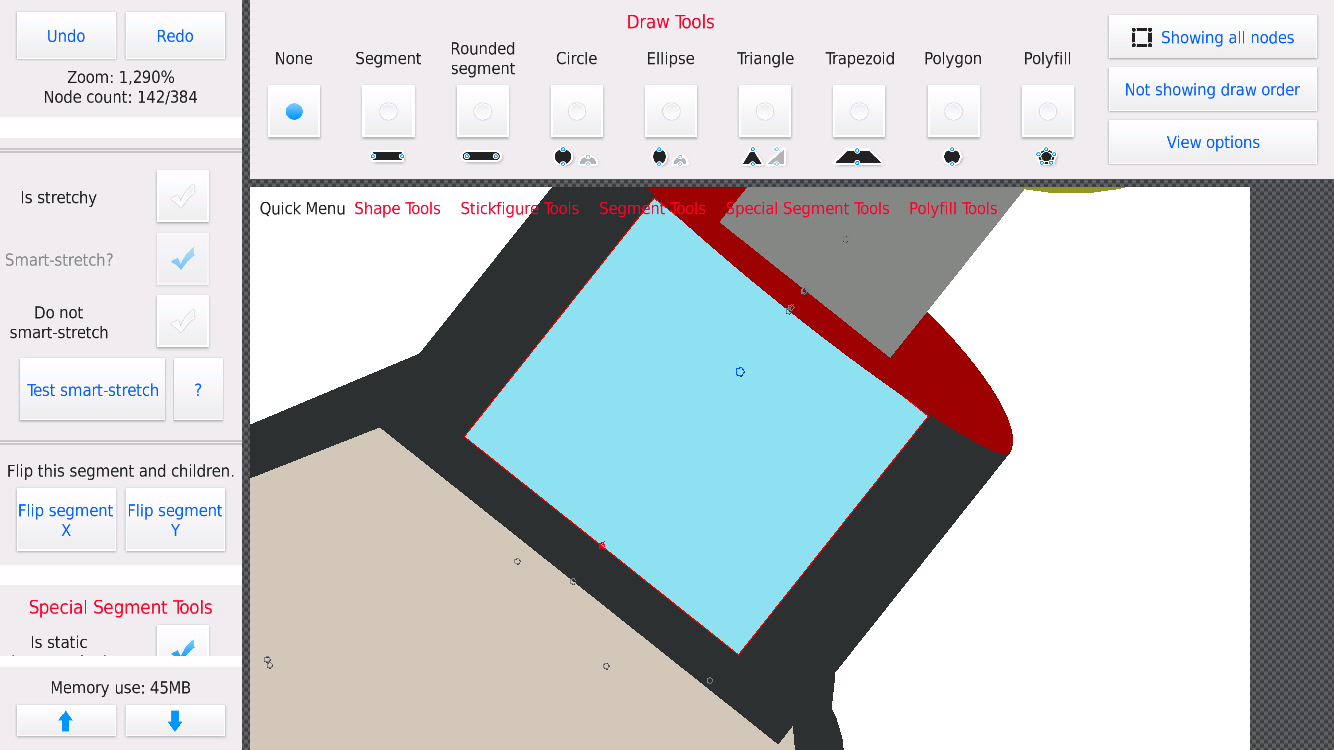

i have no idea if these pictures are in chronological order or if they’re just confusing af
ok so i figures out the problem is that you have to turn off ‘smart stretch?’ before u can say ‘do not smart stretch,’ but the thing is, u can onl select it after making it a non static node which doesn’t make sense
to me
okay i gotta try this myself to understand bc lmao @ your pics but it sounds like something isn’t right
i’ll check it
Why did u need 4 screenshots for that…
why do u exist
Why are u so dumb
why r u so asian
Why are you an alien
maybe try no smart stretch when you finish the fig??
okay the issue here is you
1) selected a node, made it “Smart Stretch”
2) then made that node static
3) then tried to make that node “do not smart stretch”
and it wasn’t taking the property change, this is a UI issue i will fix
BUT…you shouldn’t have a node that is static as “Smart Stretch”, idk if you’re misunderstanding or this was just you working w/e and left it checked this one time – you just need 1 Smart Stretch node, the “parent”, that tells it to stretch all of its children (static children, not marked with “do not smart stretch”)
yeah i see that’s my fault, i just had, like, three nodes all in the same spot and it was getting confusing af
but one thing you should definitely change (idk if this is what u were talking about) is not being able to select or deselect Smart Stretch unless it’s static AND stretchy is a bad idea