


@teamwest


Joined on March 30th, 2018, this user has been a member for 2,991 days and is the 7,006th person to register an account.
Has 20 submissions, the first one uploaded on April 2nd, 2018 and the most recent on March 19th, 2023.
Of those, 4 have been featured and 8 have won Users' Choice.
On average, each submission earns 6,789 downloads.
In total, they have been download 135,797 times.
Counting every individual stickfigure, including the contents of all packs, this user has technically made and submitted 192 stickfigures.
On average, when this user rates stickfigures, they are 84% positive.
Also, they are typically 100% positive when rating animation spotlights.
Has made 144 comments on non-activity pages of the site. Alternatively, this user has made 5,423 comments on actual activity pages of the site.
This member is not a Users' Choice voter.
Show More








-
 Replying to comment by:
If genuinely no one loves you, you ought to go outside
-
Replying to comment by:
Well, props to you pal
Don’t lose it -
Replying to comment by:
But you’re a sweaty SN user
-
Replying to comment by:
You have a valentine?
-
Hello you lonely fuckers
(this is just an edited image, ignore it anyway;
the focus of this post is that you have no one on Valentine’s Day, and neither do I, nor do we need to have anyone, because as long as you have someone that you love and someone that loves you back, you’re fine) -
Replying to comment by:
I suppose that would work, though it\’s pretty tedious with multiple frames
-
Replying to comment by:
Well, it was worth a try
-
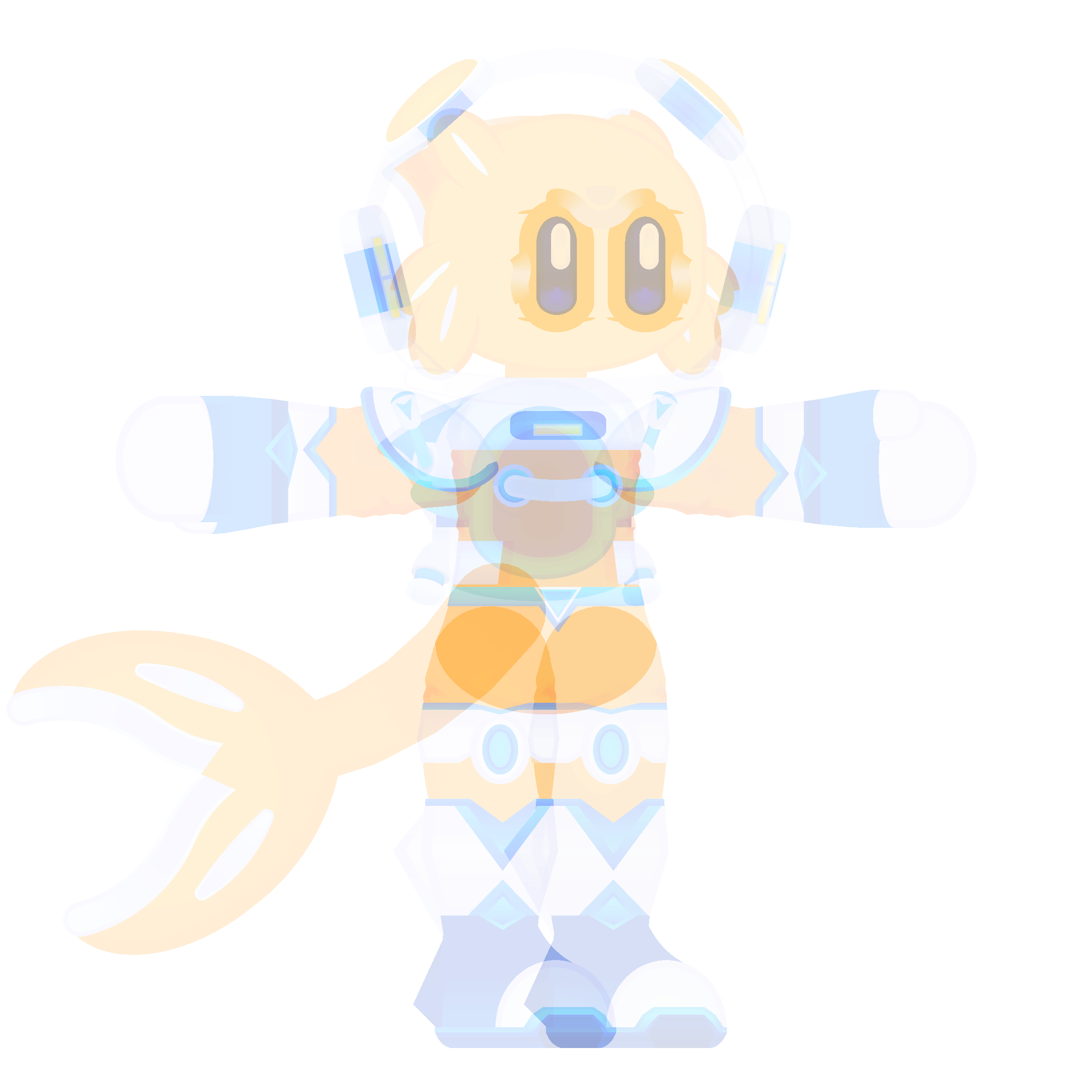
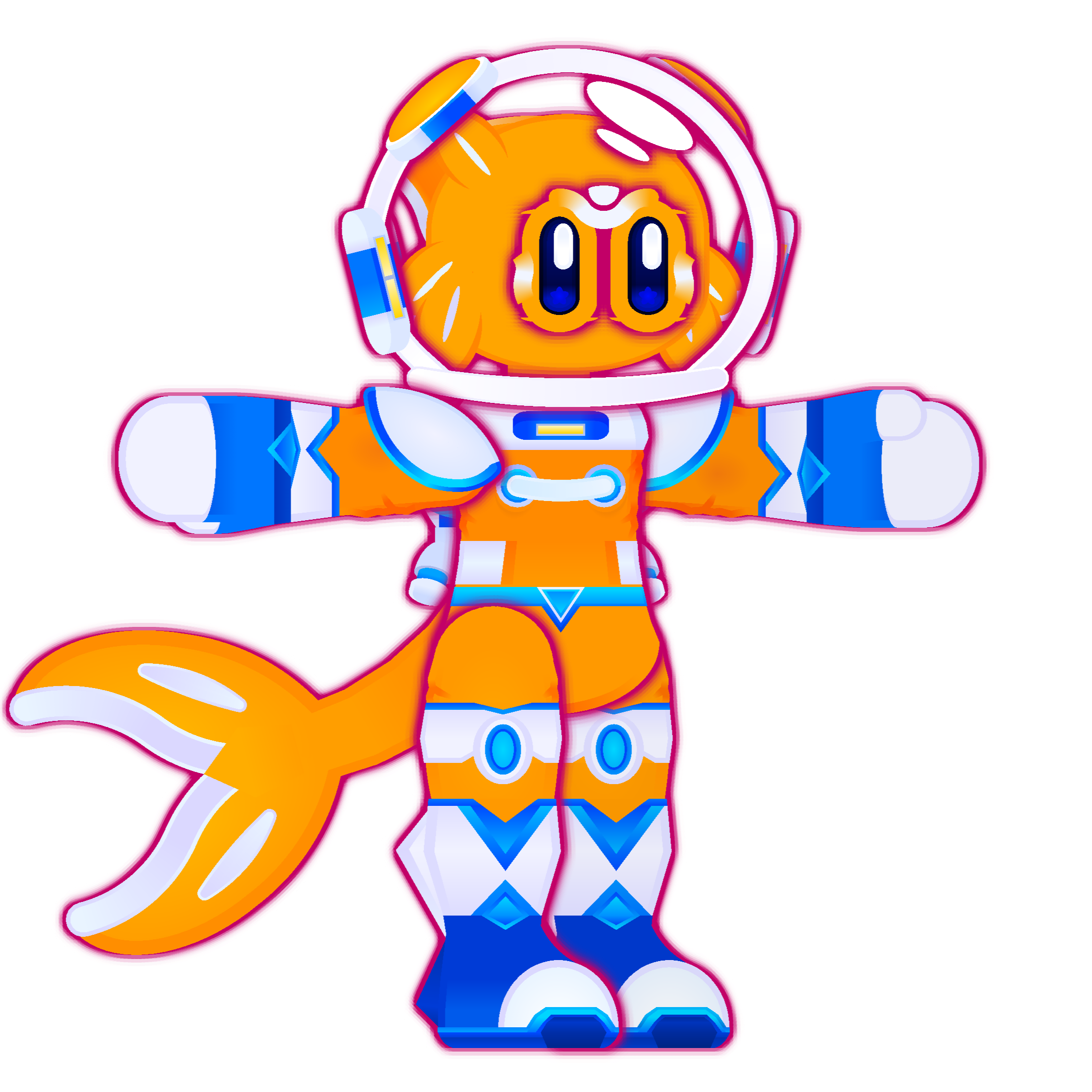
Joint figures BY DEFAULT should behave as though they are one whole figure. That should remedy the weird stuff that happens when you put effects on all of them. There should still be an option to go back to the old way though, just for variety. That should be checkable on the individual figures themselves though.
-

hm, there could potentially be a toggle for this
it would essentially have to be a new filter applied to the parent-most join, just like the alpha applied to the parent-most join
diabolical idea
2023-02-12 13:01:18 UTC-
Replying to:
then come the logistical problems
if you simply toggle it on the Body, it would put an outline around the whole silouette of the figure (like the bottom image, but outline ONLY around the silouette, not around the individual leg, arm, etc)
to fix that, you would also have to toggle this theoretical new filter on the upper leg, and upper arm, which would sort of create a “new branch” and outline those branches individually
but
what if the lower arm is layered way behind the body, and the upper arm is layered way in front
the app needs to render them at the same time in order to apply the glow around the branch (the arm), but the layering isn’t sequential so it would somewhere along the line end up being a compromise that looks weird
the consequences of trying to simulate 3D depth in just 2D
tl;dr
2023-02-12 13:05:39 UTC-
Replying to:
Well, it was worth a try
2023-02-12 13:06:49 UTC -
 Replying to:
Oh yeah, I forgot Ralph was sorta smart
2023-02-12 15:02:12 UTC
-

Current way to dodge that, just move the character into a movieclip and the layering disappears.
2023-02-12 17:19:04 UTC-
Replying to:
I suppose that would work, though it’s pretty tedious with multiple frames
-
Replying to:
Yeah. You would probably have to make movieclips to replace the last to keep animating.
-
-
Replying to comment by:
If I don\’t believe, then you\’re not much of a god, are you
-
Replying to comment by:
Everyone thinks they\’re special for pressing oldest on someone\’s activity page
-
Replying to comment by:
I wonder if it\’ll actually work with fingers and other hand parts, there\’s not much more to it
-
Replying to comment by:
Same broski ✊️😤
-
Replying to comment by:
Fight me nerd
-
Replying to comment by:
Woah, he\’s bisexual? I didn\’t know that
-
Replying to comment by:
Interesting
I wonder if it\’ll actually work - Load More


Imagine not having a valentine
You have a valentine?
Affirmative
But you’re a sweaty SN user
Affirmative x2
Well, props to you pal
Don’t lose it
as long as you have someone that you love and someone that loves you back, you’re fine
…
If genuinely no one loves you, you ought to go outside
Lmao