

Sticknodes Modders

Group for those geeks that are interested in modifying their UI skins and generally abusing sticknodes from the inside.
━━━━━━━━━━━━━━━━━━━━━━
HOW TO INSTALL SKINS:
◆ Create a folder called /skin/ in /Stick Nodes/ (or drop a folder called /skin/ into the Stick Nodes app files if on iOS, with iTunes)
◆ In it, place your modified textColors.txt and animationMenuAtlas.png – but place this PNG file in an appropriate sub folder /HD/ or /SD/
◆ (textColors.txt can be copied from internal app files, in the /assets/ folder)
◆ (animationMenuAtlas.png can be copied from internal app files, in the /assets/{HD or SD}/atlases/ folder – small devices only use SD assets folder)
◆ (How do you get into internal app files? Use an APK editor or find a link to download the files posted by someone online
So your folder should look like:
/skin/HD/animationMenuAtlas.png (the 1024×1024 one)
/skin/SD/animationMenuAtlas.png (the 512×512 one)
/skin/textColors.txt
Troubleshooting, FAQ & Skin page:
https://sticknodesskins.weebly.com
Templates:
https://sticknodes.skin/tool/template
════════════════
The only person who is able to code here is Ralph himself. So if he refused a feature for the app it probably was ridiculous to code or useless. Meaning that we definitely won’t even be able to do them.
-
Hey, can somebody make me a Madness Combat skin for Stick Nodes? This will also go for @bluewolf, @swatelite798 and other Madness fans!
-
Hey everyone. Dark Theme is out again for Stick Nodes 3.0.0
Took some hours to do but you don’t have to complain about burning retinas already.
 https://sticknodesskins.weebly.com/dark-theme.html
-

People like u need an automatic ticket to heaven
2019-10-25 12:14:52 UTC-
 Replying to:
Well yes but too bad
2019-10-25 12:16:34 UTC -
 Replying to:
5$ will work too.
2019-10-25 12:19:00 UTC-
Replying to:
I’m broke tho-
2019-10-25 12:24:41 UTC -
 Replying to:
2 keys for Publicity-
2019-10-25 12:26:41 UTC
-
 Replying to:
I can give him that
*loading shotgun*
2019-10-25 12:30:35 UTC
-

I’ve download it, I have to wait for SN 3
2019-10-25 12:18:43 UTC -
old screenshot
wow, you are the laziest person I have ev-
2019-10-25 12:31:44 UTC-
Replying to:
Ralf I’ve wasted spent 3 hours on this instead of procrasinating 6 month on the u-
2019-10-25 12:38:46 UTC-
Replying to:
i’ll have you know i had to cut back on naps like 5%
-

Unfortunatly for me. I have to make my skin again. That was not as easy as I thought it would be.
-
Replying to:
rip. Tho just been discussing with Ralph about possibility of having the files turn back to separate sprites then back onto new atlas. He said he uses TexturePacker. So all you need is to grab dem txt files and pngs and get to work… I think-
-
Replying to:
If that happenes, thank God. But maybe I could refine some things on my skin.
-
-
-

Oh yay I can’t wait to repeatedly try to get this skins thing to work.
For real though i’m going to need to seriously look into this.
-
Replying to:
you need to also enable custom skin in settings
-
Replying to:
I did, although like I said I probably done something wrong last time so will try and fix and or create a custom skin.
-
-
-
do i have to make an Adfly account to download?
-
Replying to:
no. You just press skip ad in top right when it pops up
-
-

Does this still require to go to a computer and all that or has the process for making it work changed?
-
Replying to:
Depends if you’re on iOS or android
-
-
-

arigato
-
-
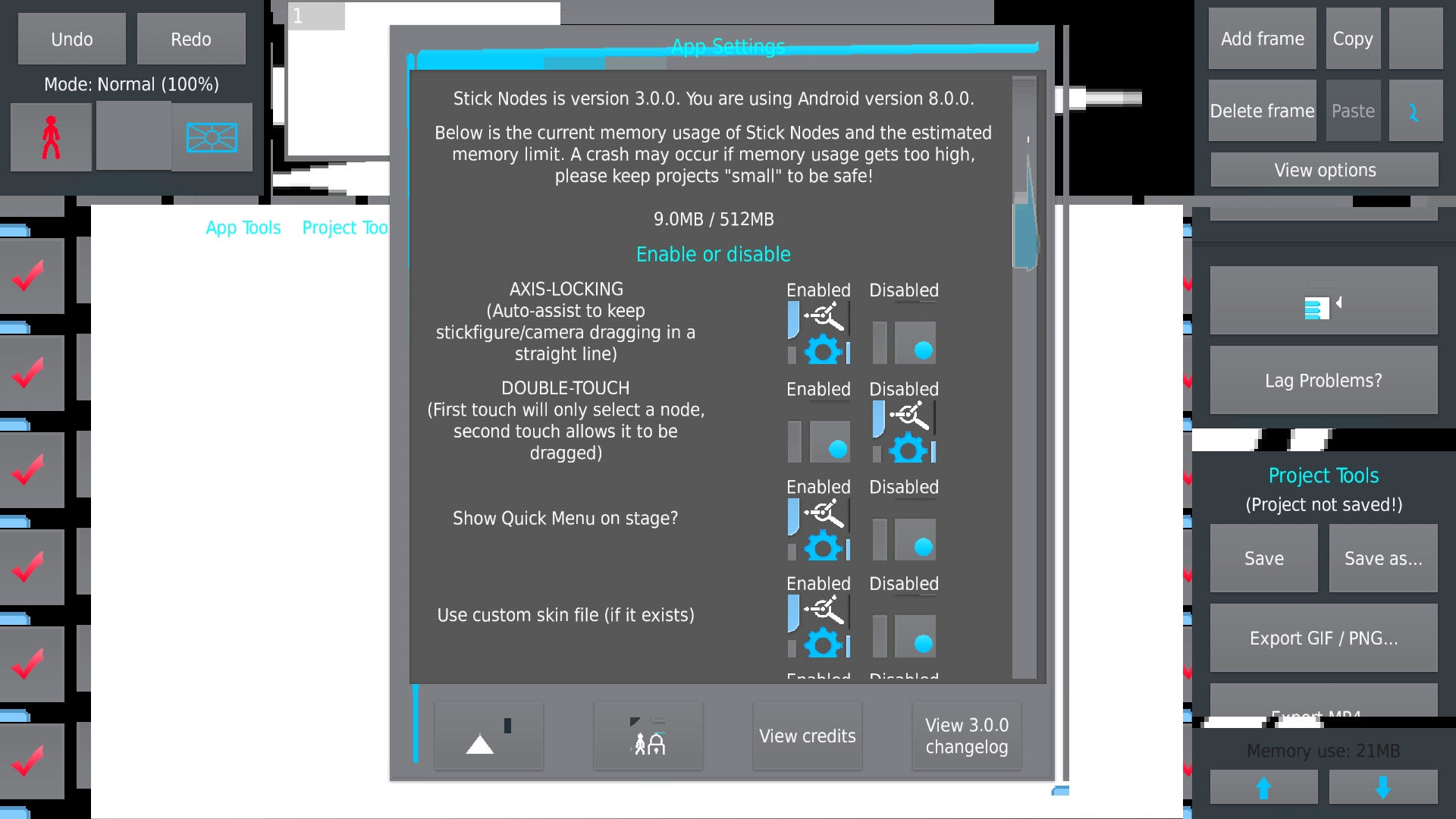
How skins get broken in 3.0.0:
-

bræk
-

*bronk
-
I see nothing wrong
-
Replying to:
Stick Nodes is a broken mess already so I can tell where you’re coming from-
-
Replying to:
suicidegif
-
Replying to:
WATCH AND LEA-
-
-
-
-
Btw heads up for everyone. Skins will need to be redone in the 3.0.0
Like move some elements around and also some new icons.
-
Oof
-
Replying to:
i meant Böŕķ
-
 Replying to:
xD
-
-
-

Intriguing but most likely will mean nothing to me, not because I dont care or anything, but because skins just don’t work properly for me.
-
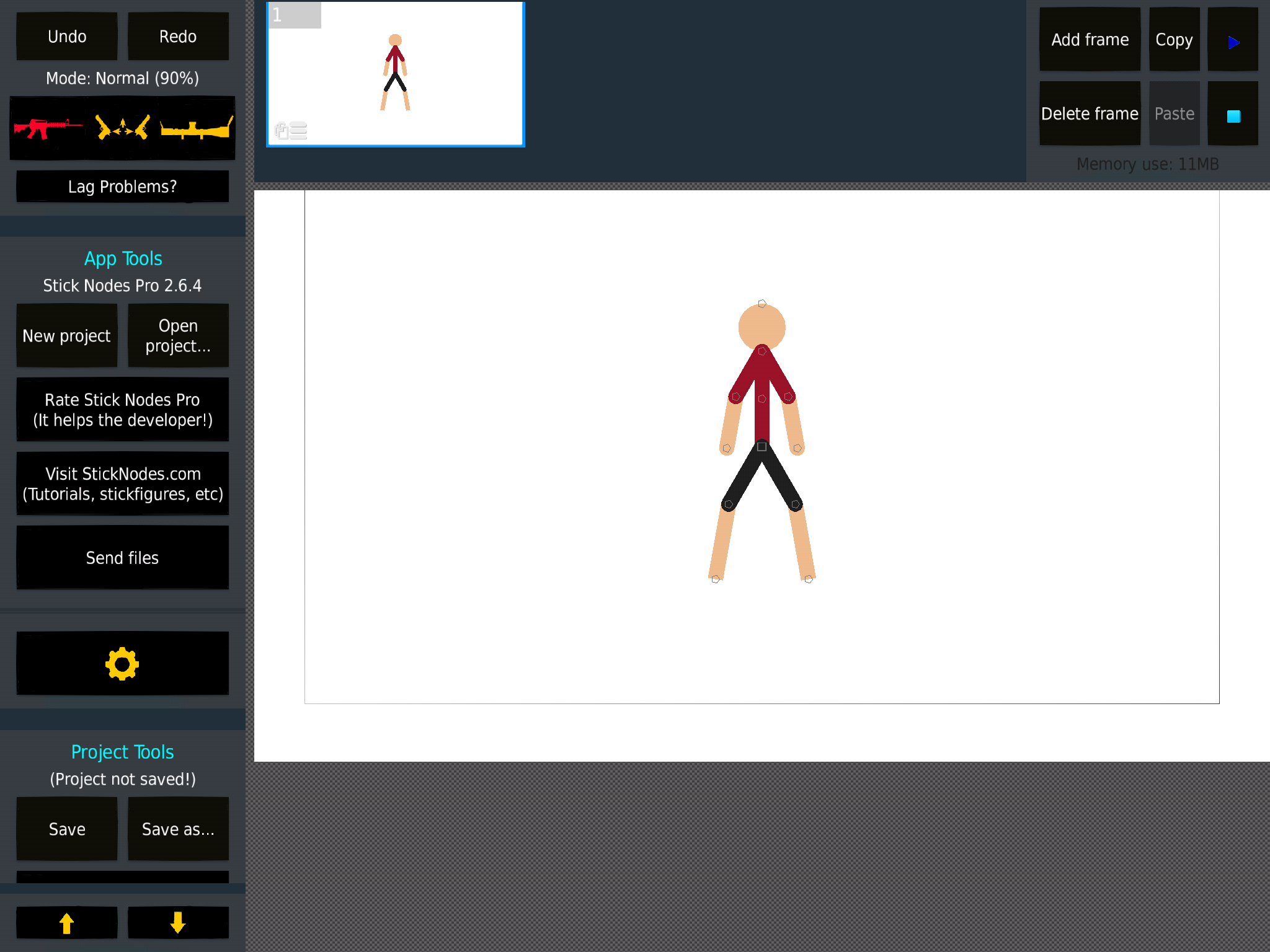
Skin works all good now. But I’m debating whether the loading thing should be a spinning helmet or a spinning bullet case.
-
How does you SN app look like that, that’s epic by epic games
-
Replying to:
-
Replying to:
Oh ye heck nah sorry I asked
-
-
-
The spinning bullet would be cool tbh
2019-08-15 00:45:55 UTC -

Annnndd the zoom is a sniper scope, lmfao.
2019-08-15 01:27:47 UTC -
The Loading should be a spinning gun I think.
-
Replying to:
I feel that’s just a little too used in the skin.
-
-
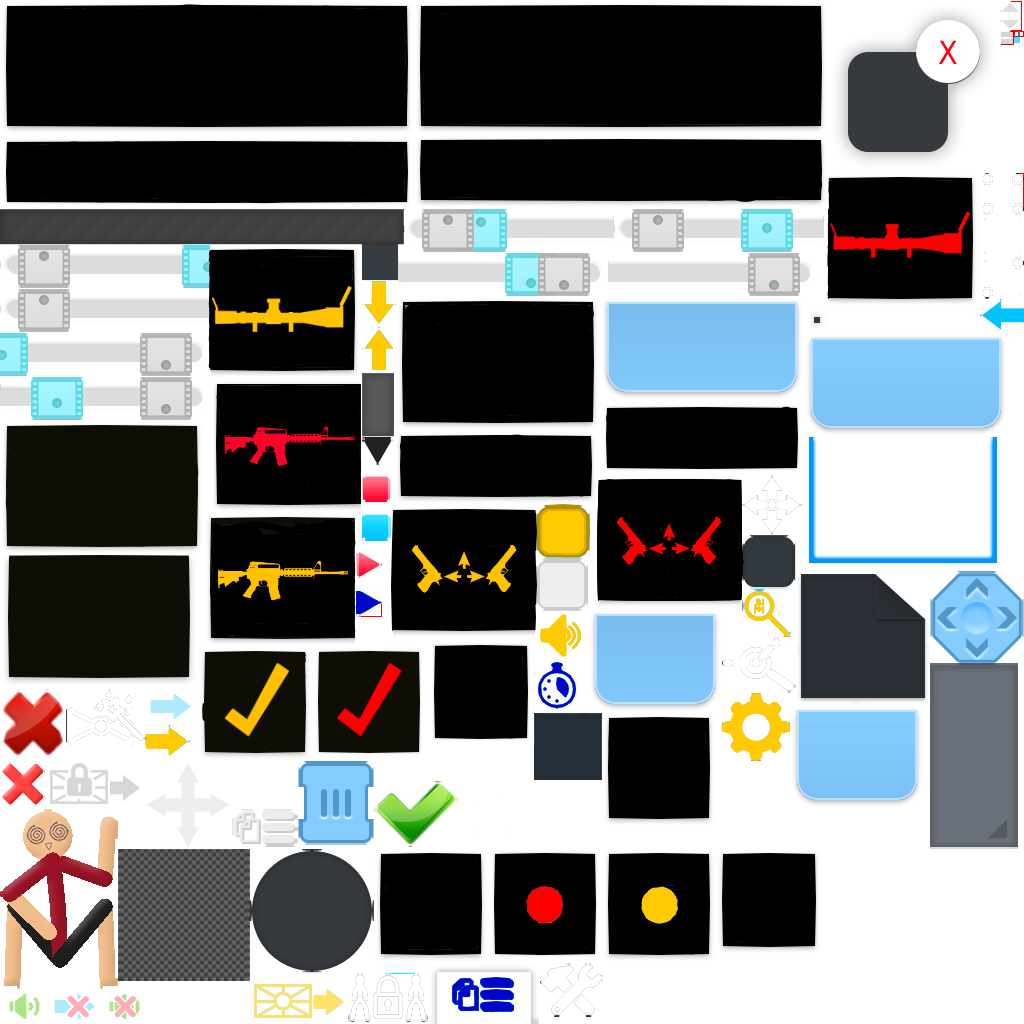
Anybody have any idea on how to get rid of the bastard on the bottom left. The loading dude. I can’t cause I can’t find anything accurate enough to take him out and not anything else without taking away the transparency in the PNG.
-

I’ll see what I can do. I’ll send it on discord when I’m done
-

Use paint tool or photoshop
You can take it out just by selecting2019-08-14 03:25:23 UTC-
Replying to:
Paint tool? That doesn’t have a transparent option with what I am using. For photoshop, any recommendations on which app I should use which is able to do the job precisely?
-
Replying to:
It works for me
You can export the final work on png so
-
-

he might be that one guy who crashes the party
-
Gimp, Medibang, photopea, photoshop, basically anything that has selection tool and an eraser.
-
Replying to:
I can’t remove it with mediabang. And tips on how I could remove it? The eraser and the selection tool literally do not do anything.
-
Replying to:
Locked alpha layer. Or you’re on wrong layer. Or your brush is at 0% or some sort of blending mode.
And selection tool is simply to prevent other stuff from getting erased
-
Replying to:
No checkboxes are locked. And I’m on layer 0 which is the image. Nothing happens.
-
Replying to:
You can always try making new project with the image you exported. Tho you could have possibly made a stack of the loading stickfigure on multiple layers
-
Replying to:
Alright. I’m gonna do another method though, but if it doesn’t work, I will try and make the actual image a layer over the 1st.
-
-
-
-
-
-

E- Explosive bullet skin?!
I need it lmao-
Replying to:
Yes you do. #Soon
-
Replying to:
Hype time!!!
-
-
-

U can download eraser in ur phone. That is what I use
-
Replying to:
Don’t use a phone but there is a background eraser. So thank you for pointing me in that direction.
-
-

Feel like a major dumbass for saying this- but is there a way to do this on any apple devices?
-
Yeah, but it’s more painful to do it cause of apple restrictions. You need a PC to do it I think.
-
Replying to:
You don’t need it anymore, just need file explorer. But often can not work or smth. Apple is weird.
there’s tutorial on sticknodesskins.weebly.com
-
Replying to:
I aint getting Apple for a mobile device anytime soon. Just for the reason it’s hard to work with.
-
-
-
-

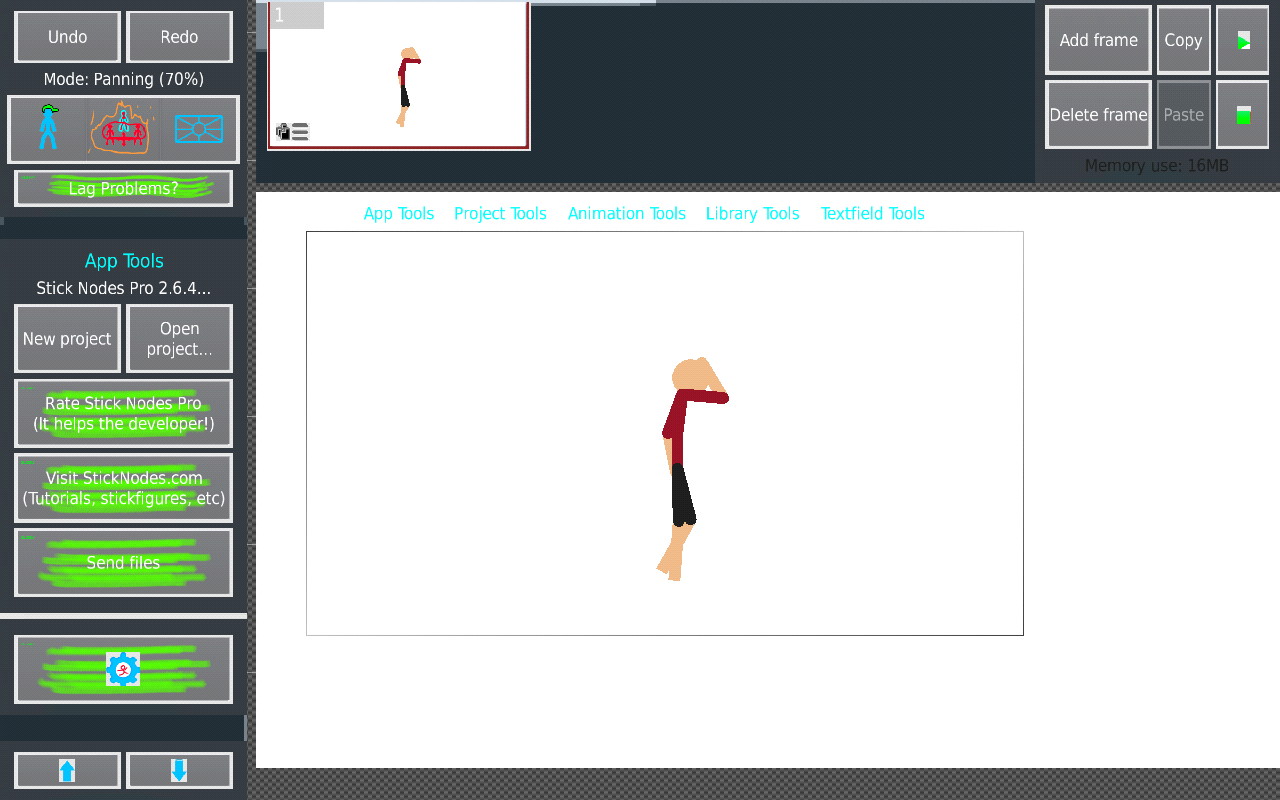
bruh just life any problem?
-
You commit big gay and saved png with a non-transparent image. For that I must send Ralcardo to eliminate you.

-
-
Joining for free skins cuz im too stupid to make my own
-

Feelzgoodman
2019-06-02 04:54:50 UTC -
That looks like me a little bit
-
I prob should finish these pages-
Too bad I am not on my pc and can\’t get dem screenshots in.
I am not even sure if some of them have download links put in so oof.
https://sticknodesskins.weebly.com/hana-theme.html
https://sticknodesskins.weebly.com/gold-theme.html
https://sticknodesskins.weebly.com/screaming-mediocre.html
https://sticknodesskins.weebly.com/galaxy-skin.html
https://sticknodesskins.weebly.com/minecraft-skin.html -

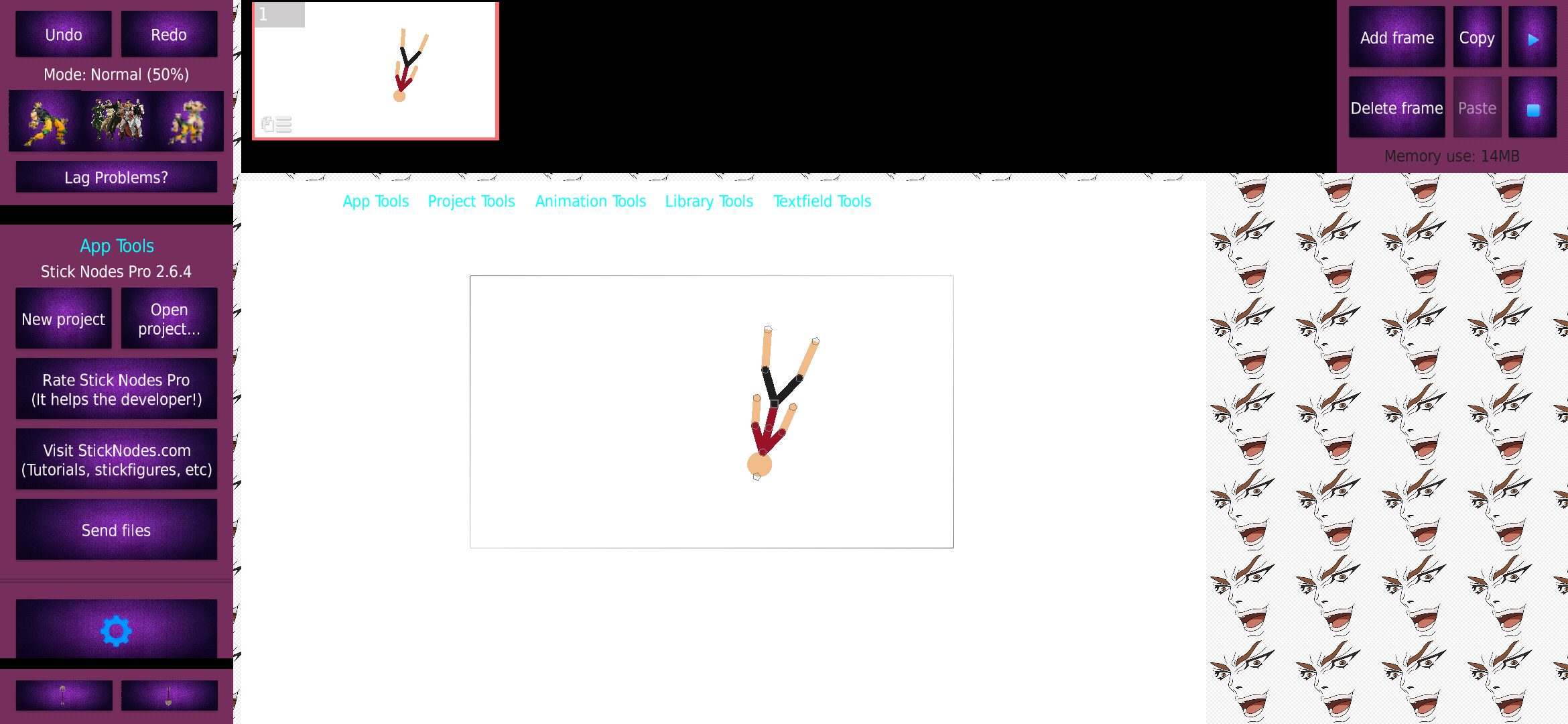
So I made this…
-
burn it.
2019-05-06 10:26:43 UTC-
 Replying to:
Why would you burn pure art?
-
 Replying to:
Yare yare daze.
ORAORAORAORAORAORA
MUDAMUDAMUDAMUDAMUDA
DORADORADORA (the explorer)2019-05-06 11:00:56 UTC
-
-
10/10 background
2019-05-06 12:12:52 UTC -

User Banned
Die
-
Replying to:
don’t you think you’re saying it a little aggressively?
-
User Banned
Replying to:Die
-
Replying to:
What have you done
-
User Banned
Replying to:Everything
-
Replying to:
Why are you acting so weird with me?
-
User Banned
Replying to:Oblong
-
Replying to:
Dude stop saying nonsense it’s getting annoying
-
User Banned
Replying to:Ok
-
-
-
-
-
-
-
-
-
Why are you guys rood to me 🙁 im just a weeb who tryna express myself >:)
-

Delicious
 2019-05-06 17:08:24 UTC
-
All the tutorials are helpful, but the apps they use have all been updated and are way different… so I have no idea how to get a skin
:p-
I mean, making skins is literally same process. Just edit and put it in correct folder :v
-
-
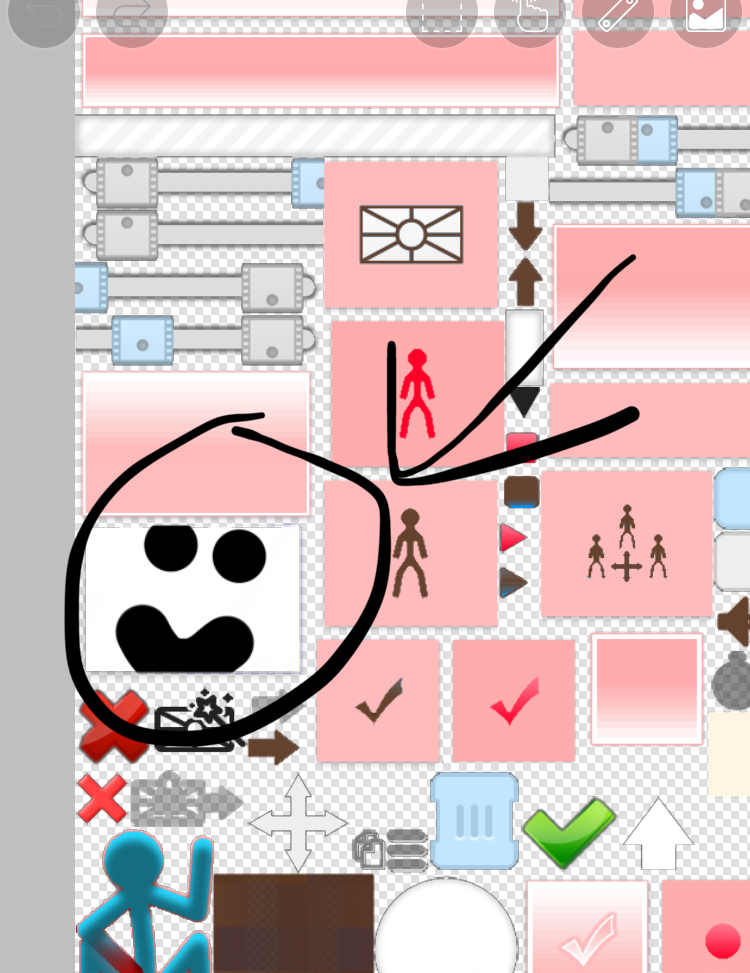
@ralph what does this square change because it doesn’t seem to do anything
-
its the background of a frame thumbnail I believe
it’s only used for the shadow effect around it, the center is filled in with the BG color of the frame
-
Replying to:
Thanks
2019-04-23 15:29:03 UTC
-
-
just keep it white, there’s an issue red.one has for example and they painted it. now it’s hard to tell which frame is selected cause of it.
2019-04-23 16:31:42 UTC
-
-
I added my own guy
-
PFFFFFFFFFT, WEAK
I ADD ANIME GIRLS TO MINE HAHAHA TAKE THAT
😎😎😎😎😎😎😤😤😤😤
 2019-04-23 01:24:54 UTC
-
Replying to:
Lol wow
-
User Banned
Replying to:I don’t have one
C r i
-

How?
-
Replying to:
Skill
-
 Replying to:
I’m also lost on the whole skin thing
-
Replying to:
I can easily explain it if you are on ios
-
-
- Load More


I animate on Flash CS5.5 now, no longer on Stick Nodes anymore.