

@firedino32


Joined on November 26th, 2018, this user has been a member for 2,769 days and is the 13,241st person to register an account.
Has 51 submissions, the first one uploaded on December 8th, 2018 and the most recent on April 10th, 2022.
Of those, 1 has been featured and 14 have won Users' Choice.
On average, each submission earns 1,526 downloads.
In total, they have been download 77,829 times.
Counting every individual stickfigure, including the contents of all packs, this user has technically made and submitted 166 stickfigures.
On average, when this user rates stickfigures, they are 95% positive.
Also, they are typically 100% positive when rating animation spotlights.
Has made 373 comments on non-activity pages of the site. Alternatively, this user has made 3,142 comments on actual activity pages of the site.
This member is a Users' Choice voter!
Their current voting streak is 0 and their longest streak is 250 consecutive votes.
 Nodian NewsOwner
 Scam Bot ReportingOwner
 Endgame CollabOwner
 Arcade Sports WIPOwner
 Stick Nodes Movie UniverseOwner
 The Trading groupOwner
 Team DeckersOwner
 House of ImpactOwner
 CorruptedOwner
 Stick Nodes GameshowOwner
 Stick Nodes Timeline eventOwner
 The Grand Sticknodian Chinese Governmentadmin
 Rene’s Groupadmin
 Nodémon!admin
 The Posseadmin
 Sn Rewind 2020admin
 OC Recreation Groupadmin
 Stick Nodes Wiki Communitymod
 🍋 Lemons Group 🍋mod
 Mab Memorial groupmod


-
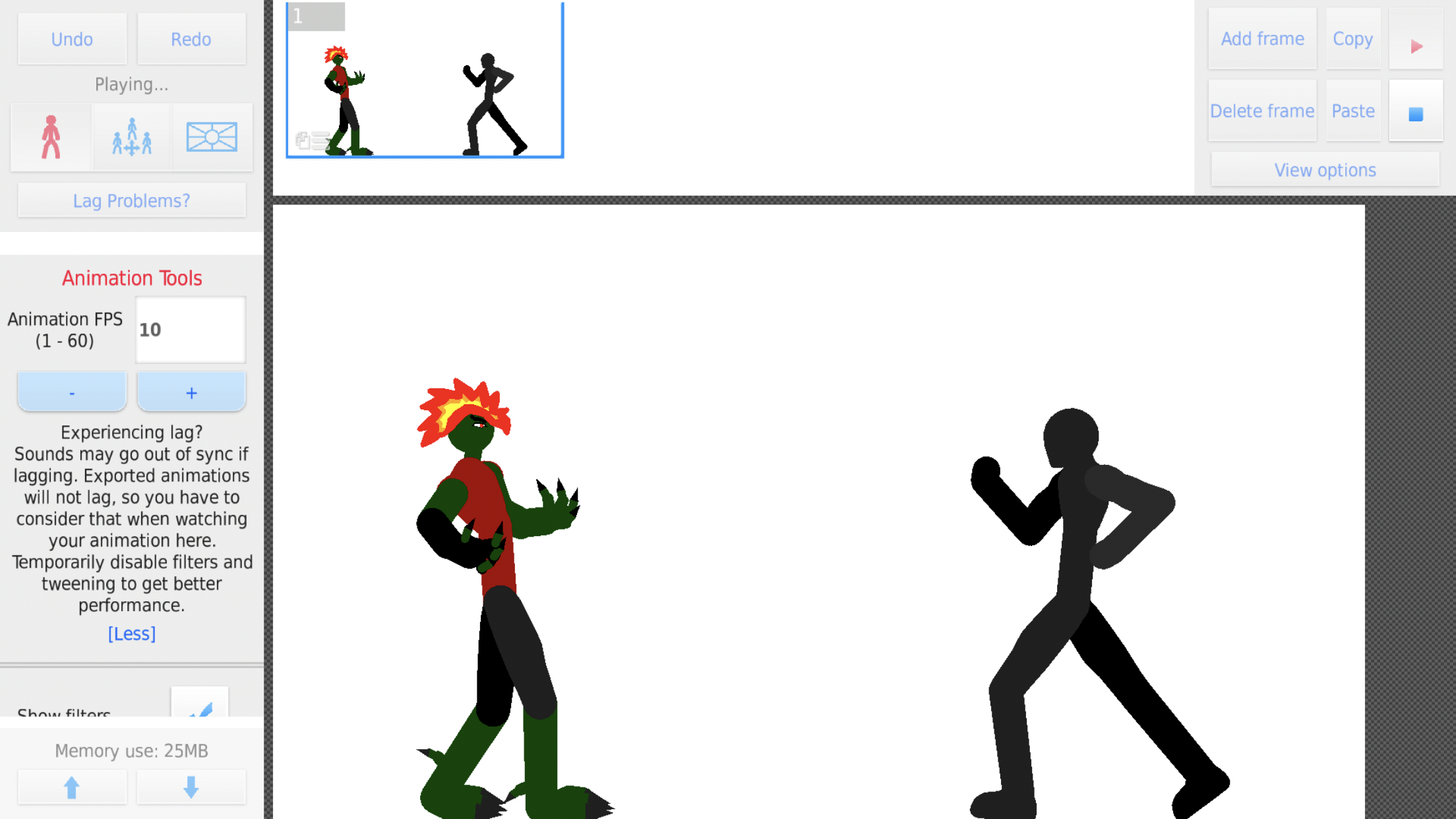
No way, a semi-good figure. I used Nickys base, once the figure I made comes out, it explains it in further detail.
-
 Replying to comment by:
Cough cough
-
Replying to comment by:
If animation spotlight is still a thing
-
Am I the only one that when I first went to download a stick figure I thought it was not free. Don’t know why I thought that just was dumb
-

Don’t give Ralph ideas now
2019-12-23 05:20:09 UTC-
 Replying to:
exactly
-
 Replying to:
@ralph
We need paid stickfigures to support awesome creators2019-12-23 06:57:24 UTC-
 Replying to:
top 10 ways to kill any app community revealed
2019-12-23 13:02:44 UTC
-
Replying to comment by:
Got em with the mix up
-
Replying to comment by:
Not goin to lie, nah.
-
@ralph Figured I would give you a shout out for your small channel. Mine has 1 so you know you’ll get a few million subs from the video your in
-

Very nice! I like how you utilized my Ralph stand 😀
Also i liked the way you animated the sword slash at the beginning! -
the zoomed in detailed views of ralph and sean were funny as hell
excellent choices of music throughout
(tho sound quality was weird, you were obviously recording external sounds and it just souned muffled, gotta clean that up and use a better video editing setup)this whole thing was ridiculous though in a good way lmao
long as hell too, good work
animation of course a bit rough but that can be worked on, entertaining vids are arguably more important
2019-12-23 13:20:25 UTC-
Replying to:
If animation spotlight is still a thing
-
Replying to:
Cough cough
-
-
Replying to comment by:
I’m kidding just the epithah thing. Just put one of my stick figures in the background or something
-
Replying to comment by:
The whole epitaph leaving thing. Second biggest thing after me joining of course
-
Replying to comment by:
The thing is it used to get to 215 mb without crashing but now it cant. Now I have an iPhone 8 plus. would that be good.
-
Replying to comment by:
I have a Amazon fire tablet, maybe the 8
I don\’t know which one
I do step one, i \’ll delete some of the hundreds of stick figures I have -
Replying to comment by:
I know but it happened to much. It will keep crashing before the timer says to save or mid scene. I don\’t want to save it after every frame.
-
Replying to comment by:
Roblox graphics look so good now
-
@ralph I don’t know if it’s just for me or not. But sticknodes keeps crashing on me mid project. I’ll look for a stick figure or be setting up a frame and then it freezes then 5 seconds later crashes. I lost 2 projects from it. Anything I can do to fix it. The annoying thing is the projects are low mb when they crash like 65 mb or 40 mb. Can I fix it or does something else needed to be done
-

always save the projects over time so you can save the project when the app crashed.
2019-12-22 15:48:09 UTC-
Replying to:
I know but it happened to much. It will keep crashing before the timer says to save or mid scene. I don’t want to save it after every frame.
2019-12-22 15:49:45 UTC
-

Your device can’t handle the frames
Certain devices can only have 200 frames in a project before crashing, other 1000.Also keep in mind that tweening adds frames automatically, so 2 frames are actually around 10 frames.
How to fix this issues:
1) instead of putting the whole animation in one project, make multiple projects and export them. After that just put them together in a video editor app.
2) sometimes when your device storage is full, it can’t handle the the frames/figures anymore, so it will crash. So check that and delete some stuff on your device.
3) If you have to many figures downloaded, Myself I have hundreds of figures downloaded and when I look at the import figures list, it lagges, this can also make your game crash, delete some useless figures.
4) clear cache of SN.
5) Delete some useless projects that are saved.The best fix is the first one, the other fixes are just prevent it from happening more frequently
-
what you say sounds like like a memory limit crash
you say it’s around 65 mb but that’s either not true or you have a very low-end device
what are you working with?
-
Replying to:
I have a Amazon fire tablet, maybe the 8
I don’t know which one
I do step one, i ‘ll delete some of the hundreds of stick figures I have-
Replying to:
no that’s not gonna help
damn mobile device generation ruining the word “memory”
memory = RAM = amount of memory the app is using as it’s running
memory =/= storage
kindles are kinda crappy but idk if they’re 64MB-limit crappy
-
Replying to:
The thing is it used to get to 215 mb without crashing but now it cant. Now I have an iPhone 8 plus. would that be good.
-
-
-
-
@ralph
Ha yes the art of rejected and accepting a friend request
-
“well yes but actually no”
- Load More


Almost forgot @nicky1612
User Banned
[removed]
I wonder what that said